
Shopify POS Staff PINs: Separate Register Roles From Admin Access
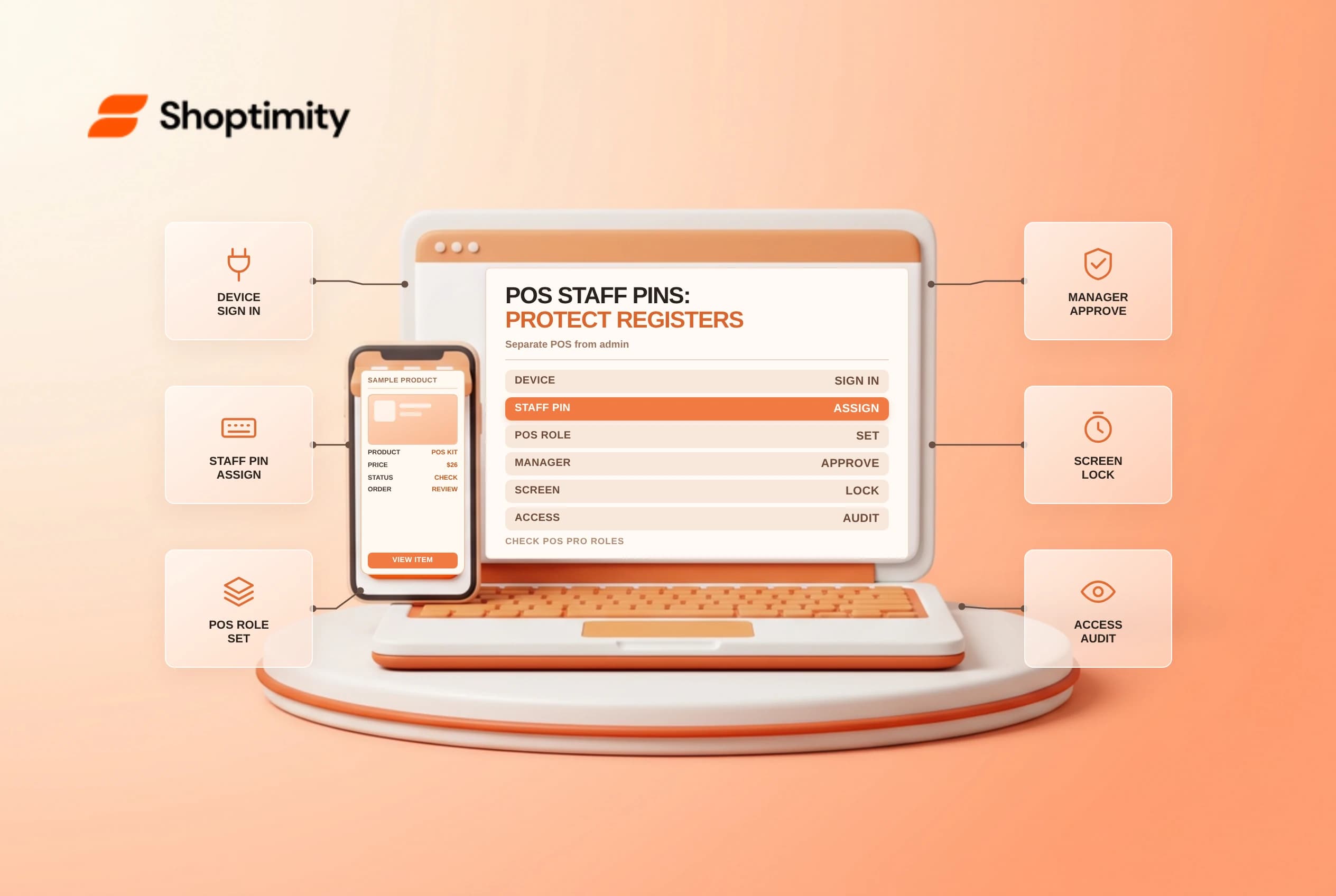
Shopify POS staff PINs identify who is operating a retail register without giving every store associate a full Shopify admin login. Separating initial device sign-in from daily PIN access keeps register activity attributable by employee while limiting back-office exposure. Review location plans, role boundaries and recovery permissions before handing a tablet to seasonal staff.
Separate device login from register PINs
Shopify's POS PIN management guide divides retail access into two layers. First, a user with Shopify admin access and Point of Sale permissions signs in to the device with an email address and password. After that initial setup, individual associates unlock the register with a unique four-to-six-digit PIN so sales, refunds and cash drawer events attach to the person at the counter.
Shopify distinguishes two staff account types in its POS staff management overview:
| Staff type | Admin access | Where the PIN works | Key constraint |
|---|---|---|---|
| Admin user with POS access | Yes, governed by admin permissions | POS Pro and POS Lite locations | Must accept email invite before PIN works |
| POS app-only staff | None | POS Pro locations only | Cannot change their own PIN |
Check invitation status before an opening shift. An admin user who has not accepted the staff email invitation and finished account setup will be blocked at the PIN screen until that setup is complete.
Watch the POS Lite and POS Pro permission gap
Custom POS roles and Manager Approval prompts require a Shopify POS Pro subscription at that retail location. On POS Pro, you can allow junior associates to ring up carts while requiring a manager PIN to approve returns, exchanges or custom discounts.
A major surprise occurs when one business runs both POS Pro stores and pop-up POS Lite locations. Shopify notes that POS roles apply only when staff sign in at a POS Pro location. Admin users who enter their PIN at a POS Lite location receive full POS access there, even if their assigned POS role restricts returns at flagship stores. Meanwhile, POS app-only staff cannot log in at POS Lite locations at all.
Enforce daily PIN and lock discipline
Shopify's POS security guide explains when the app demands a PIN beyond initial unlock. Staff must re-enter a valid PIN after a checkout error, a canceled checkout, a canceled tip or a failed card payment on a built-in reader when leaving checkout. Five wrong entries trigger a 30-second lockout.
Keep shared registers accountable with clear store rules:
- Assign one unique PIN per person and prohibit shared register codes.
- Set automatic screen lock after sales or short idle windows on busy counters.
- Limit the
Manage Point of Sale staffpermission so associates cannot reset colleagues' PINs. - Check two-step authentication prompts on shared tablets after policy changes so a mid-shift warning banner does not stall the line.
- Deactivate or suspend departed seasonal staff immediately rather than leaving dormant PINs active until next quarter.
Assigning a staff member to one retail store restricts where their PIN unlocks the POS app, though they can still see product inventory across locations. Viewing or editing orders from other stores requires the separate permission to manage orders across locations.
Related guides: POS Lite vs POS Pro, staff permissions checklist and POS cash register reconciliation.
Ready to build a faster, higher-converting store?
Every Shoptimity theme ships with conversion widgets built in — so you get speed and features without stacking apps.
7-day free trial · all themes included · cancel anytime
Continue Reading
Shopify Apple Pay: Check Wallets, Subscriptions and B2B
Activate Shopify Apple Pay with network tokenization, verify Visa or Mastercard subscription rules, ...
Shopify Order Notes: Capture Cart Instructions Cleanly
Enable Shopify order notes on Online Store 2.0 carts, separate notes from cart attributes and checko...
Shopify Planet: Add Carbon-Neutral Shipping Badges
Set up Shopify Planet carbon-neutral shipping, match Marketing vs $0.50 Engagement badge modes to yo...