
Shopify POS Cash Register Reconciliation: A Closing Checklist
title: Shopify POS Cash Register Reconciliation: A Closing Checklist slug: shopify-pos-cash-register-reconciliation meta_title: Shopify POS Cash Register Reconciliation meta_description: Use a Shopify POS cash register reconciliation checklist to verify the opening float, record cash movements and investigate closing differences. primary_keyword: Shopify POS cash register reconciliation secondary_keywords:
- Shopify merchant guide
- ecommerce operations author: The Shoptimity Team date: 2026-11-04 category: Operations schema: BlogPosting, FAQPage
Shopify POS Cash Register Reconciliation: A Closing Checklist
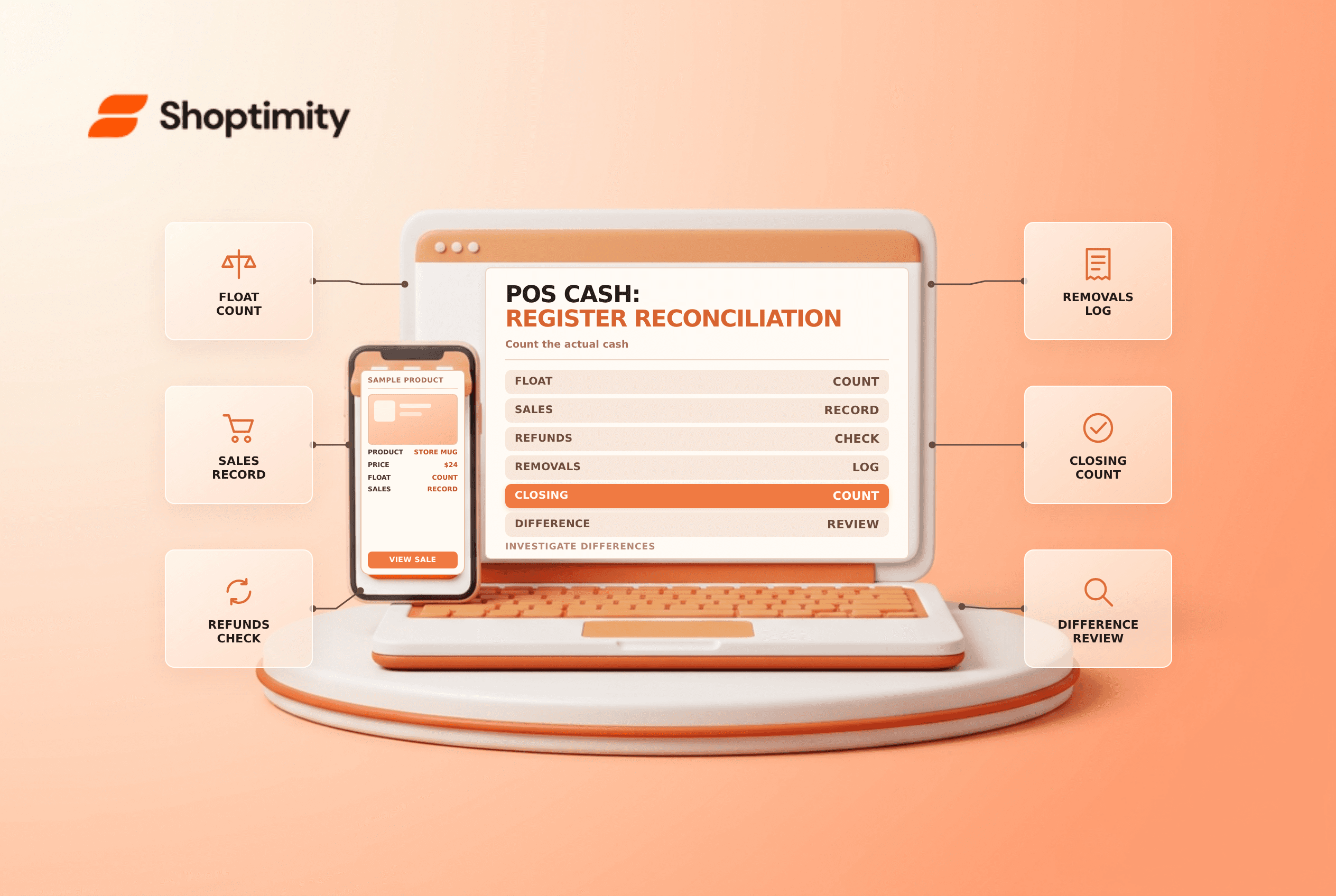
Shopify POS cash register reconciliation compares the cash expected in a register session with the cash actually counted. A consistent opening and closing routine helps identify missed cash movements, mistakes and discrepancies before they become harder to investigate.
Understand the session
A register session tracks cash activity for a POS device. Shopify's register-session guide says only one session can be open on a device at a time. Expected cash depends on the opening amount and recorded cash activity, including sales, refunds and additions or removals.
| Control | Purpose |
|---|---|
| Opening float | Establish the cash starting point |
| Cash sales and refunds | Record the cash component of transactions |
| Add or remove cash | Record legitimate movements with a reason |
| Closing count | Establish the physical amount in the drawer |
| Difference review | Explain expected versus counted cash |
Register sessions are operational records, not a substitute for long-term accounting reports or bank reconciliation. Shopify distinguishes POS location cash-tracking reports, which require POS Pro and appropriate permissions, from basic session tracking available on paid plans. See cash-tracking reports by location.
Open with a verified float
Count the drawer before trading and enter the actual opening amount. If the drawer is shared, document custody and handoffs. Shopify notes that starting cash can carry over from a previous session or be entered manually; review it rather than assuming it matches the physical drawer.
Keep a standard float policy, but record the actual amount. A standard does not prove the drawer contains that amount.
Record cash movement as it happens
Record cash sales and refunds through the normal POS process. Use the register's cash-add or cash-remove actions for authorized movement outside a sale, such as transferring cash to a safe. Include a useful reason and retain any supporting receipt. Do not record card transactions as cash, and do not silently remove cash to cover expenses.
For example, an opening float of 100, cash sales of 250, cash refunds of 20 and a recorded removal of 150 gives expected cash of 180. If the actual count is 175, investigate a shortage of 5. This is an illustrative cash-only example, not a replacement for the session's actual transaction record.
Close, count and investigate
- Pause cash transactions or use a controlled handoff while counting.
- Count notes and coins using the store's dual-control policy.
- Enter the counted amount and compare it with the expected amount.
- Check recorded refunds, cash movements, denomination errors and duplicate or missing transactions.
- Document the difference and notify the designated manager.
- Close the session and secure or deposit cash under store policy.
Shopify says a closed register session cannot be reopened or edited. Review the figures before closing; document any later-discovered discrepancy separately and escalate it under your store policy.
Separate register and bank reconciliation
A correct drawer count does not prove the bank deposit or card payout is correct. Reconcile deposit slips and bank records separately, and investigate timing differences. See Shopify payout reconciliation and POS Lite versus Pro for adjacent controls.
Where a discrepancy cannot be explained immediately, record that it remains unresolved rather than guessing. Escalate it to a manager and retain the session details for follow-up.
Ready to build a faster, higher-converting store?
Every Shoptimity theme ships with conversion widgets built in — so you get speed and features without stacking apps.
7-day free trial · all themes included · cancel anytime
Continue Reading

Shopify B2B Company Locations: Give Buyers the Right Access
Configure Shopify B2B company locations, verify buyer permissions and test pricing, addresses and pa...

Shopify Checkout Contact Settings: Separate Email From Shipping Phone
Configure Shopify checkout contact settings and test email, phone and shipping address requirements ...

Shopify POS Recent Carts: Share a Sale Without Reserving Stock
Learn how Shopify POS recent carts work across devices, what they do not reserve, and how to hand of...