
Shopify Payout Reconciliation: Match Deposits and Fees
title: Shopify Payout Reconciliation: Match Deposits and Fees slug: shopify-payout-reconciliation-deposits-fees meta_title: Shopify Payout Reconciliation: Deposits and Fees meta_description: Use Shopify payout reconciliation to match bank deposits, transaction fees, refunds and reserves with payout and balance reports for store teams. primary_keyword: Shopify payout reconciliation secondary_keywords:
- Shopify merchant guide
- ecommerce operations author: The Shoptimity Team date: 2026-11-03 category: Operations schema: BlogPosting, FAQPage
Shopify Payout Reconciliation: Match Deposits and Fees
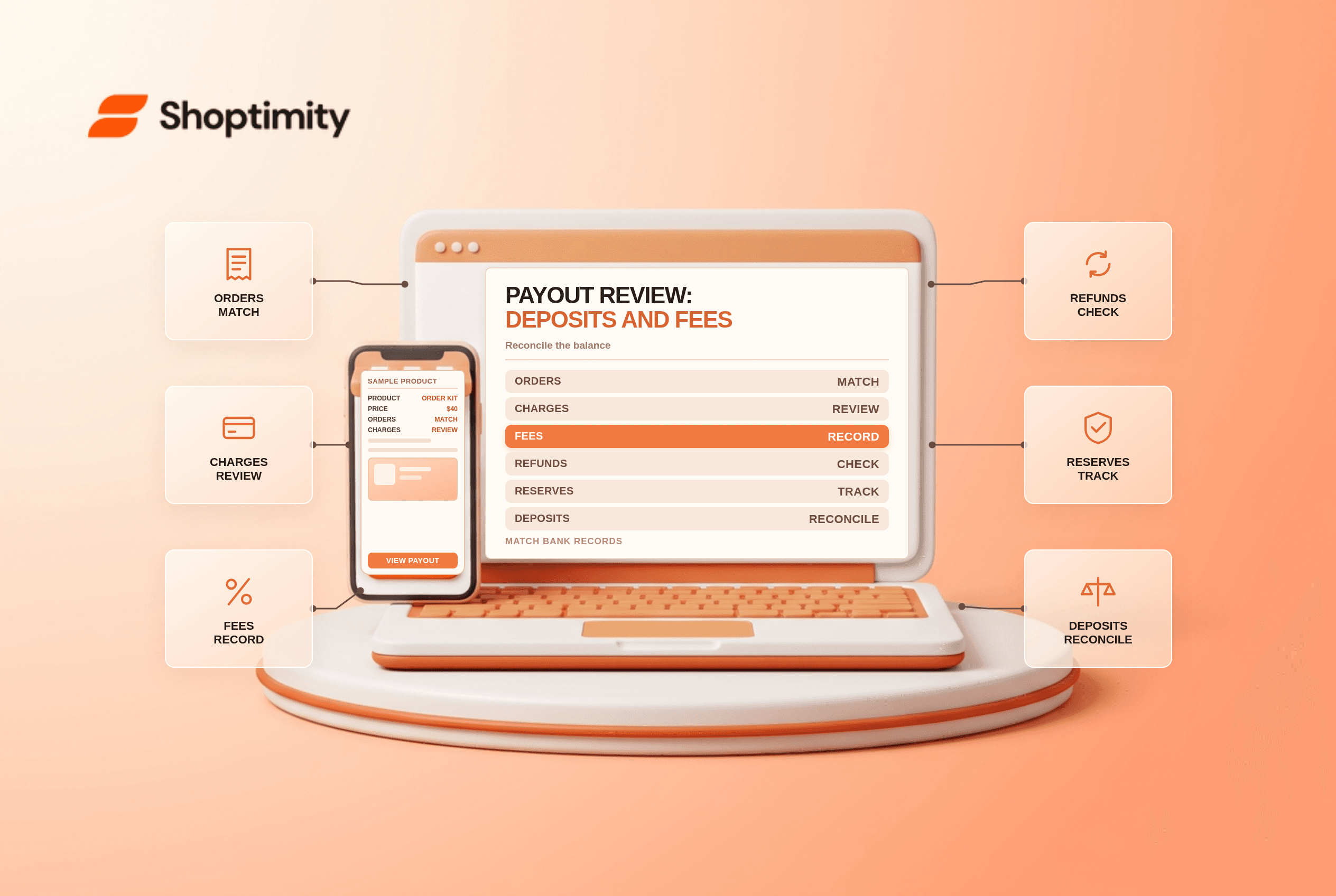
Shopify payout reconciliation connects transactions, fees, refunds and adjustments in Shopify Payments to money received by the bank. A payout is not the same as a day's gross sales: transactions can settle on different dates, and a payout may include refunds, disputes, reserves or other balance activity.
Understand the records
| Record | What it helps explain | Watch for |
|---|---|---|
| Order | What the customer purchased | An order can have multiple payment transactions |
| Payment transaction | Capture or refund activity | Timing and payment method |
| Payout detail | Transactions grouped into a payout | Fees, adjustments and reserve movements |
| Bank statement | Cash received or withdrawn | Bank processing delay and reference |
| Reconciliation report | Balance movement over a selected range | Currency and date range must match |
Shopify's payout-details guide says the Payouts page shows pending and reserved funds, scheduled and previous payouts, and transaction exports. A payout marked Deposited was sent to the bank; Shopify notes that the bank may still need time to process it.
Reconcile one deposit
Open the payout and record its ID, currency, amount, date and bank reference if available. Export its transactions, then match the total to the corresponding bank statement entry. Investigate timing differences before assuming money is missing.
A simplified example: captured charges of $1,000, less $30 in processing fees and $100 in refunds, produce a $870 net payout if there are no other movements. Real payouts may include fee adjustments, disputes, reserves, prior-period transactions or other entries. Use the actual export rather than forcing the example formula onto every statement.
Reconcile a date range
Shopify's Shopify Payments activity report summarizes starting balance, activity, fees, payouts and ending balance by date range and payout currency. Use it to understand balance movement, then use individual payout exports for transaction-level investigation.
Because the report's stated balance change already includes payouts, do not subtract payouts again when using that field. A separate basic control is: starting balance plus net activity before payouts minus payouts equals ending balance, subject to the report's sign conventions and included categories. Reserved funds are not new sales revenue. Compare the report's dates and currency with your accounting period and bank records, and ask your accountant how to post each category.
Investigate common differences
- Timing: a sale, refund and related bank deposit may occur on different dates.
- Fees: processing fees may be netted from a payout, and refund-fee treatment can vary.
- Disputes: chargebacks and reversals can appear separately from the original order.
- Reserves: funds may be held or later released without representing another sale.
- Multiple tenders: one order can produce multiple payment or payout transactions.
- Other gateways: the Shopify Payments report does not include every external payment provider.
Shopify's Shop Cash reconciliation guide says Shop Cash and another payment method can settle separately and a grouped payout row can cover multiple orders. Match IDs and payment methods rather than assuming one order equals one payout row.
Establish a monthly control
- Export the relevant payout and balance reports in the correct currency.
- Match each payout to the bank and flag unmatched or failed deposits.
- Reconcile fees, refunds, disputes and reserve movements to source records.
- Investigate transactions settling in a different period.
- Review other payment providers separately.
- Document adjustments and have finance approve the close.
See Shopify payout holds and reserves and payment-fee comparisons for related decisions. This is operational guidance, not accounting or tax advice.
Ready to build a faster, higher-converting store?
Every Shoptimity theme ships with conversion widgets built in — so you get speed and features without stacking apps.
7-day free trial · all themes included · cancel anytime
Continue Reading

Shopify B2B Company Locations: Give Buyers the Right Access
Configure Shopify B2B company locations, verify buyer permissions and test pricing, addresses and pa...

Shopify Checkout Contact Settings: Separate Email From Shipping Phone
Configure Shopify checkout contact settings and test email, phone and shipping address requirements ...

Shopify POS Recent Carts: Share a Sale Without Reserving Stock
Learn how Shopify POS recent carts work across devices, what they do not reserve, and how to hand of...