Shopify Payments Payouts: Timing, Holds and Reserves
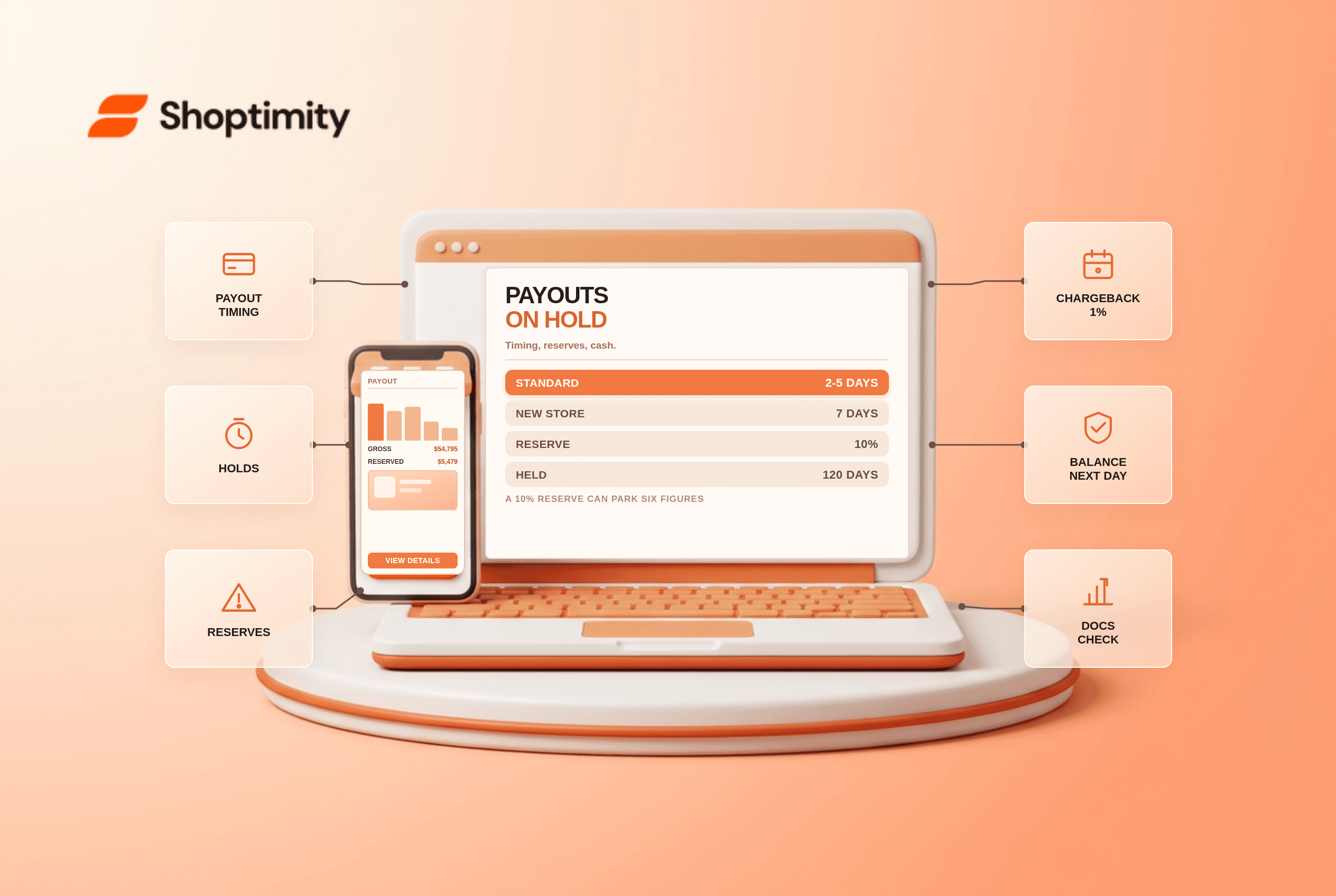
Shopify Payments payouts usually land 2 to 5 business days after a customer is charged in the US, with the first payout held longer while the account is verified. Money leaves that schedule in three ways: an account review hold, a reserve, or a custom payout schedule applied to higher-risk accounts.
None of those are penalties. All three are cash-flow events worth modelling before they happen.
The normal timeline
Capture happens at checkout. The settlement clock starts there, weekends and bank holidays do not count, and the payout then takes another day or three to reach your bank.
New merchants sit further back. A first payout is typically held about 7 days for verification, and newer accounts can see funds held up to 14 days. US merchants using Shopify Balance get next-business-day payouts instead of the standard 2 to 5 days, which is the single biggest schedule improvement available.
| Event | Typical timing | What to do |
|---|---|---|
| Standard US payout | 2-5 business days after capture | Nothing |
| First payout on a new store | ~7 days, up to 14 | Plan inventory spend around it |
| Bank account change | ~4 days paused | Avoid changing mid-campaign |
| Account review hold | Days to weeks | Submit documents in one complete set |
| Reserve | Often 90-120 days | Reduce chargebacks, add tracking |
| Custom payout schedule | 5-20 business days | Applied to higher-risk accounts |
Holds: the review nobody schedules
An account review pauses payouts while Shopify checks ownership, address, tax details or age of business. Respond quickly and the common case clears in 3 to 10 business days. In community threads from 2026, merchants report holds running three weeks to six weeks when documents arrive piecemeal.
The pattern that resolves fastest is a single complete submission: business registration, bank statement, supplier invoices, ID, and fulfilment proof for open orders. Partial responses restart the clock.
Reserves: the expensive one
A reserve withholds a percentage of each payout for a fixed period. According to Shopify's reserves documentation, the published example is 10% for 120 days, and reserves are not applied to every merchant.
We ran the reserve arithmetic on a store processing $54,795 a day, because the restricted cash is easy to underestimate.
Run the arithmetic before deciding it is a rounding error. A store processing $54,795 a day with a 10% reserve for 90 days has roughly $493,000 parked as restricted cash at any moment, on top of several days of in-transit funds. That is a growth constraint, not a fee.
Reserves get triggered by a chargeback-to-transaction ratio climbing past roughly 1%, by sudden order volume spikes, by high-risk categories, or by a new account with a thin processing history. Each reserve carries an expiry date and a fresh risk assessment decides whether it is lifted, reduced or extended.
What actually reduces the risk
Respond to disputes with evidence, fast. Chargebacks cost the disputed amount plus a fee of about $15, and the ratio is what triggers reserves.
Ship with tracking. Untracked fulfilment is the most common reason a dispute is lost by default.
Keep policies visible. A clear returns policy and a phone number on the contact page reduce the "I cannot reach anyone" disputes that escalate fastest.
Do not spike volume on a new account. A store that goes from 20 to 400 orders a day in a fortnight reads as risk, even when it is a successful launch.
Cash-flow planning that survives a hold
Our verdict: assume one hold per year and hold 45 days of operating expenses in a separate account. That is dull advice and it is the only thing that turns a three-week freeze into an inconvenience rather than a payroll crisis.
The limitation to respect is that Shopify does not publish standard hold durations or its own reserve percentages, so every plan is a scenario, not a calculation. If the hold is already live, the hidden cost of Shopify apps is not the useful read, your admin's alert panel and one complete document submission are. For the processing side of the same fee stack, Shopify transaction fees explained breaks down what gets deducted before the payout arrives. Shopify's payments overview is at shopify.com.
Ready to build a faster, higher-converting store?
Every Shoptimity theme ships with conversion widgets built in — so you get speed and features without stacking apps.
7-day free trial · all themes included · cancel anytime