
Shopify Apple Pay: Check Wallets, Subscriptions and B2B
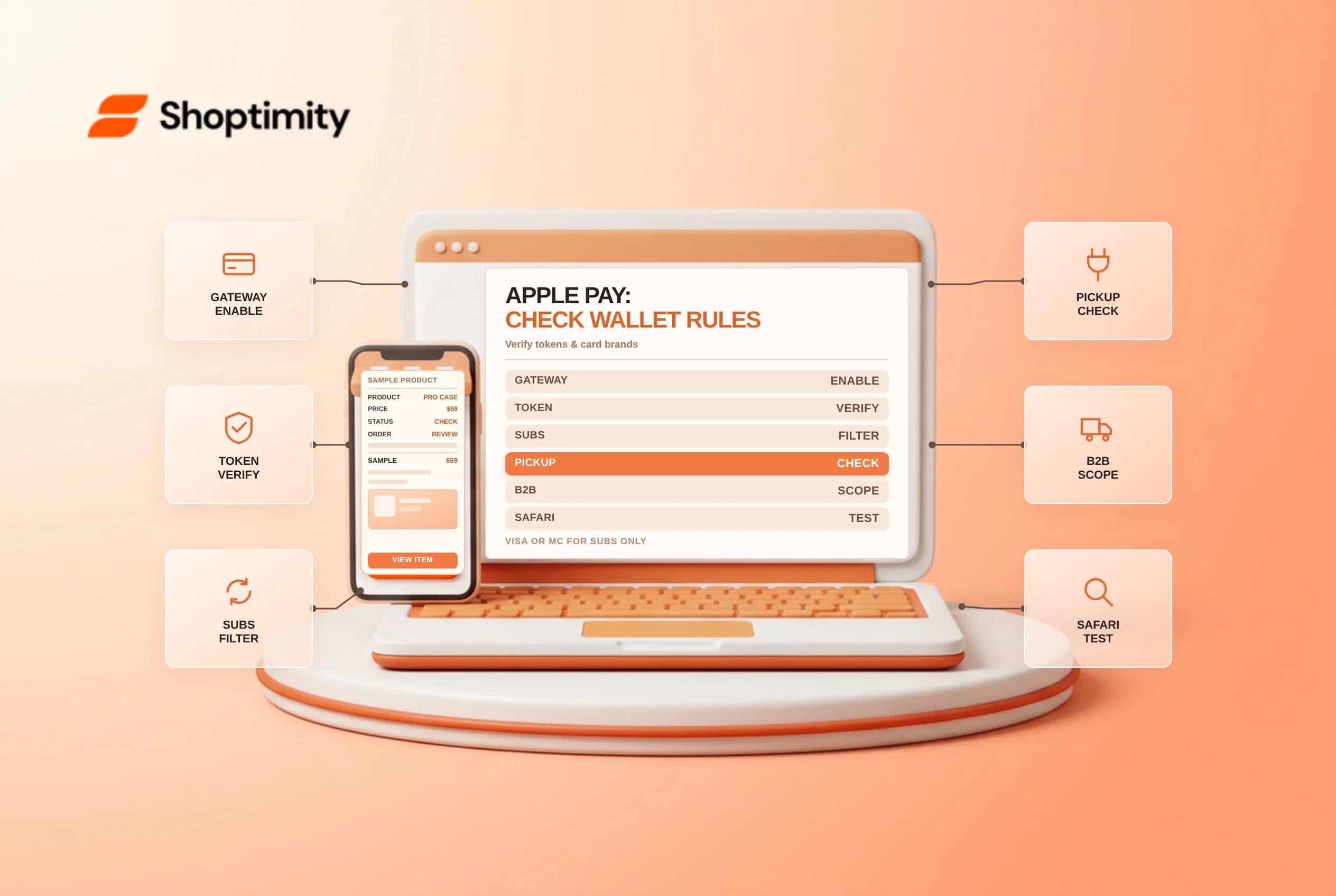
Activating Shopify Apple Pay lets shoppers on compatible Apple devices authorize payment and shipping details with Face ID or Touch ID instead of typing 16-digit card numbers on mobile glass. While turning the wallet checkbox on takes seconds, merchant support teams regularly run into missing buttons on embedded channels, subscription card restrictions, pickup-point conflicts and tokenized card digits on order timelines. Verify gateway eligibility, subscription rules and Mac Continuity checks before troubleshooting checkout drop-offs.
Confirm gateway, SSL and active card requirements
Shopify's activating Apple Pay guide requires an SSL-enabled domain, adherence to Apple's Acceptable Use Guidelines and a credit card provider that supports network tokenization (such as Settings > Payments > Shopify Payments > Manage > Wallets > Apple Pay, or supported gateways like Stripe, where Shopify manages the domain verification file automatically so you never upload manual .well-known files). Note that in France on Shopify Payments, Apple Pay sits one level deeper under Manage > Advanced settings > Manage > Wallets.
Keep three foundational rules in mind when testing button visibility:
| Checkout scenario | Apple Pay behavior | What to verify |
|---|---|---|
| Card network prerequisite | Requires at least 1 active credit card brand on Shopify Payments | You cannot disable all card brands and accept Apple Pay alone |
| Browser and channel support | Requires Safari on compatible Apple hardware; excluded on Buy Button | Test via Safari or append ?shopify-debug=true&show=ApplePay per button testing docs |
Required Company name field | Prompts buyer inside checkout if missing from their Apple Wallet | Avoid making Company name required on D2C stores unless mandatory |
| Order payment details in admin | Shows last 4 digits of Apple Pay device account number | Explain tokenization to support staff when buyers quote physical card digits |
1 active credit card brand on Shopify Payments?shopify-debug=true&show=ApplePay per button testing docsCompany name fieldCompany name required on D2C stores unless mandatory4 digits of Apple Pay device account numberCheck subscription card networks, pickup points and B2B rules
Apple Pay behaves differently outside standard one-time D2C shipping orders:
- Subscriptions require Shopify Payments plus Visa or Mastercard: Customers buying recurring subscription items with Apple Pay must check out on a store using Shopify Payments and pay specifically with a Visa or Mastercard stored in Apple Wallet (American Express or Discover cards in Wallet cannot start subscriptions via Apple Pay).
- Accelerated step-one wallets skip pickup points: As noted in Shopify's shipping to pickup points documentation, if a shopper taps Apple Pay, Google Pay, PayPal or Amazon Pay on the product/cart step rather than proceeding through standard checkout delivery selection, carrier pickup points are not offered.
- B2B checkout vs accelerated button limits: Under Shopify's B2B payment methods guide, wholesale buyers can pay B2B orders and invoices using Apple Pay inside checkout (enabled automatically on blended stores for B2B orders without payment terms), whereas Apple Pay accelerated checkout buttons on product/cart pages are unavailable for B2B.
- Shop Promise button priority: When Shop Promise is active on a product, Shopify prioritizes displaying Shop Pay ahead of other dynamic accelerated checkout buttons.
Diagnose Mac Continuity errors quickly
When a desktop Mac shopper reports an Apple Pay error mid-checkout, the store's gateway is rarely at fault. Apple Pay on Macs without built-in Touch ID relays authorization to a nearby iPhone or Apple Watch: confirm with the customer that both devices sit close together, have Bluetooth enabled and are signed in to the same iCloud account.
Related guides: testing accelerated checkout buttons on product pages and Shopify Subscriptions vs Recharge.
Ready to build a faster, higher-converting store?
Every Shoptimity theme ships with conversion widgets built in — so you get speed and features without stacking apps.
7-day free trial · all themes included · cancel anytime
Continue Reading
Shopify Order Notes: Capture Cart Instructions Cleanly
Enable Shopify order notes on Online Store 2.0 carts, separate notes from cart attributes and checko...
Shopify Planet: Add Carbon-Neutral Shipping Badges
Set up Shopify Planet carbon-neutral shipping, match Marketing vs $0.50 Engagement badge modes to yo...
Shopify Tap to Pay: Check iPhone and Android Limits
Enable Shopify Tap to Pay on iPhone and Android POS, check NFC and OS security rules, plan around ba...