
Shopify Accelerated Checkout Buttons: Test the Product-Page Shortcut
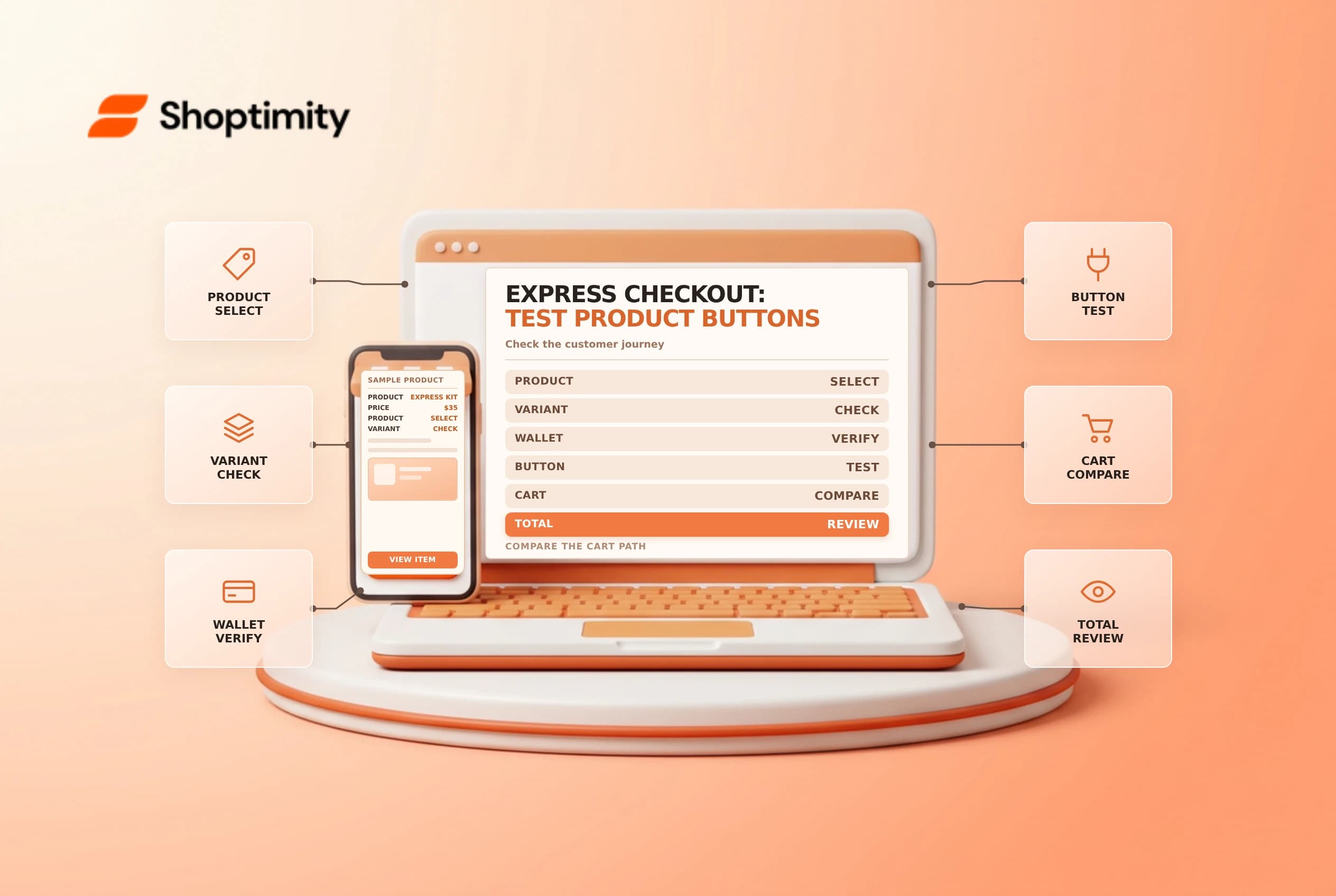
Shopify accelerated checkout buttons let eligible shoppers move from a product page directly toward checkout instead of visiting the cart first. The button can reduce steps, but it can also bypass information or choices placed only in the cart. Test the customer journey, supported payment methods and product restrictions before relying on it.
Distinguish the button from the payment method
Shopify's accelerated checkout button guide describes branded buttons for supported payment methods and an unbranded option. Which button appears can depend on the store's payment settings, the shopper's browser and device, and payment history. Seeing one brand on a merchant's laptop does not mean every customer will see the same option.
| Element | What it does |
|---|---|
| Product-page button | Offers a shortcut from one product to checkout |
| Express checkout | Offers eligible accelerated methods during checkout |
| Payment settings | Determine which methods the store can offer |
| Add to cart | Supports the regular cart journey |
| Cart-only content | May be bypassed when the shopper uses the shortcut |
Shopify says the product-page shortcut supports a single product variant, although the quantity of that variant can be more than one. A mixed-variant purchase needs an appropriate cart workflow. Accelerated checkout is not the same as Shop Pay Installments, which has separate eligibility and terms.
Check theme and store configuration
Review the theme's product template and payment settings with the owner of the storefront. Shopify documents showing or hiding accelerated buttons in supported themes; the exact controls depend on the theme. Do not promise a specific branded button without confirming the payment provider's current requirements, region and customer device.
Map any essential cart-stage content, such as a delivery note or optional gift choice. If a required choice exists only in the cart, determine whether the shortcut should be shown for that product or whether the experience needs a supported redesign. Never rely on bypassing a required disclosure or consent; consult the relevant legal and product teams.
Build a test matrix
Use approved test products and payment tests. Compare a standard Add to cart journey with the accelerated shortcut on mobile and desktop. Test one variant and quantity, a product requiring a customer choice, and a browser with no saved wallet. Check the selected item, shipping, tax, discount entry and final total before placing any permitted test order.
| Scenario | Review |
|---|---|
| Supported wallet | Button shown and correct checkout opens |
| No eligible wallet | Fallback behavior remains understandable |
| Multiple variants | Shopper can use the regular cart when needed |
| Product customization | Required selection is preserved or shortcut is withheld |
| Discount or gift card | Checkout accepts eligible codes as documented |
Shopify's button setup guide says customers can still enter gift card or discount codes at checkout. It also says display depends on several factors, so verify the actual market and device rather than assuming a button is broken after a single test.
Release and monitor
Keep a record of the template, payment methods tested, devices and results. After a theme or payment configuration change, repeat representative checks. Compare support questions and checkout behavior, but do not infer a conversion improvement from a small sample or a single metric. A fast checkout that omits a required choice can create more fulfillment work later.
Review checkout test orders and Shop Pay Installments for adjacent workflows.
Ready to build a faster, higher-converting store?
Every Shoptimity theme ships with conversion widgets built in — so you get speed and features without stacking apps.
7-day free trial · all themes included · cancel anytime
Continue Reading

Shopify B2B Company Locations: Give Buyers the Right Access
Configure Shopify B2B company locations, verify buyer permissions and test pricing, addresses and pa...

Shopify Checkout Contact Settings: Separate Email From Shipping Phone
Configure Shopify checkout contact settings and test email, phone and shipping address requirements ...

Shopify POS Recent Carts: Share a Sale Without Reserving Stock
Learn how Shopify POS recent carts work across devices, what they do not reserve, and how to hand of...