
Shopify Test Orders: Verify Checkout Without Surprises
title: Shopify Test Orders: Verify Checkout Without Surprises slug: shopify-test-orders-checkout-payment-safety meta_title: Shopify Test Orders: Checkout and Payment Safety meta_description: Plan Shopify test orders safely, verify checkout and fulfillment, review test-mode limits and restore live payment settings after testing for store teams. primary_keyword: Shopify test orders secondary_keywords:
- Shopify merchant guide
- ecommerce operations author: The Shoptimity Team date: 2026-11-04 category: Operations schema: BlogPosting, FAQPage
Shopify Test Orders: Verify Checkout Without Surprises
Shopify test orders let a store team exercise checkout and order handling before a launch or payment change. A simulated payment is not the same as a real bank transaction, and changing payment settings on a live store can affect customers. Plan the test window, coordinate fulfillment and restore the live configuration afterward.
Choose the right test method
Shopify's test-order overview describes Shopify's Test payment gateway, Shopify Payments test mode and, where permitted, a real transaction that is canceled and refunded.
| Method | What it checks | Important limitation |
|---|---|---|
| Test payment gateway | Simulated checkout scenarios | Does not prove a live provider will settle a payment |
| Shopify Payments test mode | Simulated transactions with that provider | Live orders cannot be placed while the provider is in test mode |
| Third-party provider test mode | Provider-specific simulated flow | Confirm provider instructions and order-record behavior |
| Real order and refund | Actual payment path where allowed | Fees might not be returned; real inventory and fulfillment may be affected |
Shopify says a paid plan is required to test a payment gateway. Development and client-transfer stores can have different restrictions, including limits on real transactions. Confirm your store type and provider's current rules before choosing a test.
Prepare before placing an order
Select representative products, variants, shipping addresses and customer scenarios. Tell warehouse staff and connected fulfillment apps that a test is planned; a simulated payment can still create an order record and trigger notifications or automation. Arrange a safe way to distinguish test orders without sending real parcels or sensitive test information to customers.
Shopify's processing guide warns that customers cannot place live orders while payment providers are in test mode. Schedule a controlled window, assign an owner to restore the settings and check the storefront immediately afterward. Do not leave test credentials in a publicly accessible checkout.
Test the whole order path
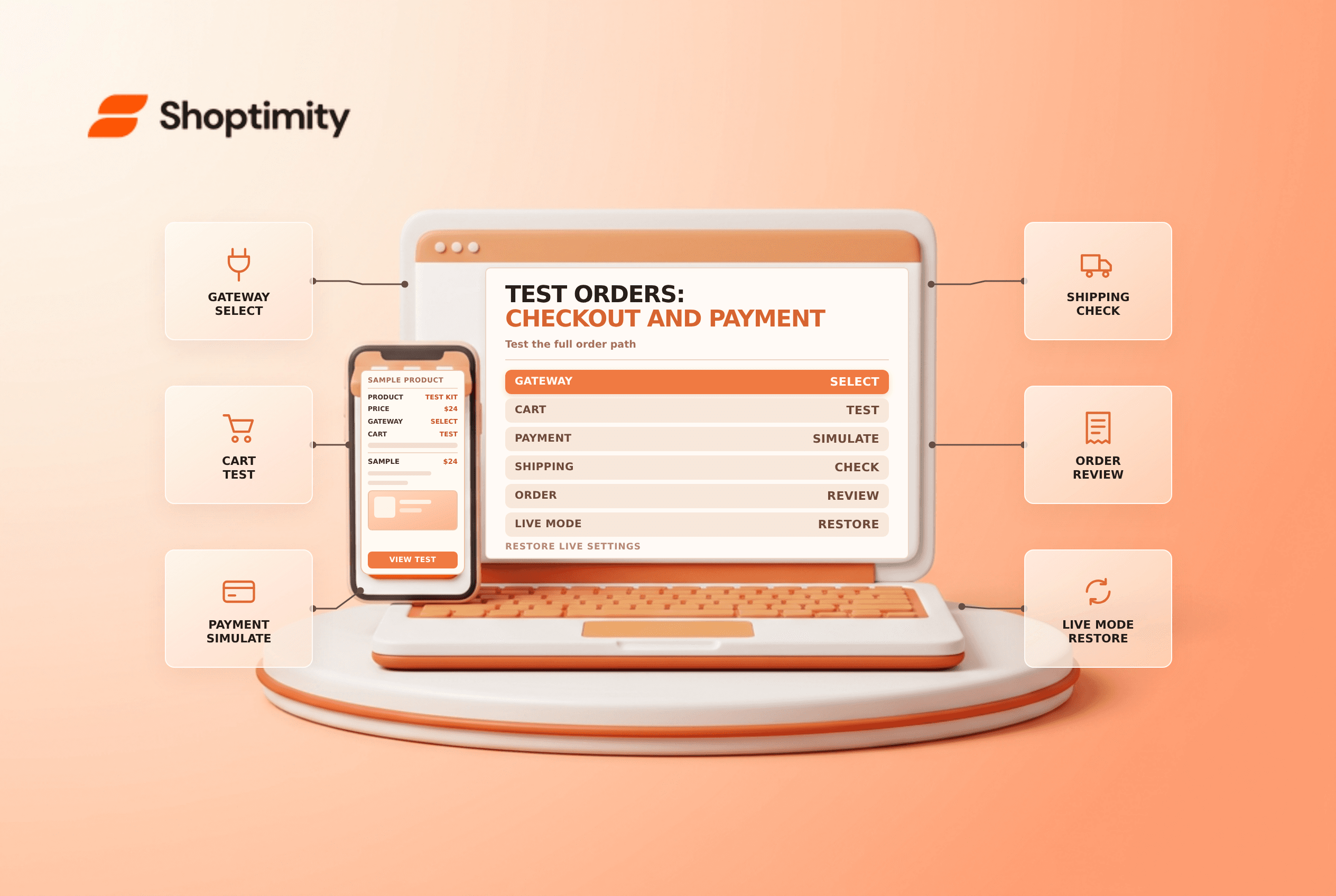
- Record the original payment configuration and the planned rollback.
- Activate the intended test method according to the current provider guide.
- Add the chosen product and check variant, price, discount and stock behavior.
- Enter the test address and review shipping, tax and any duties.
- Use only the gateway's documented test details for a simulated transaction.
- Inspect the confirmation page, order record, notification and connected workflows.
- Restore live settings and confirm the customer-facing payment options.
Test success and failure scenarios when supported. Record expected and actual results, but avoid recording real card numbers or personal details in a shared test log. Check mobile and desktop where both matter to the store.
Understand fees and cleanup
Shopify says simulated test orders do not appear in payouts or reports, but its processing guide notes that duties and import-tax transaction fees can apply to test checkouts when that feature is active. A real payment can incur provider or transaction fees that are not refunded. Confirm current charges before testing; do not temporarily change tax or duties settings without considering the impact on live shoppers.
Test-order deletion eligibility depends on the payment method and order type. Cancel or archive only after checking the actual order state, and confirm whether inventory or fulfillment needs correction. See archive versus cancel and conversion funnel checks.
Ready to build a faster, higher-converting store?
Every Shoptimity theme ships with conversion widgets built in — so you get speed and features without stacking apps.
7-day free trial · all themes included · cancel anytime
Continue Reading

Shopify B2B Company Locations: Give Buyers the Right Access
Configure Shopify B2B company locations, verify buyer permissions and test pricing, addresses and pa...

Shopify Checkout Contact Settings: Separate Email From Shipping Phone
Configure Shopify checkout contact settings and test email, phone and shipping address requirements ...

Shopify POS Recent Carts: Share a Sale Without Reserving Stock
Learn how Shopify POS recent carts work across devices, what they do not reserve, and how to hand of...