
Shopify Archive vs Cancel an Order: What Changes?
title: Shopify Archive vs Cancel an Order: What Changes? slug: shopify-archive-vs-cancel-an-order meta_title: Shopify Archive vs Cancel an Order meta_description: Compare Shopify archive vs cancel an order, including refund decisions, fulfillment handoffs and the separate consequences of deleting an order. primary_keyword: Shopify archive vs cancel an order secondary_keywords:
- Shopify merchant guide
- ecommerce operations author: The Shoptimity Team date: 2026-11-04 category: Operations schema: BlogPosting, FAQPage
Shopify Archive vs Cancel an Order: What Changes?
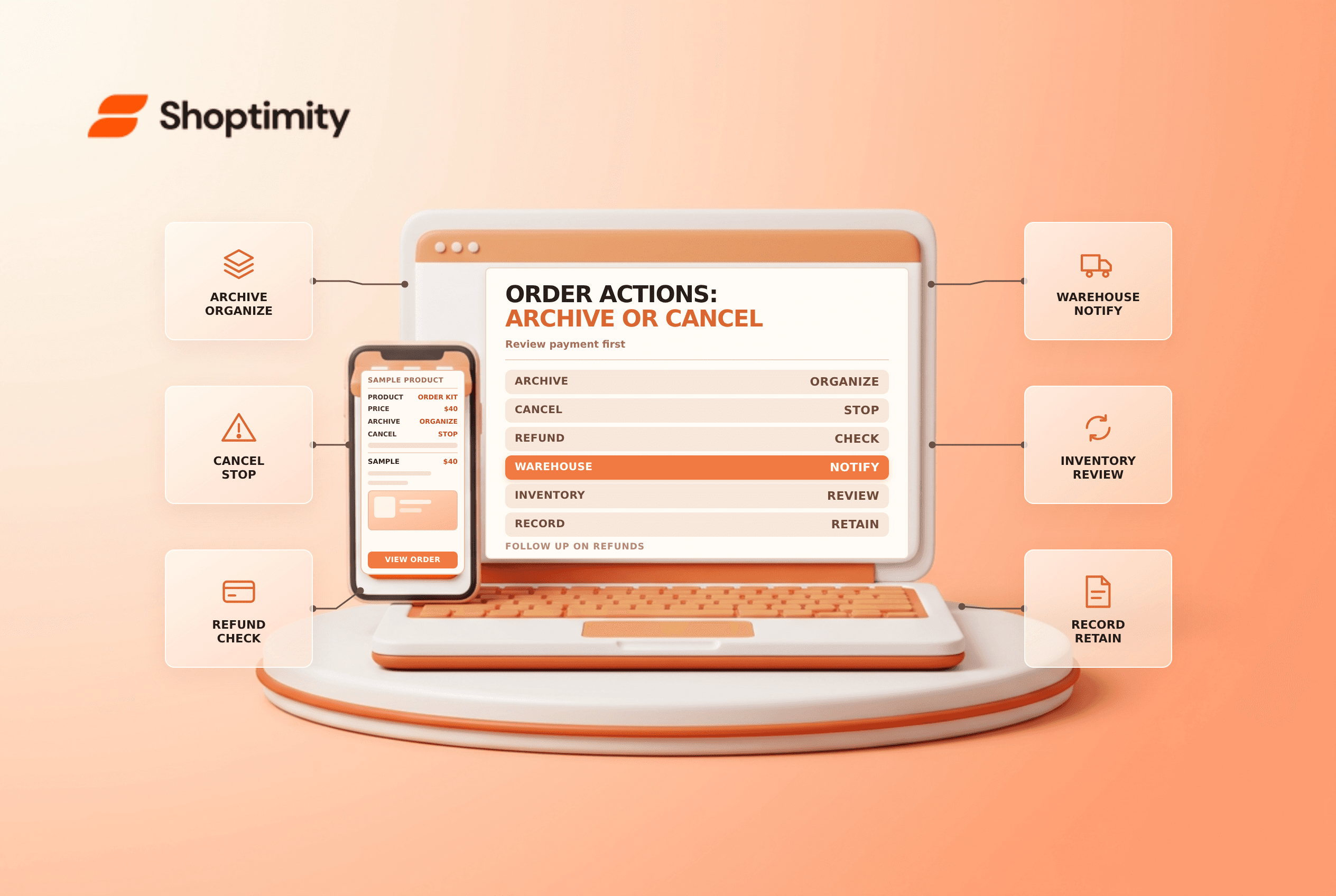
Shopify archive vs cancel an order describes two different operations. Archiving removes a completed order from the open-orders view; canceling stops an order in progress. Neither action should be treated as a synonym for deleting an order, and archiving alone does not issue a refund.
Compare the actions
| Action | Primary purpose | What to check |
|---|---|---|
| Archive | Organize an order that no longer needs open-order work | Payment, fulfillment and returns are actually complete |
| Cancel | Stop an order in progress | Refund choice, inventory and fulfillment-service handoff |
| Refund | Return money or value to the customer | Amount, method and prior refunds |
| Delete | Remove an eligible order from admin | Eligibility, retention and irreversible consequences |
Shopify's order-cancellation guide defines these actions separately. A canceled order can still require work if it has not been fully refunded. The order-status guide describes how open, archived and canceled statuses can appear together.
When archiving makes sense
Archive after the relevant work has been completed or when your process explicitly calls for it. Shopify says many completed orders are automatically archived by default, while manual archiving is also available. Archived orders appear in the Closed view and can still be reviewed.
Before archiving, check whether a payment, shipment, return, refund or dispute is outstanding. An order can look tidy in the admin while a customer still expects an action. Keep a separate exception queue for work that must continue after an order is closed.
Canceling requires a decision about money
For a paid but unfulfilled order, Shopify documents refund options including the original payment method, eligible store credit or refund later. The options and permissions available to staff depend on the store and order. If refunding later, assign an owner and deadline; canceling the order does not mean a later refund has already happened.
If a third-party fulfillment service received the order, notify it or follow its cancellation workflow. If a label was purchased and remains eligible, evaluate whether it can be voided. Shopify warns that canceling a fulfilled order when payment has not been collected prevents subsequent collection; use the applicable return process to recover items.
Shopify also warns not to cancel an already refunded order in bulk because duplicate refund processing can occur. Review the order individually and use the documented refund-later option when appropriate. Never issue another refund without checking the payment history.
Deletion is a separate high-risk choice
Shopify says an order generally must be archived or canceled before it can be deleted, with additional restrictions for some orders. Its order-deleted trigger reference says deleted orders cannot be recovered. Consider financial retention, customer support and legal obligations before deletion; seek professional advice where needed.
Decision checklist
- Identify the order, payment state, fulfillment status and any prior refunds.
- Choose archive only for organization, or cancel when stopping an eligible order.
- Confirm the refund method, amount and required staff permissions.
- Coordinate with the warehouse or third-party provider.
- Check inventory, labels, customer notification and remaining work.
- Verify the final status and reconcile payment activity.
For related operations see order cancellation requests and voiding a shipping label.
A canceled order remains an important business record. Preserve the order timeline and coordinate customer communication with any separate refund or return action.
Ready to build a faster, higher-converting store?
Every Shoptimity theme ships with conversion widgets built in — so you get speed and features without stacking apps.
7-day free trial · all themes included · cancel anytime
Continue Reading

Shopify B2B Company Locations: Give Buyers the Right Access
Configure Shopify B2B company locations, verify buyer permissions and test pricing, addresses and pa...

Shopify Checkout Contact Settings: Separate Email From Shipping Phone
Configure Shopify checkout contact settings and test email, phone and shipping address requirements ...

Shopify POS Recent Carts: Share a Sale Without Reserving Stock
Learn how Shopify POS recent carts work across devices, what they do not reserve, and how to hand of...