
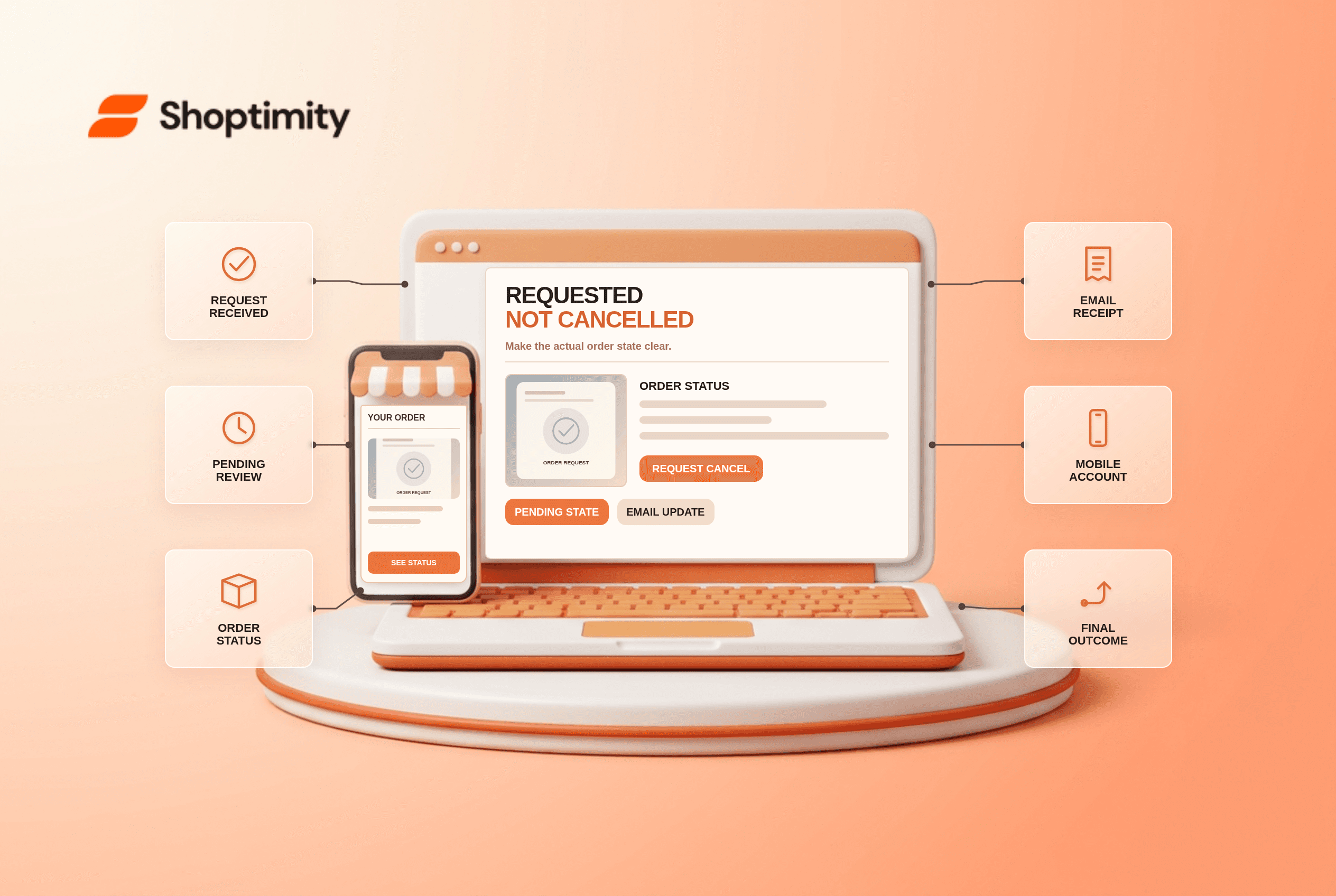
An ecommerce order cancellation request should produce an accurate, persistent status as soon as the customer submits it. Distinguish “request received” from “order cancelled,” explain when a decision is expected, and send an acknowledgement to the right email address. Once the request is approved or denied, update the order page and notify the customer. Never promise a refund before payment and fulfillment teams confirm it.
What state should an ecommerce order cancellation request create?
Use a dedicated pending state when a decision is not instant. According to Baymard's cancellation-request study found that 42% of test users trying to cancel were confused by ambiguous follow-up messages. A visible “Cancellation requested” label, short explanation and expected next update are more honest than treating a submitted request as a completed cancellation.
The exact timing depends on the merchant's fulfillment process. Some orders can be stopped immediately; others have already entered picking or carrier handoff. If an order is already too far along, explain that and link to the applicable returns process. Do not show the original “Arrives Thursday” promise as if nothing changed while also claiming cancellation is pending.
What should the customer receive by email?
Acknowledge receipt promptly, then send the outcome separately. In Baymard's same study, 28% of users checked their inbox directly after submitting a cancellation request. The acknowledgement should state the order reference, requested items, current state and a realistic response window; the later outcome should say whether cancellation was accepted or declined and what happens to payment.
A useful test case is a partly shipped order containing two items. The customer requests cancellation of one line, but the site shows the entire order as “Cancelled.” That is a false state. Identify the exact line affected and keep the other item's delivery information intact. Treat a partial refund separately from the cancellation request itself.
- Map order states for eligible, requested, accepted and declined cancellations.
- Submit a request for an unfulfilled test order and check that the status appears persistently on its detail page.
- Confirm the receipt email identifies the requested item and the expected decision window.
- Test a shipped order, mixed order and order with an already captured payment.
- Approve or decline a request and verify the outcome appears in both the order page and email.
- Check refund wording against actual payment processing and avoid a made-up settlement date.
- Repeat the flow as a guest and on mobile without exposing private order details to others.
When is a pending state unnecessary?
Only when the system can decide and communicate immediately. If a cancellation always succeeds or fails synchronously, show that final outcome. Otherwise a temporary toast that disappears after a few seconds leaves shoppers unsure whether their request was recorded. Baymard's account self-service research distinguishes order states from tracking information; both must remain coherent.
We checked public Baymard research, not the merchant's order-management system, payment terms or legal duties. Our advice is to fix state synchronization before writing reassuring copy. Shoptimity themes may shape some storefront pages, while the commerce platform controls cancellation mechanics. See our order confirmation guide for initial proof of purchase and return-policy guide for a different post-purchase route.
How should the team evaluate the change?
Compare customer-visible status to the actual fulfillment record. Check support contacts asking whether a request was received, duplicate submissions and cases where the email says cancelled while the parcel ships. A clearer pending state can reduce uncertainty, but its value cannot be quantified without first-party observations.
Ready to build a faster, higher-converting store?
Every Shoptimity theme ships with conversion widgets built in — so you get speed and features without stacking apps.
7-day free trial · all themes included · cancel anytime
Continue Reading

Shopify B2B Company Locations: Give Buyers the Right Access
Configure Shopify B2B company locations, verify buyer permissions and test pricing, addresses and pa...

Shopify Checkout Contact Settings: Separate Email From Shipping Phone
Configure Shopify checkout contact settings and test email, phone and shipping address requirements ...

Shopify POS Recent Carts: Share a Sale Without Reserving Stock
Learn how Shopify POS recent carts work across devices, what they do not reserve, and how to hand of...