
Shopify Conversion Funnel: Read Sessions, Cart and Checkout
title: Shopify Conversion Funnel: Read Sessions, Cart and Checkout slug: shopify-conversion-funnel-sessions-cart-checkout meta_title: Shopify Conversion Funnel: Sessions and Checkout meta_description: Understand the Shopify conversion funnel, session-based rates, open and closed funnel views, measurement changes and diagnostic checks for store teams. primary_keyword: Shopify conversion funnel secondary_keywords:
- Shopify merchant guide
- ecommerce operations author: The Shoptimity Team date: 2026-11-04 category: Operations schema: BlogPosting, FAQPage
Shopify Conversion Funnel: Read Sessions, Cart and Checkout
The Shopify conversion funnel shows how online-store sessions progress from browsing to cart, checkout and purchase. It is a diagnostic view, not a complete explanation of why people leave. Compare consistent periods and segments before deciding which step needs investigation.
Understand the steps and denominators
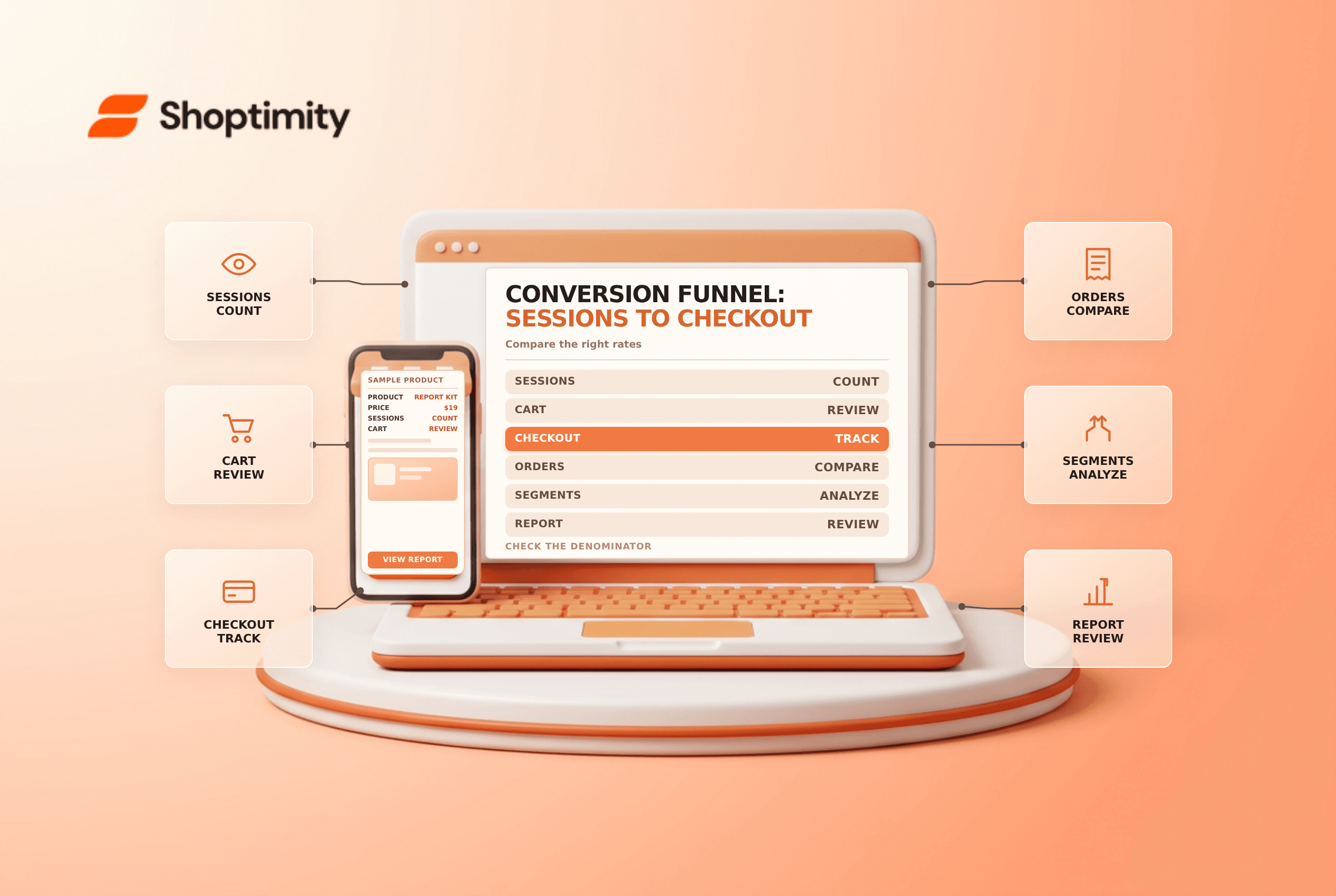
Shopify's behavior reports guide describes a conversion-rate breakdown with these steps: all sessions, sessions with cart additions, sessions that reached checkout and sessions that completed checkout.
| Measure | Example question | Denominator to confirm |
|---|---|---|
| Add-to-cart rate | What share of sessions added an item? | All relevant sessions |
| Reached-checkout rate | What share of sessions reached checkout? | All relevant sessions in the breakdown |
| Online-store conversion | What share of sessions completed checkout? | All relevant online-store sessions |
| Checkout conversion | What share of checkout-reaching sessions completed? | Sessions that reached checkout |
These percentages answer different questions. Do not compare an all-session conversion rate with a checkout-only conversion rate as if they had the same denominator. Shopify also defines a reached-checkout session by user input during checkout; a page load alone may not be counted in the same way.
Work through a simple example
Suppose 1,000 sessions enter the period, 200 add to cart, 100 reach checkout and 40 complete checkout. For this illustration, the add-to-cart rate is 20%, the all-session purchase conversion is 4%, and the checkout conversion is 40% of checkout-reaching sessions. The values are illustrative, not benchmarks or a promise of performance.
Counts depend on the report's definitions and funnel configuration. A session is not the same as a unique person, and not every order in every channel belongs in the online-store session funnel. Confirm your filters before dividing one metric by another.
Open versus closed funnels
Shopify says an open funnel includes sessions entering at different points or completing steps in different sequences. A direct checkout path can appear in a later step even when a prior step was skipped. A closed funnel requires the defined steps in sequence for a session to count in later steps.
Use the same funnel setting for a period comparison. In an open funnel, avoid treating the difference between two steps as a clean count of people who abandoned precisely that step. Closed-funnel step drop-off can be useful, but it still does not establish the cause of the exit.
Investigate changes without inventing a cause
- Set a consistent time range, time zone, channel and funnel type.
- Review the counts as well as percentages; small samples can swing sharply.
- Segment by device, market or landing page where the report supports it.
- Test product availability, shipping, discounts and payment paths in the affected segment.
- Compare changes with promotions, traffic mix and site releases.
- Form a hypothesis and test one change with a suitable measurement plan.
Shopify notes a session-measurement rollout in September 2026 that can change session-based metrics without a corresponding change in customer behavior. Mark measurement changes on your reporting timeline before interpreting a trend across that boundary. Privacy settings and platform definitions can also differ from external analytics; see Shopify Analytics versus GA4 and gross versus net sales.
Ready to build a faster, higher-converting store?
Every Shoptimity theme ships with conversion widgets built in — so you get speed and features without stacking apps.
7-day free trial · all themes included · cancel anytime
Continue Reading

Shopify B2B Company Locations: Give Buyers the Right Access
Configure Shopify B2B company locations, verify buyer permissions and test pricing, addresses and pa...

Shopify Checkout Contact Settings: Separate Email From Shipping Phone
Configure Shopify checkout contact settings and test email, phone and shipping address requirements ...

Shopify POS Recent Carts: Share a Sale Without Reserving Stock
Learn how Shopify POS recent carts work across devices, what they do not reserve, and how to hand of...