
Shopify Planet: Add Carbon-Neutral Shipping Badges
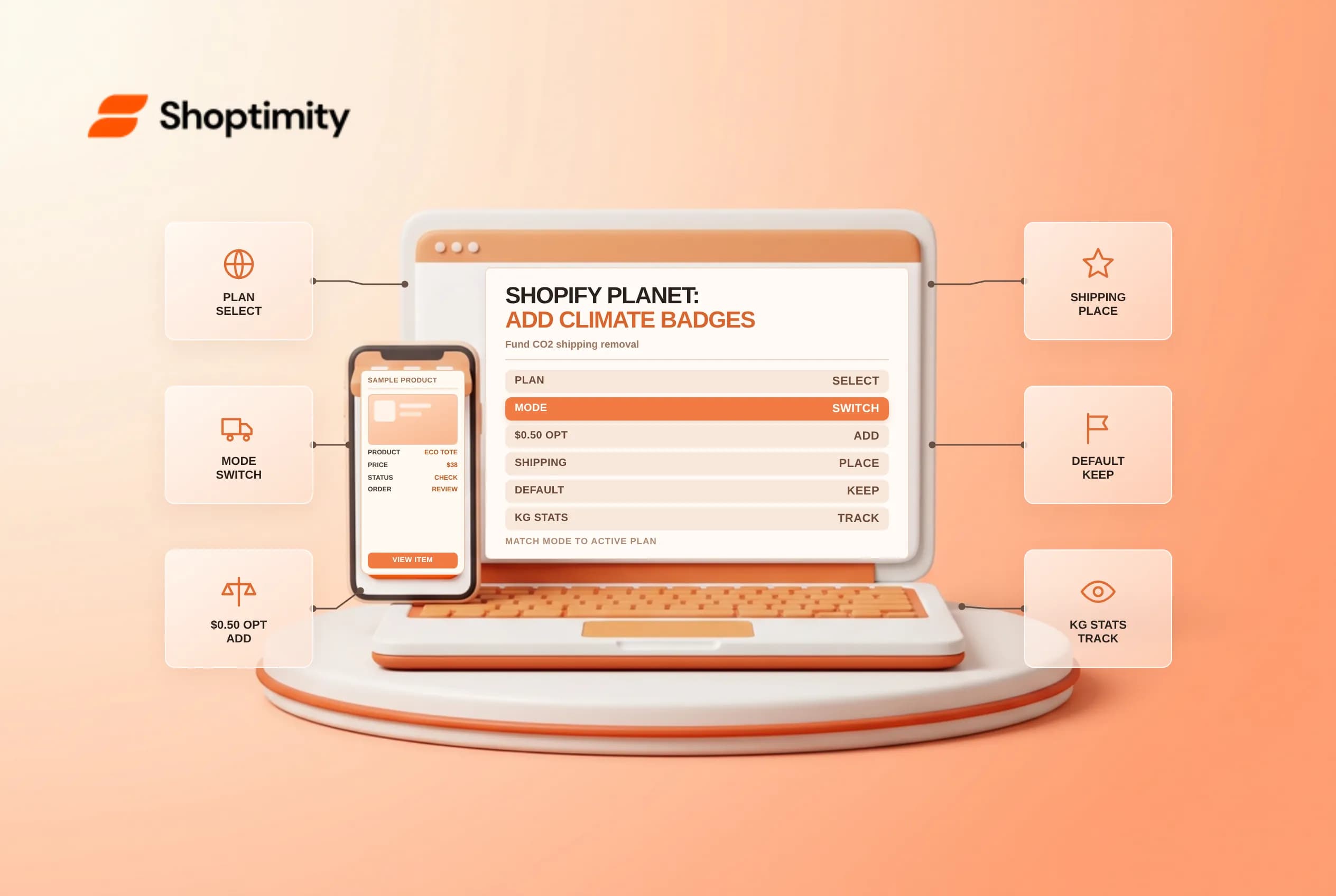
Shopify Planet lets merchants fund atmospheric carbon-dioxide removal for store deliveries, either by covering shipping emissions on every order or by letting shoppers add $0.50 USD at checkout. Installing the app alone does not display climate stats or buyer opt-in controls until you configure the storefront theme block and checkout extension to match your subscription plan. Check badge mode restrictions, checkout placement and translation rules before publishing.
Match your Planet subscription plan to the right badge mode
In Shopify's carbon-neutral shipping overview and Planet badge setup guide, storefront badges operate in two distinct modes that depend strictly on the plan you select inside the app:
| Badge mode | What shoppers see on the storefront | Supported Planet subscription plans |
|---|---|---|
Marketing mode (default) | Climate commitment message, optional kg of carbon removed, gasoline-car mileage equivalent and funded carbon-removal projects | All shipments carbon neutral or Combined option |
Engagement mode | Interactive prompt allowing customers to add $0.50 USD to make their shipment carbon neutral | Customers choose or Combined option |
Marketing mode (default)kg of carbon removed, gasoline-car mileage equivalent and funded carbon-removal projectsAll shipments carbon neutral or Combined optionEngagement mode$0.50 USD to make their shipment carbon neutralCustomers choose or Combined optionA common setup mistake happens when a store selects the Customers choose plan: because new Planet app blocks default to Marketing mode, you must open the theme editor (Online Store > Edit theme), select the Shopify Planet app block and switch Badge Mode manually to Engagement before saving.
Add the Planet checkout extension to the Shipping step
Storefront badges build awareness on product and cart templates, whereas checkout conversion happens inside the Shipping step. Follow Shopify's Planet checkout extension guide to surface the $0.50 USD opt-in cleanly during checkout:
- Open
Settings > Checkoutin your Shopify admin and click Customize (or Edit theme under Configurations). - Click the Apps icon in the left sidebar and search for Shopify Planet.
- Click Add and select Add to shipping so the extension appears directly alongside delivery method selection on the Shipping step.
- Test a live cart through the shipping rate screen on mobile to confirm the
$0.50 USDline item adds and removes cleanly without pushing your primary payment button below the fold.
Audit custom badge copy, translations and speed impact
Before placing Planet blocks across multiple templates, check three storefront details that affect international buyers and layout clarity:
- Custom text is not translated: If you type a custom message inside the Planet badge settings instead of keeping the default text, Shopify notes that custom badge text will not translate automatically across multi-language Markets. Leave the custom text field blank on multilingual stores so default strings localize properly.
- English-only modal video: Enabling the
More infolink opens an on-page dialog explaining funded removal technologies, and displays a 45-second explainer video when the store's default language is English. - Keep product pages uncluttered: Place one concise badge near shipping details rather than duplicating widgets on every template. Compare placement alongside Checkout Blocks plan limits, Shop Promise delivery badges and connected carrier accounts.
- Review monthly shipping emissions analytics: Open the Shopify Planet dashboard at month-end to inspect total carbon-neutral shipments, average delivery distances, package weight assumptions and removal project allocations across your Decade, Millennium or Century portfolio tiers. Accurate product and default box weights in your shipping settings prevent overestimated per-order emissions charges on lightweight apparel or accessory parcels, and checking your monthly Shopify bill confirms when accumulated per-shipment Planet charges reach your store's billing threshold.
Ready to build a faster, higher-converting store?
Every Shoptimity theme ships with conversion widgets built in — so you get speed and features without stacking apps.
7-day free trial · all themes included · cancel anytime
Continue Reading
Shopify Apple Pay: Check Wallets, Subscriptions and B2B
Activate Shopify Apple Pay with network tokenization, verify Visa or Mastercard subscription rules, ...
Shopify Order Notes: Capture Cart Instructions Cleanly
Enable Shopify order notes on Online Store 2.0 carts, separate notes from cart attributes and checko...
Shopify Tap to Pay: Check iPhone and Android Limits
Enable Shopify Tap to Pay on iPhone and Android POS, check NFC and OS security rules, plan around ba...