
Shopify Carrier Accounts: Connect Negotiated Shipping Rates
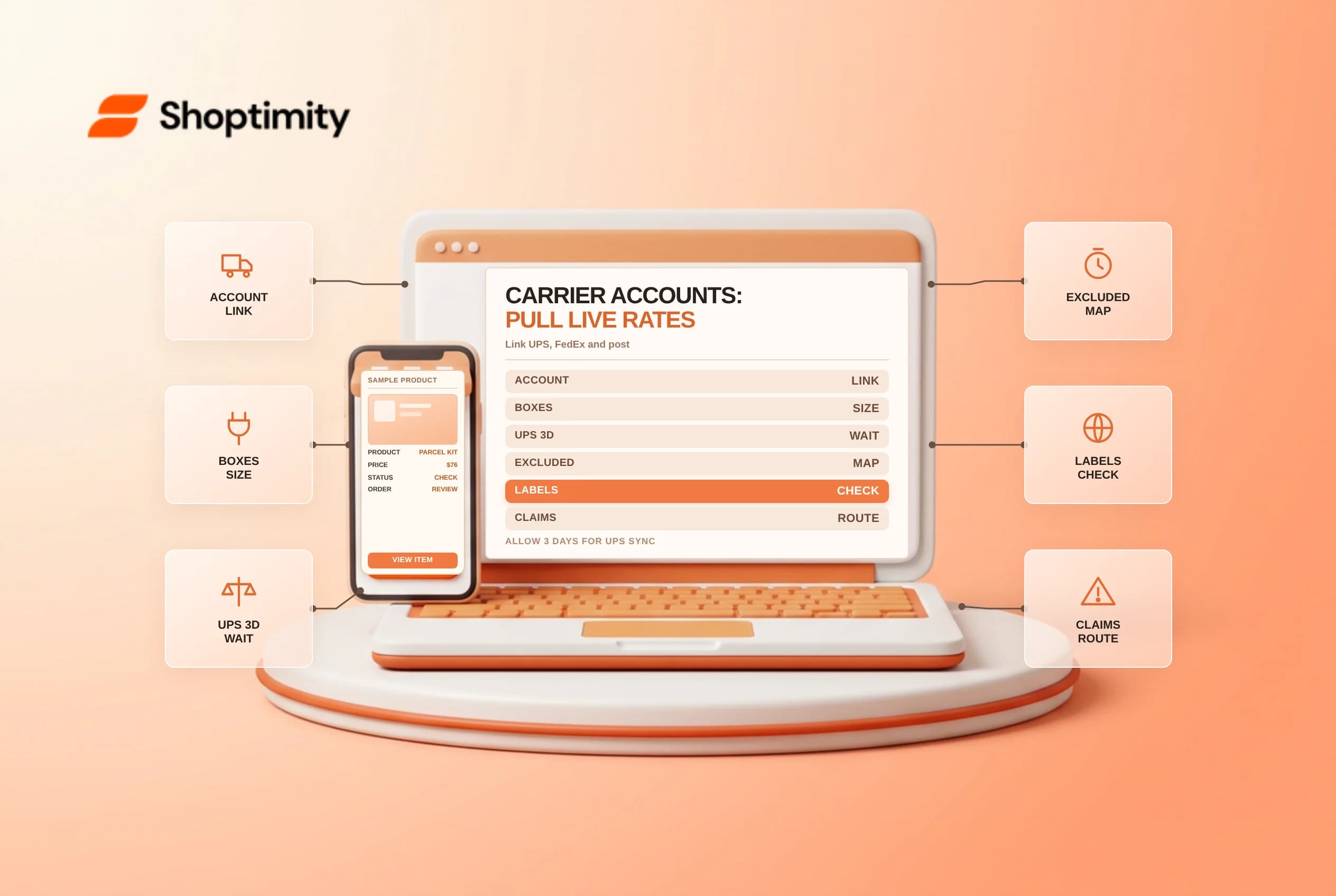
Connecting Shopify carrier accounts lets eligible merchants pull live negotiated shipping quotes directly from their own UPS, FedEx, USPS, Canada Post or Australia Post contracts at checkout instead of absorbing margin losses on flat-rate estimates. Because rate calculation, admin label purchasing, unsupported economy services and damage claims differ sharply by carrier and warehouse country, operations teams should audit every rule under Settings > Shipping and delivery > Carrier accounts before going live.
Verify plan access, box packing and 3-day UPS sync
Shopify's third-party carrier-calculated shipping guide includes third-party carrier account connections on Shopify Advanced and Shopify Plus plans, while stores on the Grow plan can unlock the feature either by switching to annual billing or adding a monthly carrier-calculated shipping fee.
Configure two foundational accuracy settings right after linking credentials:
- Saved box dimensions: When products carry accurate weights and packed sizes, Shopify packs cart items into the smallest saved carton that fits rather than falling back to one oversized store default box that inflates dimensional-weight quotes.
- UPS negotiated-rate propagation delay: According to Shopify's carrier accounts availability and troubleshooting guide, newly activated UPS negotiated account rates can take up to 3 business days to appear at checkout, so test account rates against published retail rates before removing temporary flat-rate rules.
Compare supported checkout rates, label buying and exclusions
Linking a carrier account for live checkout rates does not always mean you can buy shipping labels on that account inside Shopify admin across every country, and several popular hybrid services never appear at checkout:
| Carrier or service rule | Checkout rate availability | Admin label buying & service exclusions |
|---|---|---|
| UPS and FedEx accounts | Fulfillment locations worldwide | Buying labels in Shopify admin requires a US-based fulfillment location |
| USPS, Canada Post, Australia Post | Domestic locations in US, Canada or Australia respectively | Canada Post and Australia Post support admin label buying in their home countries |
| Unsupported hybrid/flat carrier services | Never displayed at checkout even with CCS active | Excludes UPS SurePost, UPS Mail Innovations, UPS Access Point, UPS Simple Rate and FedEx One Rate |
| Flat rates vs backup shipping rates | Backup rates appear only when live carrier API quotes fail and no other rate qualifies | Active flat shipping rates always display alongside live carrier quotes |
Notice that unsupported-service list carefully: if your warehouse relies on FedEx One Rate envelopes or UPS SurePost for lightweight parcels, you must create flat or weight-based shipping rules in Shopify to represent those tiers at checkout.
Handle carrier claims outside Shopify Support
Keep a clear claims SOP for customer service reps. Under Shopify's submitting shipping claims documentation, shipments billed through third-party UPS or FedEx carrier accounts (as well as USPS and Canada Post) are not tracked or adjudicated by Shopify Support, clicking File shipping claim on the order card simply links staff out to file lost or damaged parcel claims directly on that carrier's own portal using your account number and commercial invoice records.
Related guides: carrier-calculated shipping plan requirements and testing, backup shipping rates for live quote outages and lost or damaged shipment claims checklist.
Ready to build a faster, higher-converting store?
Every Shoptimity theme ships with conversion widgets built in — so you get speed and features without stacking apps.
7-day free trial · all themes included · cancel anytime
Continue Reading
Shopify Apple Pay: Check Wallets, Subscriptions and B2B
Activate Shopify Apple Pay with network tokenization, verify Visa or Mastercard subscription rules, ...
Shopify Order Notes: Capture Cart Instructions Cleanly
Enable Shopify order notes on Online Store 2.0 carts, separate notes from cart attributes and checko...
Shopify Planet: Add Carbon-Neutral Shipping Badges
Set up Shopify Planet carbon-neutral shipping, match Marketing vs $0.50 Engagement badge modes to yo...