
Shopify Backup Shipping Rates: What Happens When Live Quotes Fail
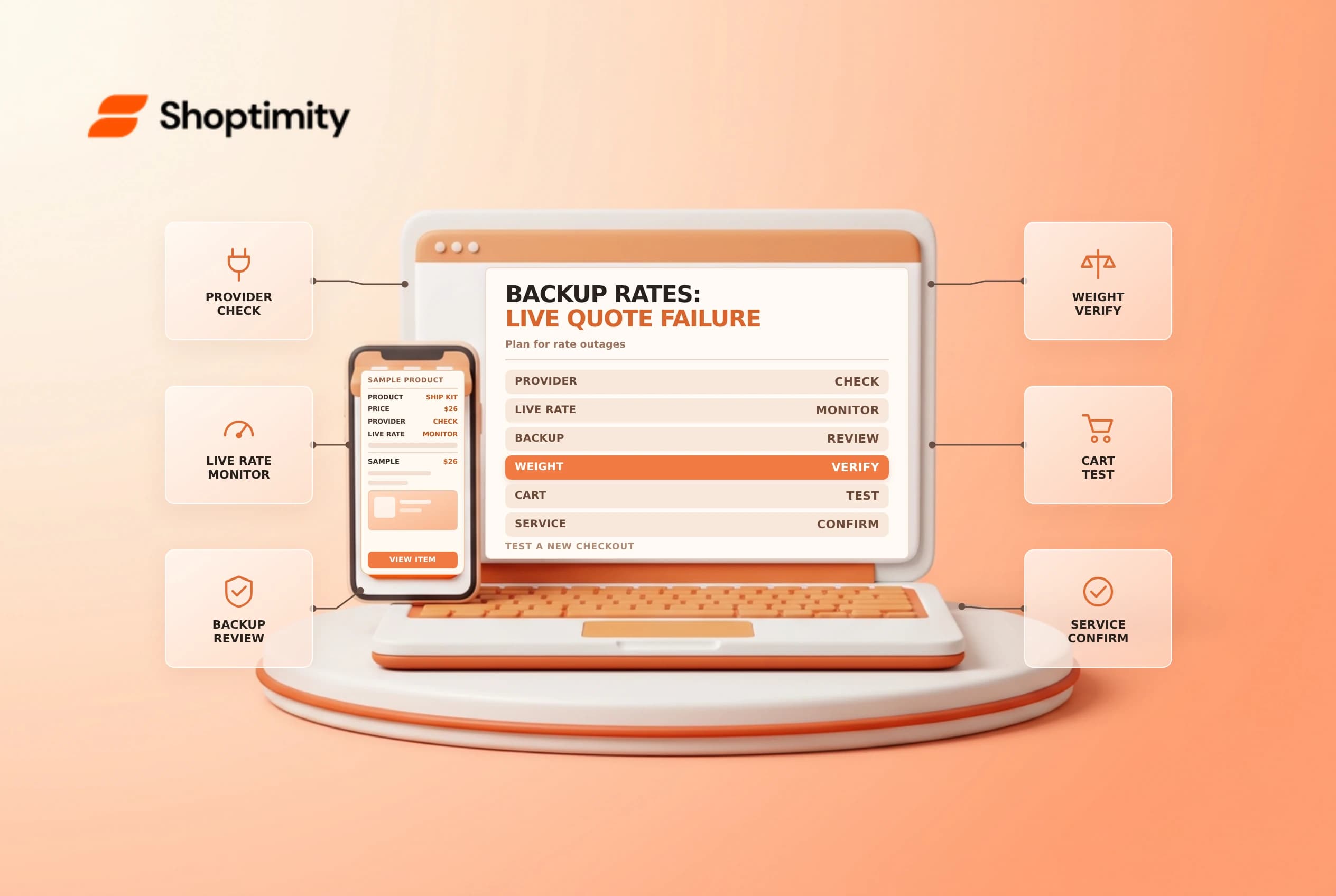
A carrier or shipping app can fail to return a rate quickly enough at checkout. Shopify backup shipping rates are a safety net for a specific failure case, not a replacement for complete market coverage, accurate weights or a tested shipping strategy.
Understand when a backup applies
According to Shopify's backup rates guide, a backup rate is used when all app or carrier-calculated rates for a shipment fail and no other eligible shipping rate is available. Backup rates apply by default where app or carrier-calculated rates are configured. They are not designed to appear merely because a shopper dislikes a working quote.
| Situation | What to check |
|---|---|
| All calculated rates fail; no other rate applies | A backup may be displayed |
| An eligible flat rate applies | The flat rate is displayed instead of the backup |
| No calculated rate is configured | Backup rates are not available for that purpose |
| Destination or order is unsupported | Check the market, shipping configuration and service coverage |
A flat rate and a backup rate serve different purposes. An eligible flat rate can appear even when live carrier quotes work. If you add one as a business choice, understand that customers may select it during normal operation, not only during an outage.
Review the inputs and the fallback
Shopify describes supported-carrier or country-specific backup rates depending on the destination and context. Factors can include the fulfillment location, customer address, store currency, product weight and order value. Missing product weight can be treated as zero, so inspect product and package data rather than assuming a fallback makes inaccurate inputs harmless.
Check which shipping system your store uses: Shopify is moving some stores from profiles and zones to shipping options by market. Confirm the applicable screen and supported behavior in your admin. Some older custom backup-rate configurations may have different settings; review them before making changes.
Design a safe test matrix
Record representative destinations, cart weights, product combinations and fulfillment locations. Check the normal live quote in a new checkout. If you need to test an outage, coordinate with the rate provider and use a safe test store or a controlled scenario; do not disable a live service without authorization. Capture what the customer sees and whether the option is reasonable for the store's fulfillment costs.
Shopify's troubleshooting guide cautions that an abandoned checkout retains its earlier rates. Start a new checkout when validating a changed configuration. Compare the promised service with actual carrier availability before publishing checkout copy.
Diagnose a missing rate
Check that the destination is in an active market, that the item requires shipping, and that a valid location can fulfill it. Review the product weights, package dimensions and rate conditions. A backup won't fix every eligibility or routing error. If an app's quote still fails, provide the app developer with the destination, cart and time of the test without unnecessarily sharing customer data.
Review shipping zones and markets and default package settings as part of the same investigation.
After an outage, review orders that used the fallback and compare the selected service with what your team can actually fulfill. Escalate repeated rate failures to the provider with timestamps and reproducible cart details. A backup can keep checkout moving, but repeated use may indicate an integration, product-data or carrier-account problem that deserves its own investigation.
Ready to build a faster, higher-converting store?
Every Shoptimity theme ships with conversion widgets built in — so you get speed and features without stacking apps.
7-day free trial · all themes included · cancel anytime
Continue Reading

Shopify B2B Company Locations: Give Buyers the Right Access
Configure Shopify B2B company locations, verify buyer permissions and test pricing, addresses and pa...

Shopify Checkout Contact Settings: Separate Email From Shipping Phone
Configure Shopify checkout contact settings and test email, phone and shipping address requirements ...

Shopify POS Recent Carts: Share a Sale Without Reserving Stock
Learn how Shopify POS recent carts work across devices, what they do not reserve, and how to hand of...