
Shopify Carrier Calculated Shipping: Plans and Testing
title: Shopify Carrier Calculated Shipping: Plans and Testing slug: shopify-carrier-calculated-shipping-plans-testing meta_title: Shopify Carrier Calculated Shipping: Plans and Testing meta_description: Check Shopify carrier calculated shipping plan eligibility, carrier accounts, package data, checkout rates and backup-rate behavior for store teams. primary_keyword: Shopify carrier calculated shipping secondary_keywords:
- Shopify merchant guide
- ecommerce operations author: The Shoptimity Team date: 2026-11-03 category: Operations schema: BlogPosting, FAQPage
Shopify Carrier Calculated Shipping: Plans and Testing
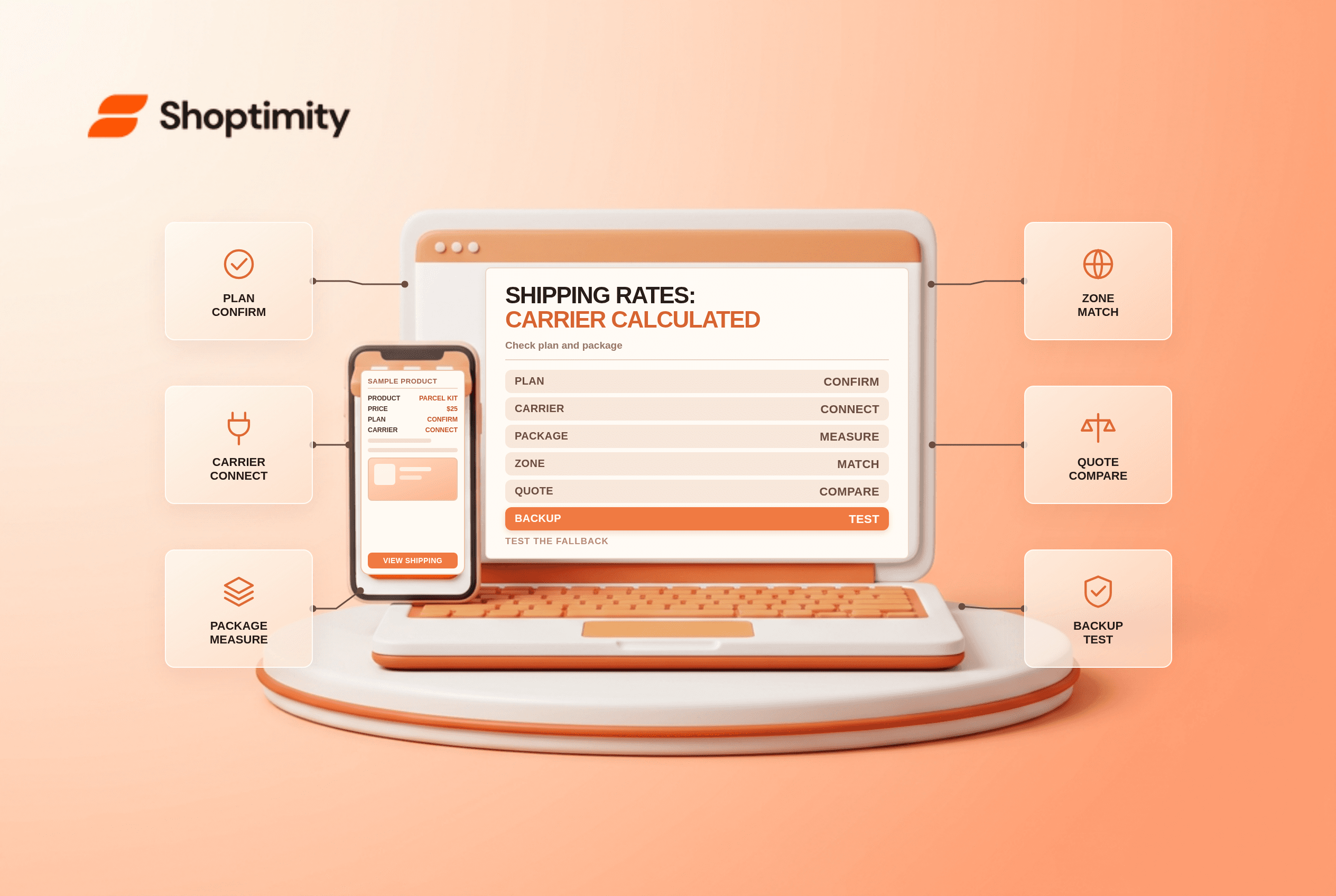
Shopify carrier calculated shipping can display rates from an eligible carrier account at checkout based on the shipment details. It is different from buying a shipping label or setting a flat shipping price. Before enabling it, check your plan, account, origin, product weights and backup-rate behavior.
Check plan and carrier availability
Shopify's carrier-account guide lists third-party carrier-calculated shipping on Advanced and Plus. It says Grow can add the feature for a monthly fee or receive it with annual billing; other plans are not eligible for this specific feature. Confirm current plan names, terms and regional availability in your admin before upgrading.
| Decision | What to verify | Why it matters |
|---|---|---|
| Plan | Carrier-calculated shipping entitlement | A connected account may not be enough |
| Carrier | Supported carrier and fulfilment origin | Support differs by country |
| Account | Active credentials and negotiated services | A retail rate may differ from your account rate |
| Package | Dimensions, product weight and box selection | Incorrect inputs create misleading quotes |
| Profile and zone | Product, location and destination coverage | No matching setup can mean no rate |
| Backup | Calculated-rate failure behavior | An outage should not strand checkout |
Shopify Shipping rates, third-party account rates and app-provided rates are distinct setups. Compare what you actually pay for labels, including surcharges, rather than assuming any checkout quote is your final invoice.
Prepare shipment data
Enter realistic product and packaging weights, verify origin addresses and save representative packages. Shopify says that where packed product sizes are set, it can select an appropriate saved box for each shipment; otherwise the default package affects the calculation. Multi-item and split shipments need special attention because one product's dimensions may not describe the final package.
The carrier can apply adjustments for dimensions, address corrections, fuel or other contract terms. A quoted checkout rate is an estimate based on submitted inputs, not a guarantee of the final carrier invoice.
Connect and test rates
Connect the eligible carrier account under Settings > Shipping and delivery > Carrier accounts, then add the calculated services to the relevant shipping profile and zone. Shopify's USPS setup instructions include a built-in rate calculation test; use your selected carrier's current instructions and requirements.
Test a light parcel, a heavy parcel, a multi-item cart, a remote destination and a mixed-profile cart. Compare identical origin, destination, dimensions, weight, service and account when checking against the carrier. If a rate is missing, verify plan entitlement, account connection, location, zone and product data before changing the carrier configuration.
Design for failure
Shopify says backup shipping rates appear when all app or carrier-calculated rates for a shipment fail and no other eligible rate is available. An eligible flat rate is a different option: it can be shown even when a calculated rate works. See Shopify's calculated-shipping overview.
Choose a fallback that balances checkout continuity with potential shipping loss. Set a threshold for support escalation and compare quoted rates with carrier invoices regularly. For adjacent setup, see mixed-cart shipping profiles and weight-based rates.
Ready to build a faster, higher-converting store?
Every Shoptimity theme ships with conversion widgets built in — so you get speed and features without stacking apps.
7-day free trial · all themes included · cancel anytime
Continue Reading

Shopify B2B Company Locations: Give Buyers the Right Access
Configure Shopify B2B company locations, verify buyer permissions and test pricing, addresses and pa...

Shopify Checkout Contact Settings: Separate Email From Shipping Phone
Configure Shopify checkout contact settings and test email, phone and shipping address requirements ...

Shopify POS Recent Carts: Share a Sale Without Reserving Stock
Learn how Shopify POS recent carts work across devices, what they do not reserve, and how to hand of...