
Shopify Staff Permissions: A Least-Privilege Checklist
title: Shopify Staff Permissions: A Least-Privilege Checklist slug: shopify-staff-permissions-least-privilege meta_title: Shopify Staff Permissions: Least Privilege Checklist meta_description: Review Shopify staff permissions, sensitive roles, secure sign-in and offboarding with a practical least-privilege access checklist for store teams. primary_keyword: Shopify staff permissions secondary_keywords:
- Shopify merchant guide
- ecommerce operations author: The Shoptimity Team date: 2026-11-03 category: Operations schema: BlogPosting, FAQPage
Shopify Staff Permissions: A Least-Privilege Checklist
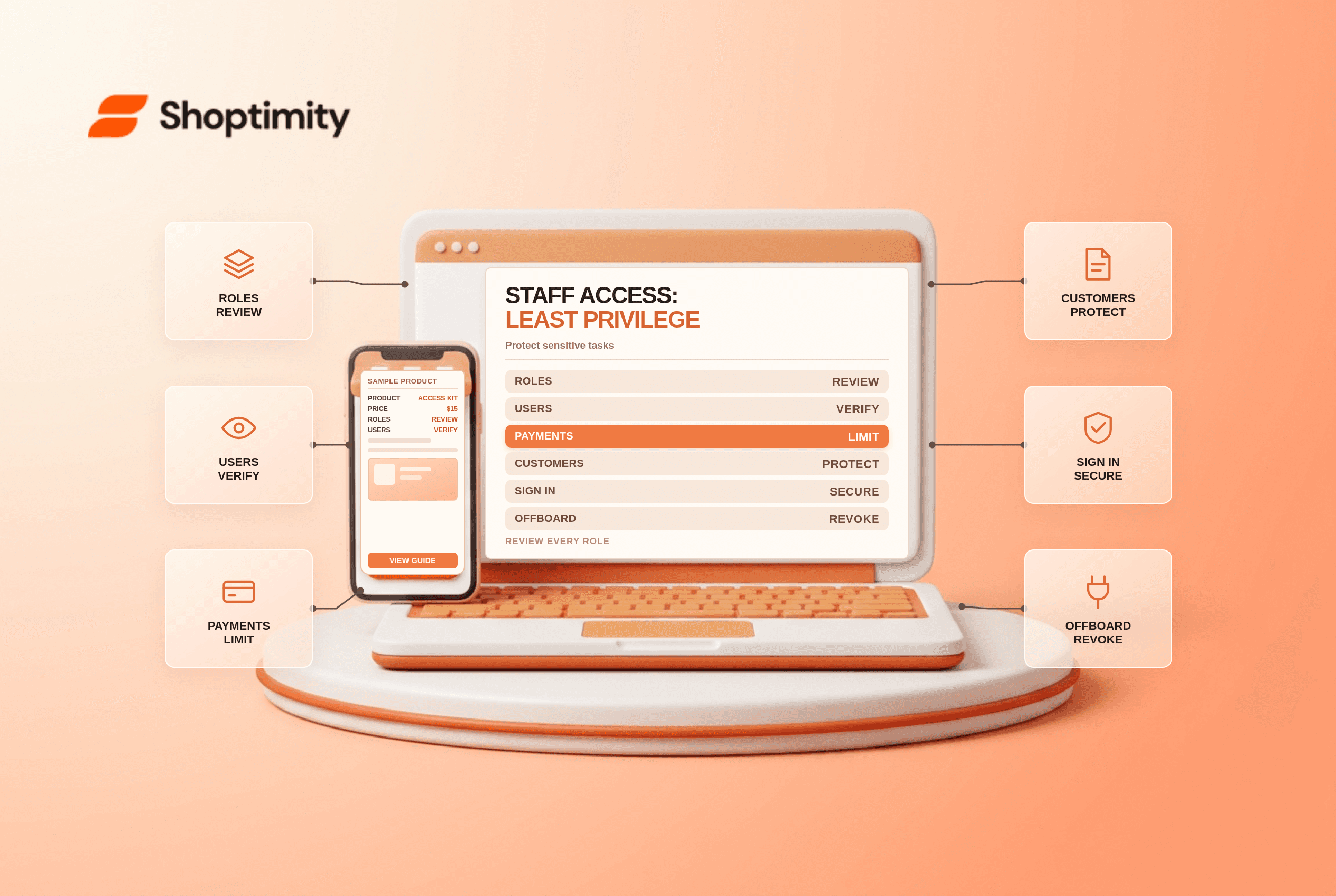
Shopify staff permissions determine what each user can see and change. The goal is not to make every task difficult; it is to give each person enough access to do their job while limiting sensitive financial, customer and configuration actions. Review roles whenever responsibilities or team membership change.
Start with responsibilities
| Role example | Typical work | Access to review separately |
|---|---|---|
| Customer support | View orders and answer questions | Refunds, cancellations and customer exports |
| Fulfilment | Pick, pack and buy approved labels | Payment settings and financial reports |
| Merchandising | Edit product descriptions and prices | User management and payout details |
| Finance | Reconcile orders and payouts | Theme edits and app installation |
| Developer or partner | Maintain the agreed technical scope | Production settings and sensitive customer data |
These are examples, not preset Shopify roles. Exact permissions depend on the store's configuration and the person's tasks. Shopify's store permissions reference lists granular actions, including separate permissions for refunds to the original payment method and to store credit.
Identify high-impact access
Shopify identifies some permissions as sensitive, including requesting customer data and managing payment settings. The owner and some Shopify-managed administrator roles have broad access. Treat administrator access as an exception for trusted people, not the default for every new employee.
For each role, ask what could happen if the account were compromised: could someone change bank details, export customers, install an app, issue a refund or alter the storefront? Separate tasks where practical. For example, the person who prepares a payment change need not be the person who approves it.
Use individual secure accounts
Do not share a single staff login. Shopify recommends unique credentials and a secure sign-in method such as two-step authentication or a passkey. Store recovery codes securely and maintain an authorized recovery contact. See Shopify's account-security guidance.
For outside partners, grant only the scope required for the project and establish an end date. Record the business owner of each access request, the reason for access and when it must be reviewed. A collaborator who only needs to inspect theme code should not automatically receive finance or customer-data permissions.
Run a practical access review
- Export or document the current user list, roles and pending invitations.
- Confirm each user still works for the business or has an active engagement.
- Compare assigned permissions with actual responsibilities and remove unnecessary access.
- Review administrator and sensitive permissions with the store owner.
- Verify secure sign-in and recovery practices for privileged users.
- Test that a representative staff member can complete the approved workflow without extra access.
- Set a date for the next review and revoke access promptly when work ends.
Shopify's user search guide describes filtering by status, role and security. A pending invitation is not the same as an active user, but stale invitations should still be reviewed.
Cover apps and data outside the admin
A Shopify role review does not automatically audit a third-party app's separate user accounts or API credentials. Inventory those systems as well, and remove access in each place when a contractor leaves. Review apps' requested permissions and business need before installation; what happens when you uninstall an app covers the separate cleanup process.
Keep an emergency plan for lost devices or compromised accounts. Preserve evidence, secure email and financial accounts, remove unauthorized access and contact the relevant providers. Do not store passwords in the access-review spreadsheet.
Ready to build a faster, higher-converting store?
Every Shoptimity theme ships with conversion widgets built in — so you get speed and features without stacking apps.
7-day free trial · all themes included · cancel anytime
Continue Reading

Shopify B2B Company Locations: Give Buyers the Right Access
Configure Shopify B2B company locations, verify buyer permissions and test pricing, addresses and pa...

Shopify Checkout Contact Settings: Separate Email From Shipping Phone
Configure Shopify checkout contact settings and test email, phone and shipping address requirements ...

Shopify POS Recent Carts: Share a Sale Without Reserving Stock
Learn how Shopify POS recent carts work across devices, what they do not reserve, and how to hand of...