
What Happens When You Uninstall a Shopify App
title: What Happens When You Uninstall a Shopify App slug: what-happens-uninstall-shopify-app meta_title: What Happens When You Uninstall a Shopify App meta_description: Before you uninstall a Shopify app, check what happens to theme code, metafields, SEO data and app-created script tags for informed merchant decisions. primary_keyword: Shopify app secondary_keywords:
- Shopify guide
- ecommerce operations author: The Shoptimity Team date: 2026-11-03 category: Operations schema: BlogPosting, FAQPage
What Happens When You Uninstall a Shopify App
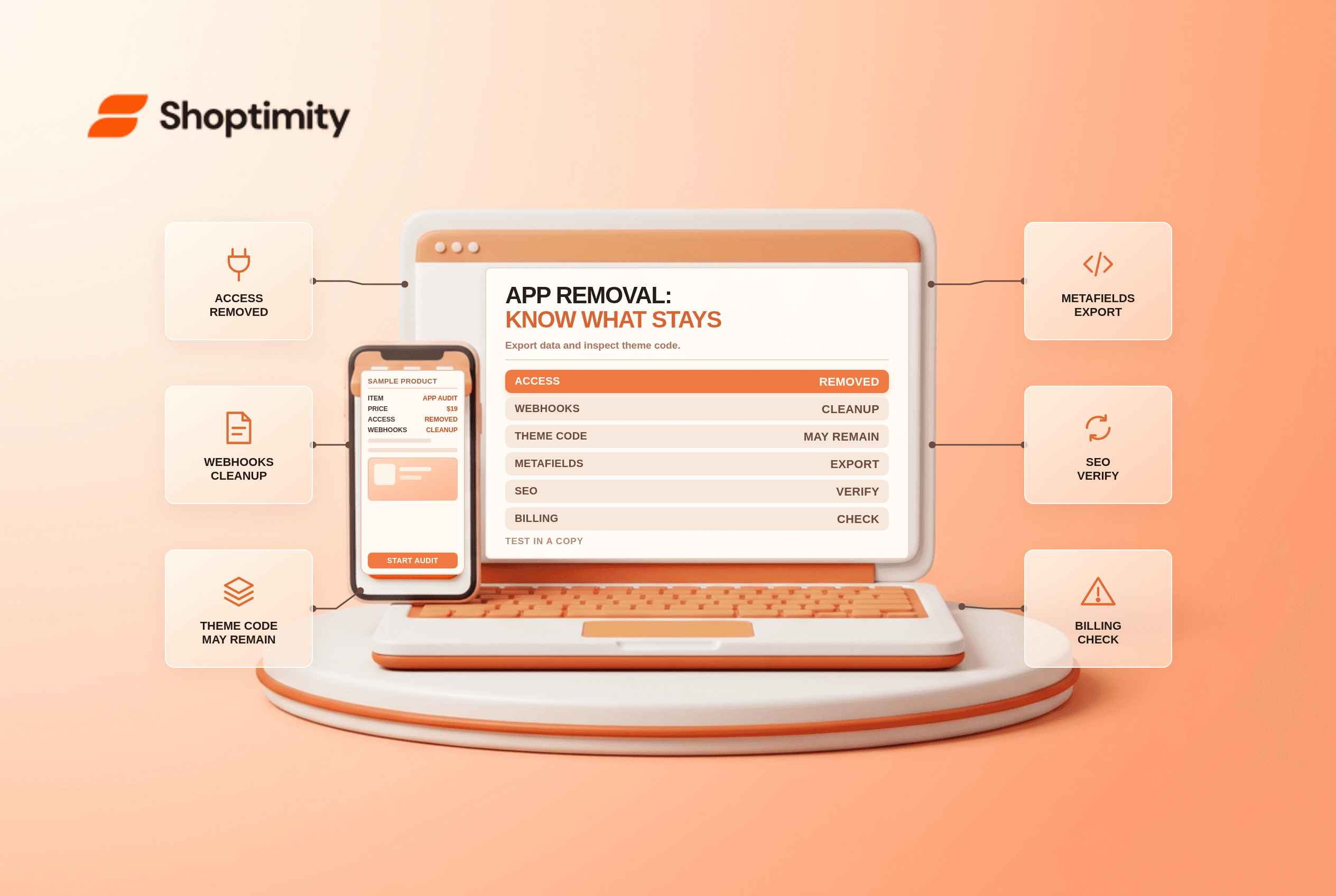
When you uninstall Shopify app integrations, its access ends, but not everything it changed necessarily disappears. The important distinction is where the data or code lives: an app-created script tag, a merchant-owned product field, an app-owned metafield and a manually edited theme file can have different outcomes.
What to expect
| Item | Typical outcome | What to verify |
|---|---|---|
| App access and registered webhooks | Shopify initiates cleanup | Confirm integrations no longer rely on it |
| ScriptTags created by the app | Removed during app cleanup | Search live pages and remaining theme code |
| Theme code edited directly | May remain | Vendor removal instructions and duplicate theme |
| Merchant-owned product fields | Generally remain | Inspect actual product records and export first |
| App-owned metafield definitions | Deleted on uninstall | Export needed data before uninstall |
| App-served widgets or data | May stop working | Vendor documentation and replacement plan |
Shopify's app-uninstall documentation describes cleanup including registered webhooks and script tags. Its metafield definition guide says app-owned definitions are deleted and values may be retained temporarily without a guaranteed retention period. Do not depend on reinstalling in time to restore them.
Audit the business function first
List every storefront feature the app provides: reviews, redirects, discounts, subscriptions, search, custom fields or SEO metadata. Find the owner of each and ask what the replacement will be. Export records where permitted, checking the format and whether media, settings and identifiers are included.
For SEO, compare a representative product's Shopify admin fields with the rendered page source. An app may write a native title or override output at render time; the outcomes on removal differ. Ask the vendor explicitly where its changes live and test on a development store.
Check theme residue safely
Some apps edit theme files directly, leaving snippets or references after uninstall. Duplicate your theme, record the current state, and look for vendor-documented code in layouts, snippets and templates. Remove one identified change at a time on the copy, then test product, cart and other affected journeys. Do not delete unknown code just because a file name resembles an app.
Compare live network requests before and after the change. A remaining request may come from another integration or a separate theme customization, so establish ownership first. App blocks vs embeds explains the modern placement model.
The ScriptTag deadline is separate
According to Shopify's changelog, creation and updates of API ScriptTags were blocked from 1 October 2026, and storefront injection ends on 1 March 2027. ScriptTags registered through the API are not the same as every script manually added to a theme. Vendors should migrate storefront UI to theme app extensions and analytics-only scripts to web pixels where appropriate.
Before and after checklist
- Export business-critical data and get vendor exit terms in writing.
- Document settings, dependencies and a replacement workflow.
- Duplicate the theme; test replacement functionality before uninstall.
- Uninstall during a staffed window, then verify core flows and customer data.
- Review residual code and tracking carefully, with rollback available.
Verify after the cancellation
Review billing separately from storefront behaviour: cancelling a vendor contract and uninstalling a Shopify app may be separate steps. Check the vendor's contract and billing terms, preserve confirmation, and reconcile the next invoice. Then monitor the replacement workflow and customer support reports for at least one operating cycle, particularly for scheduled jobs that do not run immediately.
Ready to build a faster, higher-converting store?
Every Shoptimity theme ships with conversion widgets built in — so you get speed and features without stacking apps.
7-day free trial · all themes included · cancel anytime
Continue Reading

Shopify B2B Company Locations: Give Buyers the Right Access
Configure Shopify B2B company locations, verify buyer permissions and test pricing, addresses and pa...

Shopify Checkout Contact Settings: Separate Email From Shipping Phone
Configure Shopify checkout contact settings and test email, phone and shipping address requirements ...

Shopify POS Recent Carts: Share a Sale Without Reserving Stock
Learn how Shopify POS recent carts work across devices, what they do not reserve, and how to hand of...