
Shopify POS Offline: Cash, Card Payments and Recovery
title: Shopify POS Offline: Cash, Card Payments and Recovery slug: shopify-pos-offline-payments-recovery-checklist meta_title: Shopify POS Offline: Payments and Recovery meta_description: Prepare for Shopify POS offline operations, distinguish cash and card workflows, manage pending payments and verify synchronization for store teams. primary_keyword: Shopify POS offline secondary_keywords:
- Shopify merchant guide
- ecommerce operations author: The Shoptimity Team date: 2026-11-04 category: Operations schema: BlogPosting, FAQPage
Shopify POS Offline: Cash, Card Payments and Recovery
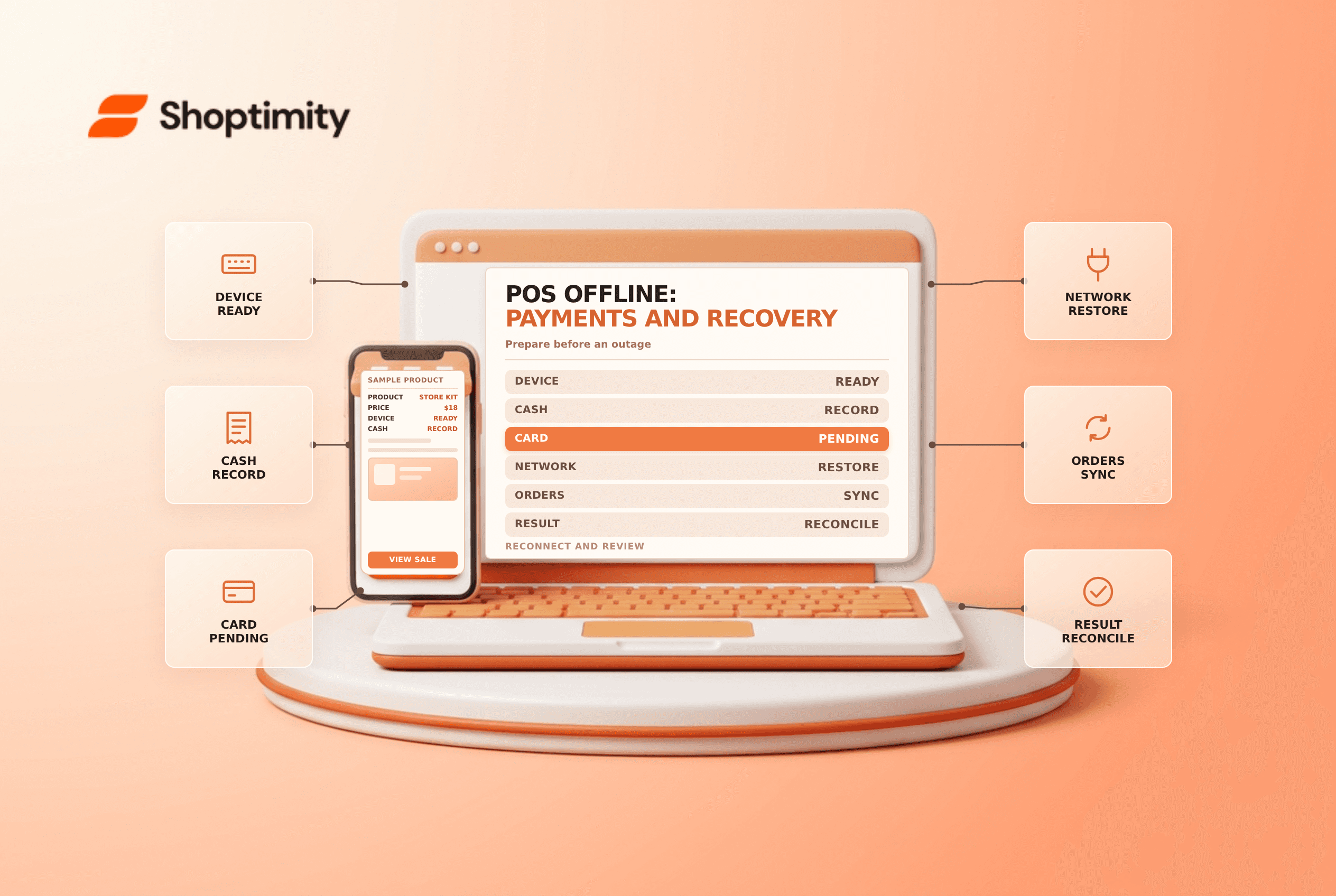
Shopify POS offline operations can keep some in-person sales moving during an internet outage, but not every feature or payment method works without a connection. Configure and train in advance, distinguish offline checkout from offline card payments, and reconcile the device after it reconnects.
Know which offline mode you are using
Shopify's offline-checkout guide describes cash and configured custom payment methods. Its separate offline-payments guide covers eligible credit and debit card payments when activated in advance.
| Capability | Offline consideration |
|---|---|
| Cash and configured custom methods | May be accepted through offline checkout where supported |
| Offline card payments | Require activation, compatible hardware, permissions and applicable limits |
| Order and inventory sync | Cannot sync with the admin until connectivity returns |
| Gift cards and returns | Not supported offline in Shopify's feature list |
| Email or text receipt | Can be sent after reconnection when selected |
Availability varies by country, device, reader and current Shopify rules. For example, Shopify says offline checkout is not available at retail locations in France or Sweden. Verify your actual location and configuration before promising an offline service.
Prepare before an outage
Keep compatible devices updated and staff logged in. Shopify says logging in requires internet to import store products. Define a cash handling procedure, backup connectivity and escalation path. If eligible offline card payments are used, configure device and transaction limits, permissions and accepted hardware while online.
A connected local network is not always the same as internet access. Shopify notes that some terminal arrangements need a functioning local Wi-Fi network even during an internet outage. An external terminal's behavior depends on its own provider. Test your planned procedure in a controlled way and check the latest documentation for the specific hardware.
During the outage
- Confirm whether the device has lost internet or the local network itself.
- Use only the supported offline checkout or payment method for the location.
- Explain any limitations to customers and collect required contact details.
- Record cash and authorized manual payment activity under store policy.
- Do not promise that an offline card transaction has finally settled.
- Keep the POS device powered on and signed in until data syncs.
Shopify warns that logging out or turning off a device can cause loss of offline orders. Offline card transactions are not routed to the processor until reconnection and can later be declined. Shopify recommends reconnecting as soon as possible, ideally within 24 hours, to reduce declined-payment risk.
Reconnect and reconcile
After connectivity returns, confirm orders and inventory sync to the admin and check each pending card transaction. Investigate declines promptly using the customer contact details collected for the order. Match cash to the register session and document any unresolved discrepancy. Do not assume a printed receipt proves a card payment was captured.
Shopify's offline-feature list also lists limitations for discounts, customer lookup, returns and ship-to-customer orders. For related controls see POS register reconciliation and POS returns.
Train staff to recognize the difference between a card presented to a reader and an approved payment. Keep a short outage log with device, transaction reference and reconnection time, without copying card data. Assign one person to review pending transactions after service returns and another to reconcile the cash drawer.
Ready to build a faster, higher-converting store?
Every Shoptimity theme ships with conversion widgets built in — so you get speed and features without stacking apps.
7-day free trial · all themes included · cancel anytime
Continue Reading

Shopify B2B Company Locations: Give Buyers the Right Access
Configure Shopify B2B company locations, verify buyer permissions and test pricing, addresses and pa...

Shopify Checkout Contact Settings: Separate Email From Shipping Phone
Configure Shopify checkout contact settings and test email, phone and shipping address requirements ...

Shopify POS Recent Carts: Share a Sale Without Reserving Stock
Learn how Shopify POS recent carts work across devices, what they do not reserve, and how to hand of...