
Shopify POS Returns and Exchanges: An In-Store Checklist
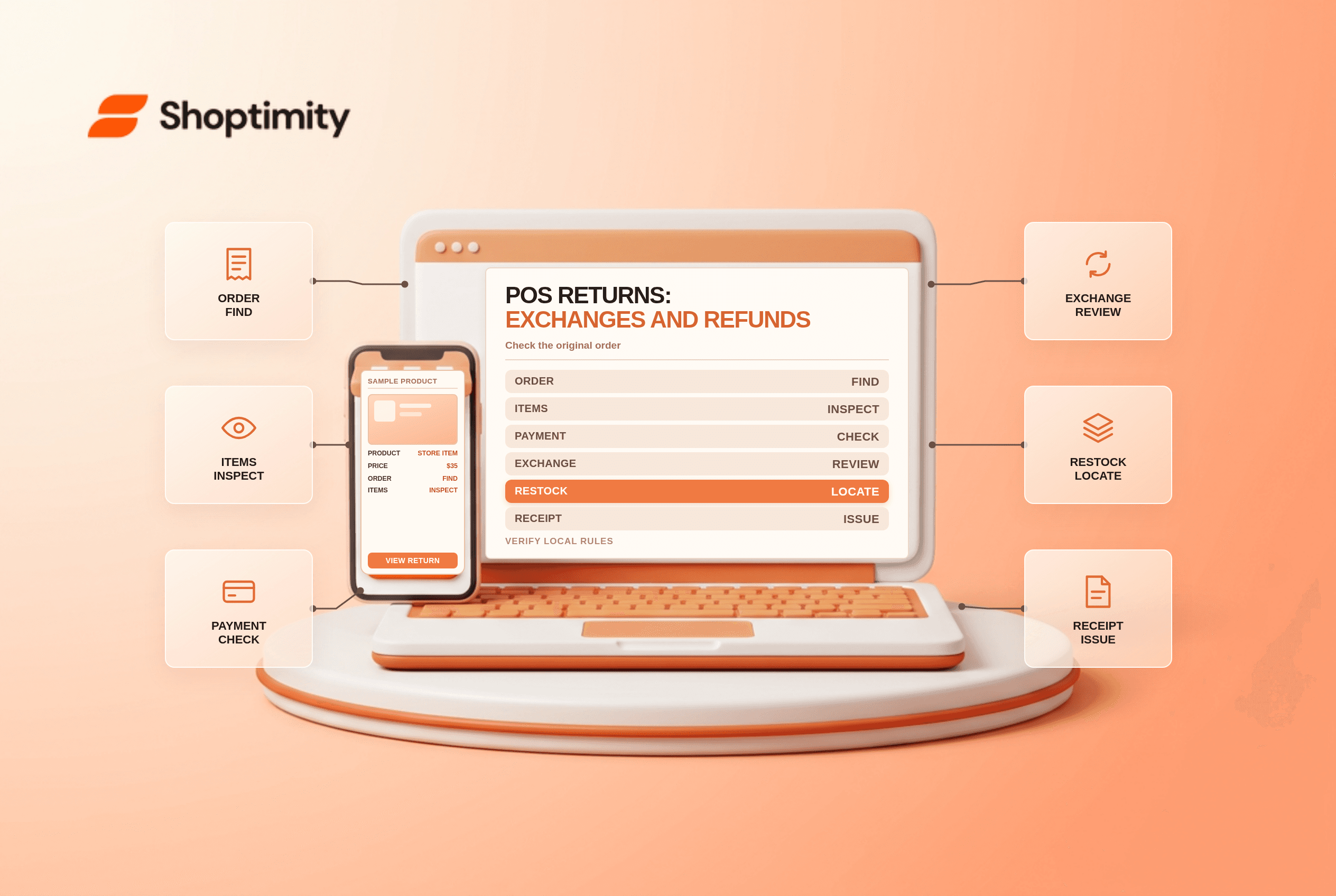
title: Shopify POS Returns and Exchanges: An In-Store Checklist slug: shopify-pos-returns-and-exchanges-checklist meta_title: Shopify POS Returns and Exchanges Checklist meta_description: Use a Shopify POS returns and exchanges checklist for payment restrictions, local rules, inventory, customer receipts and reconciliation for store teams. primary_keyword: Shopify POS returns and exchanges secondary_keywords:
- Shopify merchant guide
- ecommerce operations author: The Shoptimity Team date: 2026-11-03 category: Operations schema: BlogPosting, FAQPage
Shopify POS Returns and Exchanges: An In-Store Checklist
Shopify POS returns and exchanges require more than selecting a returned item. Staff need to find the original transaction, check the customer's rights and store policy, inspect the product, choose an eligible refund method and update inventory. Payment method and country-specific rules can change the available workflow.
Separate the operations
| Action | What it means | Check before completing |
|---|---|---|
| Return | Record items coming back | Correct order, quantities and condition |
| Refund | Send money or value back | Customer rights and eligible payment method |
| Exchange | Replace returned items with other items | Price difference, inventory and local rules |
| Restock | Return eligible goods to inventory | Correct location and condition |
| New sale | Sell a replacement separately | Receipt, price and tax treatment |
A return does not always require an immediate refund, and an exchange can require additional payment or a refund of the difference. Explain the choice and the amount to the customer before confirming. Legal rights vary by jurisdiction and reason for return; do not force store credit or a gift card where a refund is legally required.
Start with the original purchase
Find the original order in POS and verify the items, quantity, original tender, purchase date and any previous return. Inspect the goods against the policy and applicable law. If the order used multiple payment methods, check how a partial refund will be allocated before proceeding.
For Shopify POS gift-card refunds, Shopify says a return started in the admin cannot be refunded to a gift card from POS: the return must be started and completed in POS for that workflow. See refund to a gift card. Gift-card limits and eligibility also apply.
Check local and payment restrictions
Shopify's country-specific POS guidance says exchanges cannot be processed in Shopify POS in Sweden; the documented approach is a return followed by a new sale with separate receipts. It also describes same-legal-entity requirements in regulated markets. Verify the current requirements for each location and business entity.
Payment methods have additional rules. Shopify says Interac debit payments must be refunded in person using Shopify POS with the original debit card physically present. It lists separate considerations for exchanges and split payments in its Interac guide. Shopify also says POS orders using Shop Pay Installments can only be refunded to the original method and cannot be exchanged or refunded to a gift card in POS.
Handle the inventory and balance
Inspect whether the returned item is resaleable. Choose the correct restock location only when appropriate; damaged items may need a separate disposition or inventory adjustment. If replacement merchandise costs more, explain and collect the difference through an eligible method. If it costs less, verify the eligible refund method and amount before completing.
Give the customer an accurate receipt and expected processing information. Do not promise that a bank will post a refund immediately. For online-origin purchases returned in store, test the actual payment, entity and location combination instead of assuming every order behaves like a local cash sale.
Train and reconcile
- Give staff an escalation path for missing receipts, split tenders and legal exceptions.
- Test an equal-value exchange, an additional-payment case and a partial refund where supported.
- Verify return reason, inventory location, receipt and customer notification.
- Reconcile POS refund totals with payment records and finance reports.
- Review repeated exceptions and update the staff playbook.
For the wider customer experience see returns self-service and store credit versus refunds.
Ready to build a faster, higher-converting store?
Every Shoptimity theme ships with conversion widgets built in — so you get speed and features without stacking apps.
7-day free trial · all themes included · cancel anytime
Continue Reading

Shopify B2B Company Locations: Give Buyers the Right Access
Configure Shopify B2B company locations, verify buyer permissions and test pricing, addresses and pa...

Shopify Checkout Contact Settings: Separate Email From Shipping Phone
Configure Shopify checkout contact settings and test email, phone and shipping address requirements ...

Shopify POS Recent Carts: Share a Sale Without Reserving Stock
Learn how Shopify POS recent carts work across devices, what they do not reserve, and how to hand of...