
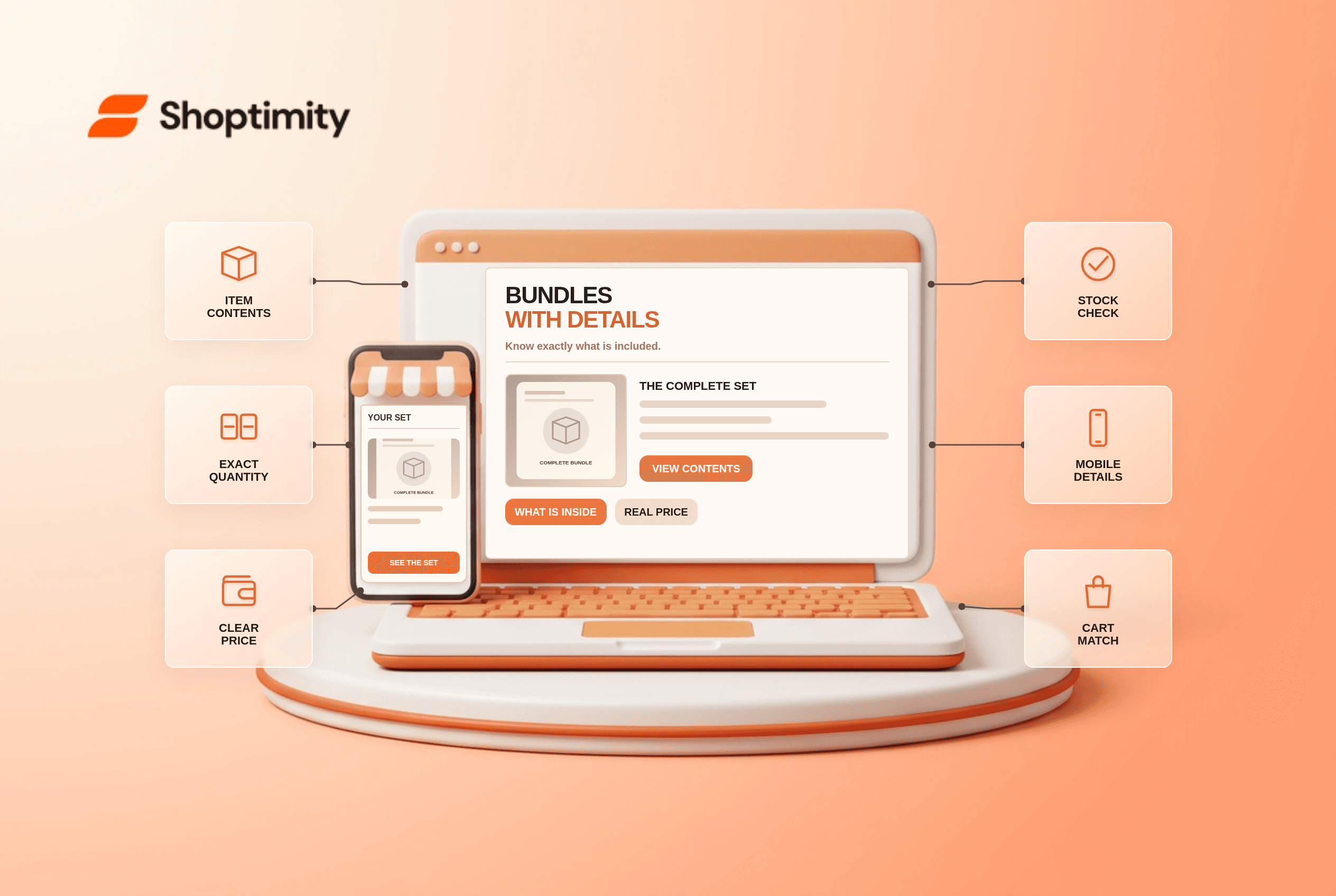
An ecommerce product bundle page should show precisely what the buyer receives: each included item, its quantity, selected variant and total bundle price. Separate included components from optional accessories in both the hero image and written list. Explain substitutions and stock limits before the add-to-cart button. If the bundle cannot be fulfilled as shown, update the offer rather than quietly removing a component.
What must a bundle listing reveal?
Name the contents and amounts before asking for a click. According to Baymard's 2024 research on sets and bundles found shoppers can struggle to tell what a set contains from a product listing. For a two-item set, a concise subtitle may be enough; more complex sets need a consistent contents list. Show the same details on the product page, including pack counts and chosen options.
A cover image can imply more than the price includes. According to Baymard's included-accessories research, 63% of its test users struggled to determine whether a mixer included attachments. Optional pieces beside the item need a clear distinction. Label an image “Bundle includes: kettle and two cups; tray sold separately” when that is the real offer. Do not imply that staging props are included.
What should the buying section explain?
Make the offer auditable at a glance. Give a clear bundle title, the list of components and quantities, the total price in the shopper's currency and any honest saving calculation. Explain whether a component can be swapped and what happens if one color or size is unavailable. Avoid implying a saving unless the reference prices are current, comparable and valid in that market.
- Map every component to a SKU, quantity, option and current availability.
- Audit the hero image: distinguish included items from staging props and optional extras.
- Show contents and quantities on the product card if shoppers compare several sets.
- Repeat a detailed contents list near the bundle price and buy button.
- Calculate savings only from valid standalone prices with matching variants, tax basis and market.
- Test adding a bundle when one component is sold out or a selected variant becomes unavailable.
- Verify cart, order confirmation and packing list display the same components and quantities.
How should stock and returns be handled?
Never promise a complete set if only the parent listing appears available. A bundle's purchasability depends on its components and the platform's stock model. If a piece goes out of stock, block the set or offer a clearly approved substitute before checkout. Explain whether returns must be for the whole set or may be partial, using the actual policy rather than assumptions.
A simple exception test is a three-piece kit with one component reserved by another buyer. If the bundle still accepts payment but the fulfillment team cannot assemble it, the listing is misleading. Fix inventory logic before adding a “limited stock” badge. Our contribution-margin guide addresses the separate question of whether a bundle discount leaves enough margin; this article covers the buyer-facing offer.
We checked published Baymard research, not Shoptimity's catalog, checkout or legal terms. Shoptimity themes can present bundle contents and selections, but fulfillment, discounts and component inventory depend on your commerce platform. For stand-alone comparison, see our product-card checklist. Do not publish an unverified contents or savings claim.
How can you review a bundle page?
Compare four snapshots of one test order: listing card, product page, cart and fulfillment record. The quantities, options and bundle price should match at each point. Check on a narrow phone so component descriptions are not hidden below a sticky buy button. Then repeat with an out-of-stock variant and a market where shipping rules differ.
If the store allows component substitutions, show the replacement and any price change before purchase. A customer who selected one color or capacity should not discover a different item only in the packing list. Where substitutions are not supported, mark the original set unavailable and offer a separate alternative.
Ready to build a faster, higher-converting store?
Every Shoptimity theme ships with conversion widgets built in — so you get speed and features without stacking apps.
7-day free trial · all themes included · cancel anytime
Continue Reading
Shopify Flow Fulfillment Order Moved: Location Alerts
Build an internal alert for moved fulfillment orders and verify location changes with your third-par...
ShopifyQL Timeseries: Show Missing Months in Sales
Use ShopifyQL TIMESERIES to expose empty reporting periods and compare them with GROUP BY results ca...
Shopify Flow Return Declined: Build a Review Handoff
Set up a cautious Shopify Flow return-declined review and distinguish internal reasons from customer...