
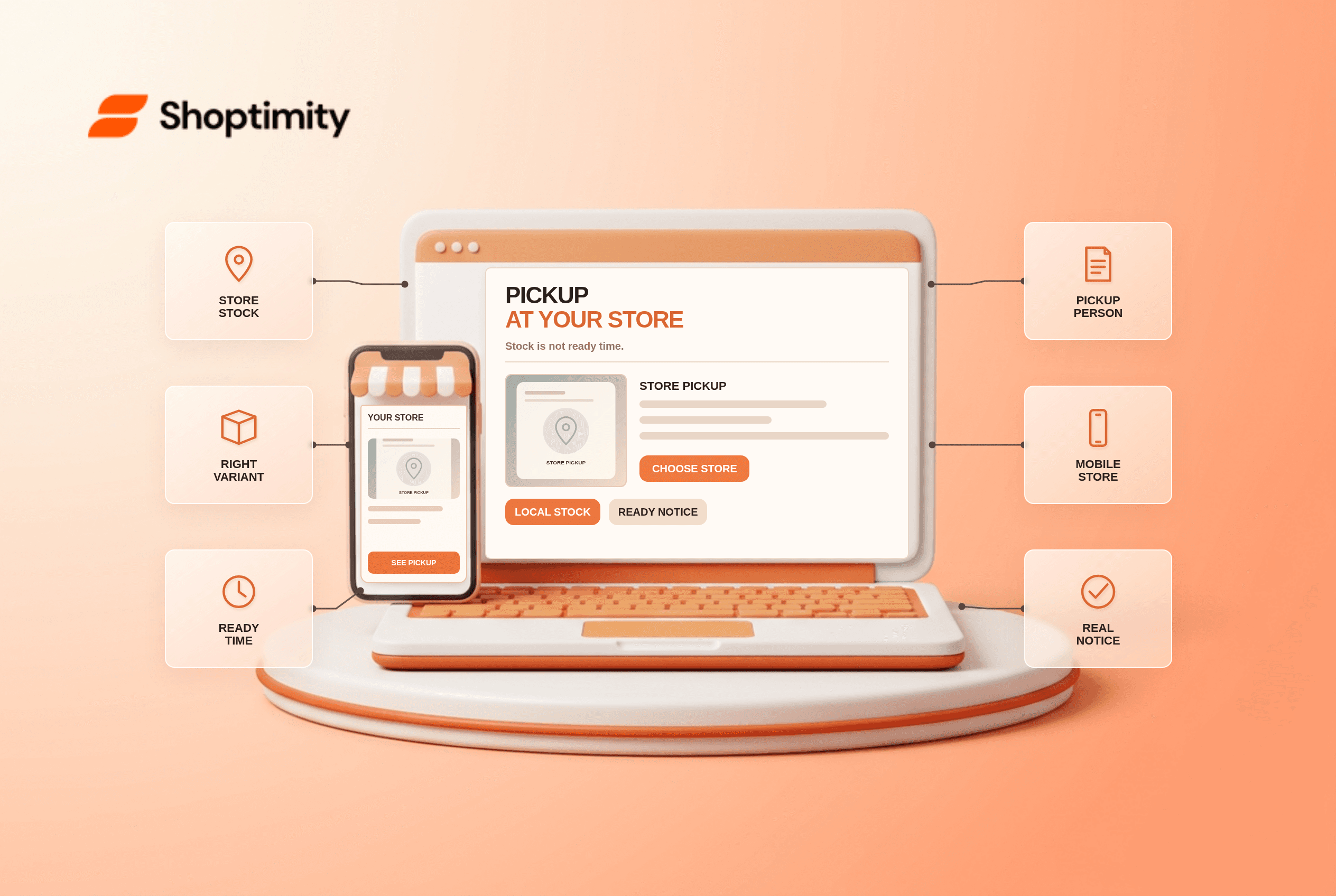
Ecommerce local pickup availability should answer the buyer's actual decision, not just decorate a page. Ask for or infer a store, then display pickup eligibility for the selected variant at that location. The right presentation depends on the merchant's product data and operating rules. Treat the checks below as a test plan, not a promise that Shoptimity or a theme can implement every backend behavior by itself.
What does the evidence say about ecommerce local pickup availability?
The useful takeaway is a clear, testable customer answer. According to Baymard’s checkout fulfillment research, 50% of sites in its benchmark did not show all available fulfillment choices in the checkout selector. Shoppers can overlook pickup when it disappears after a product-page promise.
Baymard’s 2025 checkout review reported 52% of sites in its newer benchmark did not show all fulfillment options together. The samples and dates differ; neither figure measures this merchant’s store-level stock accuracy.
What should the interface say first?
Show the essential fact before a shopper reaches an irreversible step. Ask for or infer a store, then display pickup eligibility for the selected variant at that location. Separate “in stock” from “ready for pickup”: transfer, picking and opening hours affect the ready time. Carry the store and pickup person details through cart, checkout and confirmation. Let shoppers switch to shipping when the option remains eligible.
A shopper sees a jacket in stock at Store A but chooses Store B at checkout. The checkout must recheck the selected size at Store B before accepting pickup. A generic “available nearby” label is not permission to promise collection today at every branch.
How should a merchant test the flow?
Test a real edge case, not only the happy path. Run these checks on a product, cart and mobile device that reflect the catalog and workflow:
- Check selected variant inventory at each candidate location.
- Show the chosen store name, address and opening hours.
- Test a low-stock item during simultaneous online orders.
- Recalculate readiness after a store, variant or cart change.
- Expose pickup alongside available delivery methods in checkout.
- Confirm the final message states when and how the customer gets the ready notice.
What breaks when information is missing?
A confident-looking interface can still make a false promise. A cart with pickup-only and shipping-only items may need split fulfillment. Explain whether that is supported and what the customer will pay before payment. Do not mark an order ready merely because the product is physically at the store; staff must confirm picking and reservation first.
A team should record who owns the source data and which event updates the customer-facing message. Test a changed selection or an unavailable option after the first screen has loaded. If a requirement cannot be met by a theme alone, route the change through the commerce platform, inventory service, fulfillment system or payment provider as appropriate.
How does this fit into a Shoptimity storefront?
Start with reliable information and then improve presentation. Shoptimity themes can help present storefront content, but operational rules may live elsewhere. See our pickup setup guide and delivery-date guide for adjacent checks. We checked the cited public research, not this merchant's analytics or implementation. We have not tested this merchant's live setup. Avoid claiming that a benchmark proves an expected conversion gain for this store.
What should be measured after launch?
Verify the actual outcome against the visible promise. Compare promised pickup times with actual ready notifications and cancellations caused by unavailable stock. Keep a separate audit of mismatched location records. Keep a dated sample of real customer journeys, including a mobile case and one exception, for an editorial and operational review after any configuration change.
Ready to build a faster, higher-converting store?
Every Shoptimity theme ships with conversion widgets built in — so you get speed and features without stacking apps.
7-day free trial · all themes included · cancel anytime
Continue Reading
Shopify Flow Fulfillment Order Moved: Location Alerts
Build an internal alert for moved fulfillment orders and verify location changes with your third-par...
ShopifyQL Timeseries: Show Missing Months in Sales
Use ShopifyQL TIMESERIES to expose empty reporting periods and compare them with GROUP BY results ca...
Shopify Flow Return Declined: Build a Review Handoff
Set up a cautious Shopify Flow return-declined review and distinguish internal reasons from customer...