
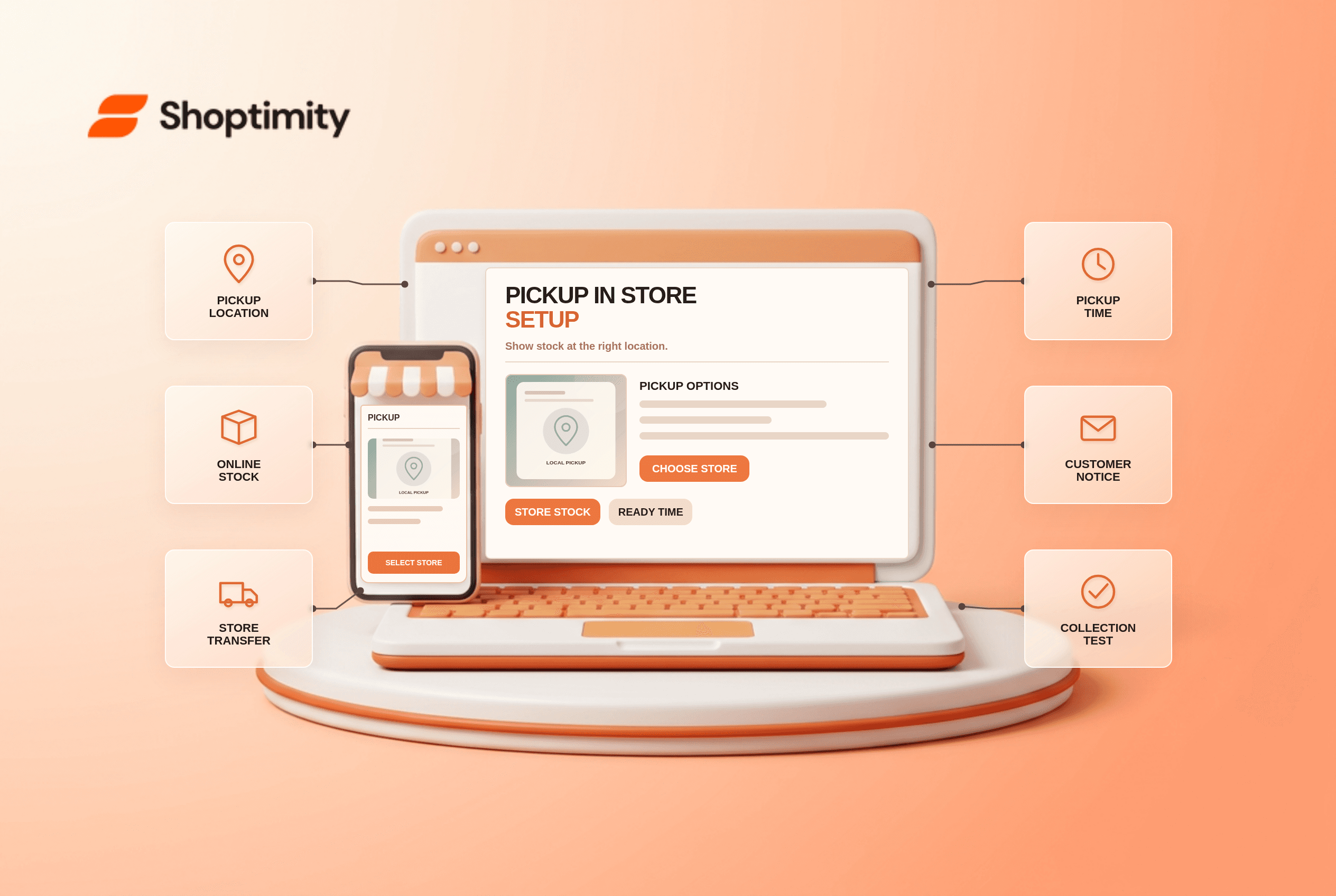
Shopify pickup in store can give local customers another delivery choice, but a pickup badge on a product page does not make every store location eligible. Checkout depends on fulfillment locations, inventory and the pickup settings for each site. Make the estimated time and pickup instructions accurate before telling customers their order will be waiting today.
What is needed to activate pickup?
You need an eligible location and checkout configuration. Shopify's pickup-in-store guide says at least one location must fulfill online orders and the store must use the latest checkout. In Settings → Shipping and delivery → Pickup in store, activate pickup separately for each location. Enter processing time and ready-for-pickup instructions that staff can actually meet.
By default, the entire pickup order must be in stock at the chosen location. If you use multiple locations, Shopify's store-transfer option can bring stock from another location and extend the estimated pickup time. Verify which source locations are permitted. Do not promise immediate collection for an item that needs an inter-store transfer.
How do you test the customer experience?
Test one stocked item, one out-of-stock location and one mixed cart. A single successful pickup order is not enough to validate availability across locations.
- Confirm the product is a physical item and has the appropriate inventory at an active pickup location.
- Visit its product page and check pickup availability if the theme supports this display. Compare the displayed location and estimate with Shopify Admin.
- Begin checkout using an address in the pickup location's country. Shopify lists pickup locations in the customer's selected country.
- Select Pick up, choose a location and record the promised pickup time. Repeat at a location with no stock.
- If transfers are enabled, test a cart that requires a transfer. Check whether the estimate accounts for that movement and whether staff see the source location.
- Place a permitted test order, mark it ready and read the customer notification. Verify opening hours, identity requirements and collection instructions.
Shopify's guide says a customer may choose shipping for some items and pickup for others in the same order. That is not proof that every app or checkout display handles a complex mixed cart correctly. Test your exact mix and inspect the order's fulfillment details.
Why is a pickup location missing?
Check country, activation and stock before changing the theme. If no locations appear in checkout, confirm the shopper's selected country and that pickup has been enabled for a qualifying location there. If only one location disappears, inspect its inventory and any transfer setup. The pickup indicator on the product page is conditional on theme support and an eligible stocked physical product. A theme widget cannot turn a non-fulfilling location into a valid pickup option.
Staff workflow matters too: decide who assembles the order, how a transfer is tracked and when the ready notification is sent. “Ready in 2 hours” is a service promise, not merely a theme string. For related location diagnostics, see our multi-location inventory article; if it is still a draft, publish it before linking publicly.
What belongs in the storefront?
Explain the option without overriding checkout availability. Shoptimity themes can present pickup details and a location message where supported. Shopify's settings still determine the checkout choice, timing and fulfillment. The theme-versus-app guide helps separate the display from location logic. We checked Shopify's public documentation, not your retail staffing or inventory. Verify real opening hours and contact details before publication.
Ready to build a faster, higher-converting store?
Every Shoptimity theme ships with conversion widgets built in — so you get speed and features without stacking apps.
7-day free trial · all themes included · cancel anytime
Continue Reading

Top Shopify Theme for Wholesale: A 2026 Buyer's Guide
You've just spent weeks sourcing inventory and building supplier relationships. But when you launch ...

Ecommerce Return Status Updates: Separate Request and Refund
Ecommerce return status updates should separate request, label, receipt, inspection and refund so sh...

Ecommerce Delivery Delay Updates: Show the New Reality
Ecommerce delivery delay updates should replace stale promises with a dated revised estimate, clear ...