
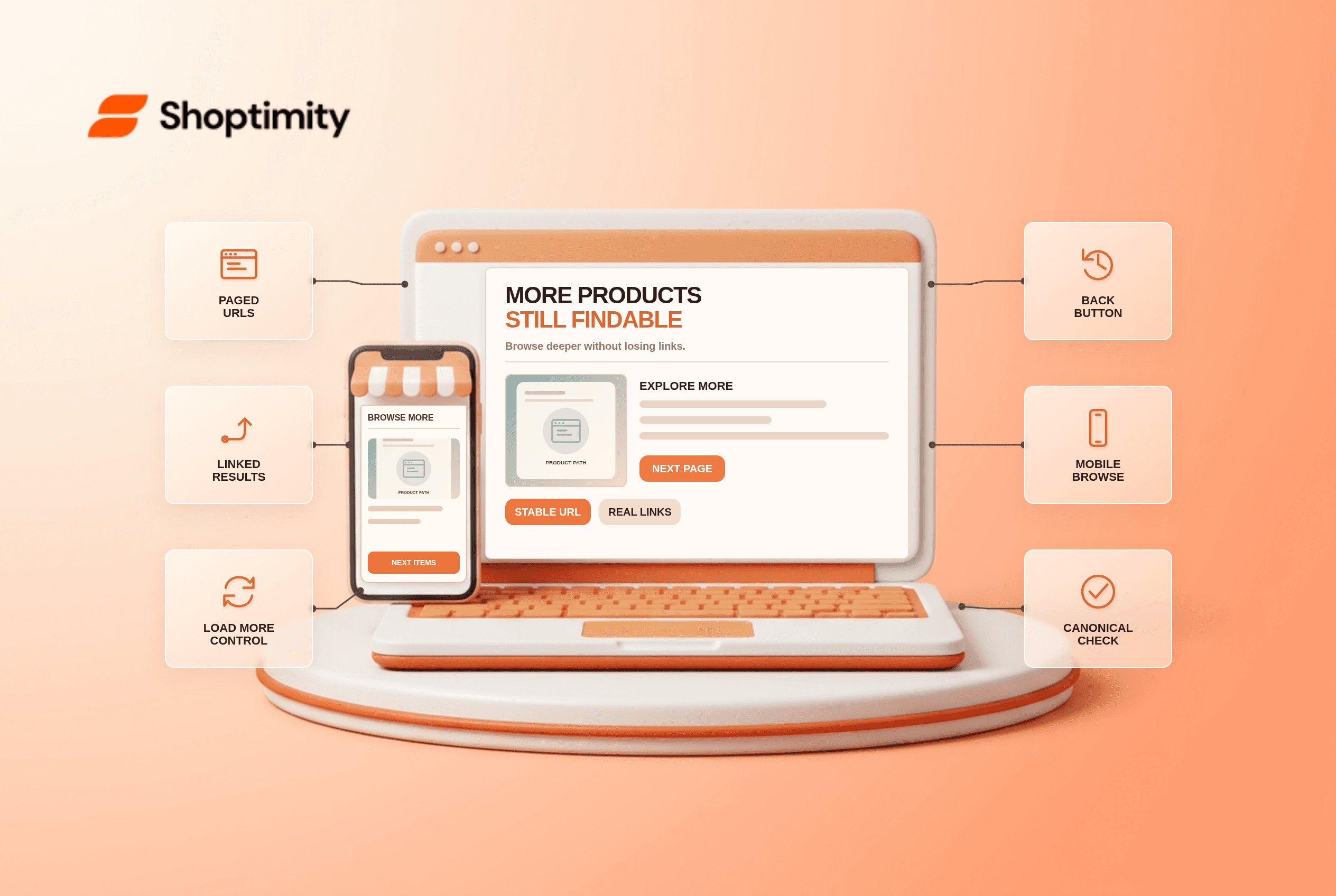
Ecommerce pagination, load more and infinite scroll can all help shoppers browse a large collection, but products still need discoverable links. Give each chunk a stable URL, link from one chunk to the next and make the displayed products load without requiring a crawler to click a button. Choose the interaction that fits the catalog, then test both back navigation and the URLs a crawler can fetch.
Which browsing pattern fits a collection?
There is no universal winner. According to Google's 2025 ecommerce pagination guide lists pagination, load more and infinite scroll as distinct user-interface patterns. Pagination makes position and result size clearer but requires page navigation. Load more keeps the current view; infinite scroll is fluid but can cause scrolling fatigue and obscures the list's end.
Choose based on how people browse and whether the collection is large. A short, curated list may need none of these controls. Our advice is to choose URLs first, then the button. A collection with hundreds of products benefits from a defined retrieval boundary, a consistent sort order and a way to return to the point where the shopper left off. A flashy infinite feed is not a substitute for reliable URLs.
What does Google need to discover deeper products?
Real URLs and links, not only an interaction. Google's guide says its crawler generally follows URLs in an anchor element's href and does not click buttons or trigger interactions to reveal the next chunk. Its lazy-loading guidance calls for persistent URLs and sequential links when infinite scroll is used. A load-more control can enhance those pages, but must not be their only path.
- Inventory the category URLs, product URLs and sort/filter variants before changing the design.
- Give each paginated chunk a unique, stable URL such as
?page=2that displays its own set of products. - Include a crawlable next-page link with a real
href; do not rely only on click handlers or fragment-only URLs. - If using load more or infinite scroll, keep the URL-backed chunks available without requiring a user action.
- Make the browser back button restore a meaningful position and preserve selected filters when possible.
- Check the canonical URL of every indexable paginated page; do not automatically canonicalize all pages to page one.
- Test a later URL directly, with scripts disabled if appropriate, and inspect its products and links.
Should page two canonicalize to page one?
Not automatically. Google's pagination guidance says each page in a paginated sequence should have a unique URL and its own canonical URL; the first page should not be used as the canonical target for all later pages. This differs from handling duplicate sort-order URLs, which may need a separate indexing policy.
An audit example: collection page two shows items 25 through 48 to shoppers, but its canonical points at page one and its products are reachable only after clicking a script-only button. Correct the URL, canonical and link path before changing button text. This is a discoverability issue, not a copywriting opportunity.
We checked Google's public documentation, not the crawl logs or Search Console of this store. Run 2 tests before shipping: open the deeper URL directly and inspect its crawlable next link. A theme may offer a load-more interface, while the underlying platform controls URL routing and canonical tags. Test actual rendered links before deployment. Shoptimity themes can shape collection browsing; see our category-page SEO checklist for the broader category-page context.
What should be checked after launch?
Compare actual navigation with indexable URLs. Start on page three, open a product, then press back: the prior product set and approximate position should still make sense. Use Google Search Console and server logs, if available, to see whether deeper collection URLs and products are being fetched. No crawl or ranking uplift is guaranteed by choosing a particular button.
Ready to build a faster, higher-converting store?
Every Shoptimity theme ships with conversion widgets built in — so you get speed and features without stacking apps.
7-day free trial · all themes included · cancel anytime
Continue Reading

Shopify B2B Company Locations: Give Buyers the Right Access
Configure Shopify B2B company locations, verify buyer permissions and test pricing, addresses and pa...

Shopify Checkout Contact Settings: Separate Email From Shipping Phone
Configure Shopify checkout contact settings and test email, phone and shipping address requirements ...

Shopify POS Recent Carts: Share a Sale Without Reserving Stock
Learn how Shopify POS recent carts work across devices, what they do not reserve, and how to hand of...