
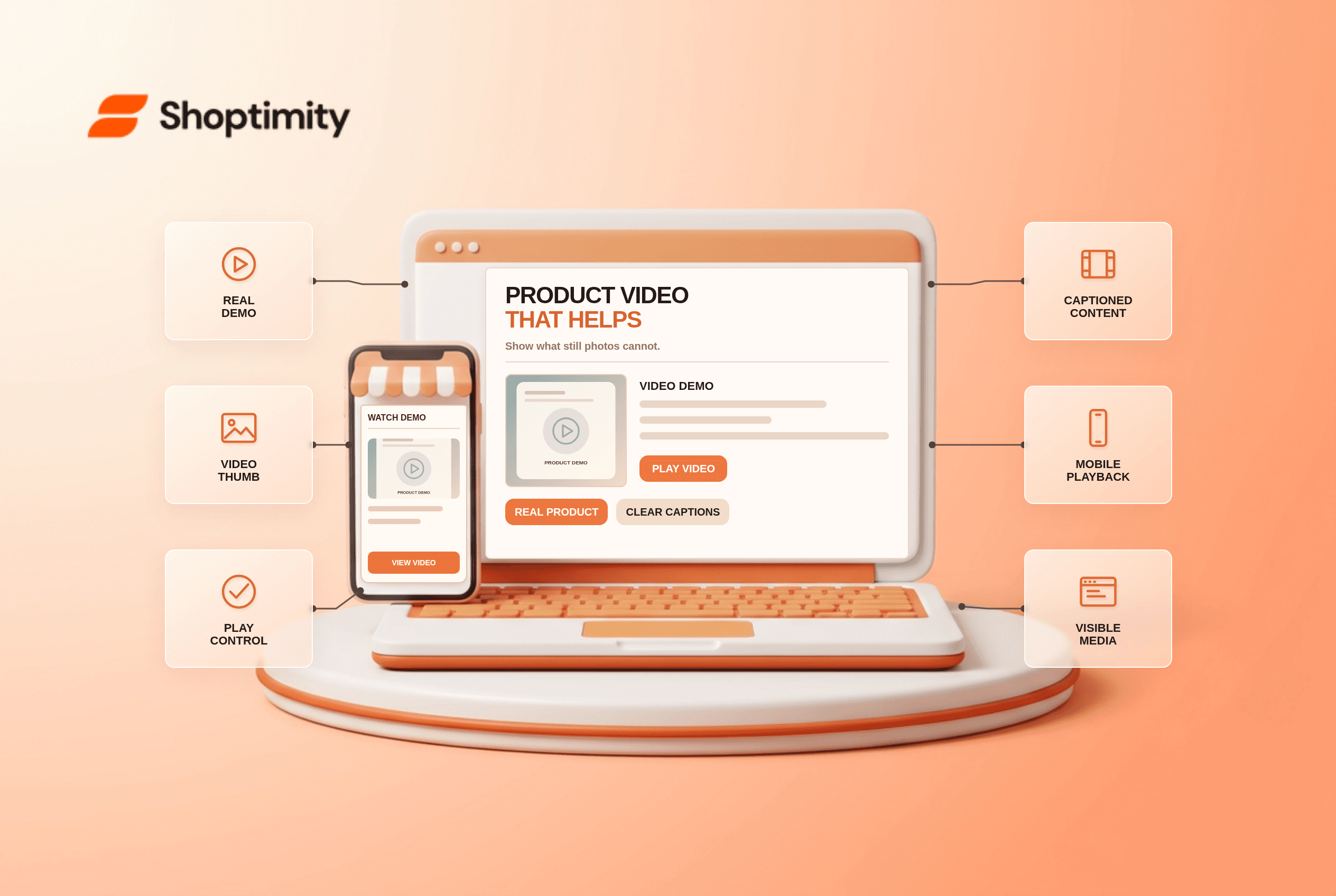
A product video earns its place when it demonstrates something still images cannot: how a chair folds, how fabric moves or what a device actually includes. Put the clip with the product gallery, identify it with a play control, and keep photos and written specifications available. Make it accessible and fast enough to use on a phone. Video markup helps discovery, but it does not guarantee a video result.
What belongs in a product video?
Show the decision-making detail, not a generic brand reel. A short demonstration of scale, assembly, texture or operation answers a buyer's question. Use the actual model and variant being sold; a colorway shown only in the video can confuse shoppers if the selected variant differs. Add a concise description so people know what the clip covers before they press play.
According to Baymard's product-video usability study, 41% of its test users watched product videos, while the rest did not. Baymard found that separating video from the image gallery made it harder to find. That is a finding about tested product pages, not a forecast that video will lift Shoptimity merchant sales by 41%.
How should the page present the clip?
Treat video as part of the product media set. Baymard's video and 360-view benchmark also reports that 59% of tested users consistently skipped product videos. Keep essential dimensions, fit and included-parts information in accessible text and photos. A video-only explanation excludes people who cannot or do not want to watch it.
- Choose one product question and record the real item in use, without an unverified performance claim.
- Add the clip beside the main product images with an obvious play icon and a meaningful thumbnail.
- Write a title and brief description of what the viewer will see. Include captions for spoken content and a text alternative for key visual information.
- Avoid autoplaying audio. Check play, pause, volume and focus controls with keyboard and touch.
- Test the selected variant, page speed and playback on a narrow phone screen and a slow connection.
- If the media lives in a carousel, check that users and crawlers can discover it without an obscure interaction.
- Review the clip when the item, packaging or included accessories change; remove footage that no longer matches the offer.
We checked published Baymard research and Google's ecommerce video guidance, not footage or analytics from your store. The limitation is that a well-placed video cannot fix a misleading product listing or a slow media file.
Does a product video need a separate SEO page?
Not always. Google's video SEO documentation says a dedicated watch page is relevant for video-specific features when the video is the main content. A product page primarily sells a product; embedding a demonstration does not automatically turn it into a video-first page. Google also recommends a stable thumbnail and appropriate metadata so it can find and understand eligible videos.
Use VideoObject only for a real, viewable video and keep details accurate. If your platform already outputs video markup, check before adding a second copy. A caveat: the video still needs to be accessible to the crawler and useful to the shopper; structured data alone cannot create eligibility or a promised result. Shoptimity themes can organize media, while our variant-image troubleshooting guide handles the separate task of keeping selected options and visuals aligned.
Ready to build a faster, higher-converting store?
Every Shoptimity theme ships with conversion widgets built in — so you get speed and features without stacking apps.
7-day free trial · all themes included · cancel anytime
Continue Reading

Shopify B2B Company Locations: Give Buyers the Right Access
Configure Shopify B2B company locations, verify buyer permissions and test pricing, addresses and pa...

Shopify Checkout Contact Settings: Separate Email From Shipping Phone
Configure Shopify checkout contact settings and test email, phone and shipping address requirements ...

Shopify POS Recent Carts: Share a Sale Without Reserving Stock
Learn how Shopify POS recent carts work across devices, what they do not reserve, and how to hand of...