
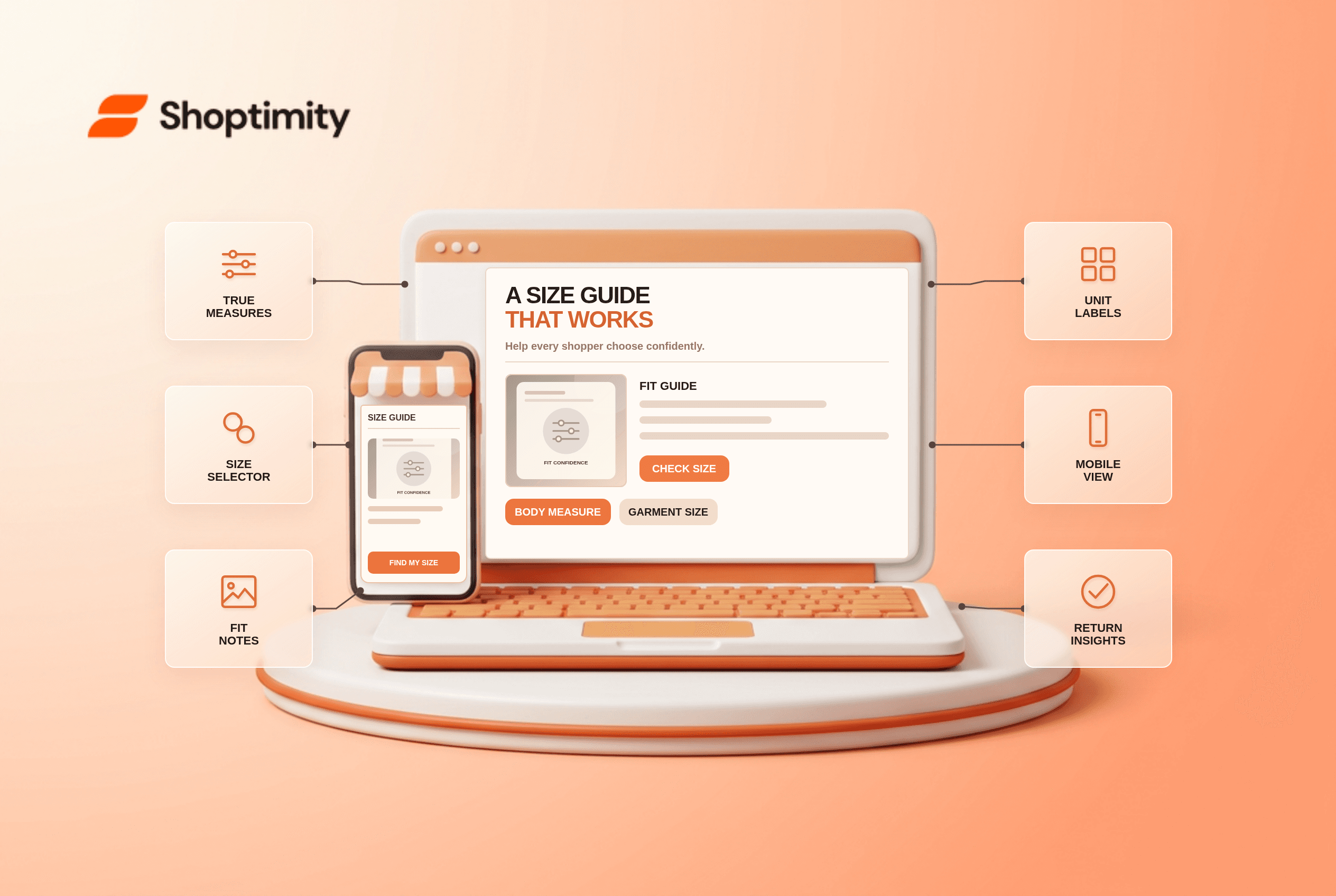
A size guide should answer the question a shopper has while deciding between two sizes. A generic S to XL table buried in the footer rarely does that. Build the guide from the product's real measurements, put it beside the selector and make it usable on a phone. The goal is a more confident decision, not a guarantee that every fit-related return disappears.
What belongs in a useful size guide?
Include measurements a customer can compare with their body or an item they already own. For a jacket, that might mean chest, shoulder, sleeve and garment length, along with whether measurements describe the garment or the person. For shoes, length and width matter more than a generic label. Specify centimeters or inches beside every number; an unlabeled “40” could mean a size, chest measurement or length.
Baymard's apparel research recommends conventional sizing information, international conversions and a visible guide link near the selector. A conversion is helpful, but it is not a substitute for the actual dimensions of a specific garment. “True to size” alone cannot resolve a customer whose usual size varies between brands.
How do you build one without guessing?
Start with one high-return product, not the entire catalog. Use actual product data and a short review cycle with the merchandising team:
- Measure the physical product or obtain a verified specification from the supplier. Record whether numbers are garment or body dimensions.
- List each sellable size and its important measurements in a table. Check that the labels exactly match the variant options on the product page.
- Add a plain-language measurement diagram or instructions. “Measure around the fullest part of the chest” is more useful than “chest: 96 cm” alone.
- Include fit notes that can be substantiated, such as relaxed cut or low-stretch fabric. Avoid universal claims about how every body will fit.
- If selling internationally, provide relevant conversions while keeping the underlying measurement units visible.
- Open the guide next to the size selector on mobile. Select a size, open and close the guide, then use the browser Back button to confirm the shopper stays on the product page.
Baymard's later apparel study found shoppers rely on the chart to determine size, and that charts missing key measurements create confusion. Review support questions and return reasons after publishing. If customers repeatedly ask for garment length, add it to the guide rather than writing another generic “runs small” note.
Where should the guide appear?
Place its trigger beside the size choice. A shopper should not have to abandon the product page to find a footer link. The guide can open in a modal, drawer or inline section if it is keyboard accessible and readable at mobile width. Check focus behavior and close controls. Keep the selected size visible when the guide closes so the shopper can continue purchasing.
The collection page can help as well. A useful size filter prevents customers from opening items unavailable in their size; the product-page guide then helps with fit. Baymard's size-filter analysis supports placing size near the top for apparel. These are different jobs: availability filtering and measurement guidance.
How does the storefront design help?
The theme presents the guide; the merchant owns its accuracy. A Shoptimity theme can display a guide near variants, but no template can verify supplier dimensions. Compare our variant-image guide when size or color choices point to the wrong media, and theme versus app when choosing a specialized fit tool. We reviewed published UX research, not your products; verify every size against samples before publishing.
Ready to build a faster, higher-converting store?
Every Shoptimity theme ships with conversion widgets built in — so you get speed and features without stacking apps.
7-day free trial · all themes included · cancel anytime
Continue Reading

Top Shopify Theme for Wholesale: A 2026 Buyer's Guide
You've just spent weeks sourcing inventory and building supplier relationships. But when you launch ...

Ecommerce Return Status Updates: Separate Request and Refund
Ecommerce return status updates should separate request, label, receipt, inspection and refund so sh...

Ecommerce Delivery Delay Updates: Show the New Reality
Ecommerce delivery delay updates should replace stale promises with a dated revised estimate, clear ...