
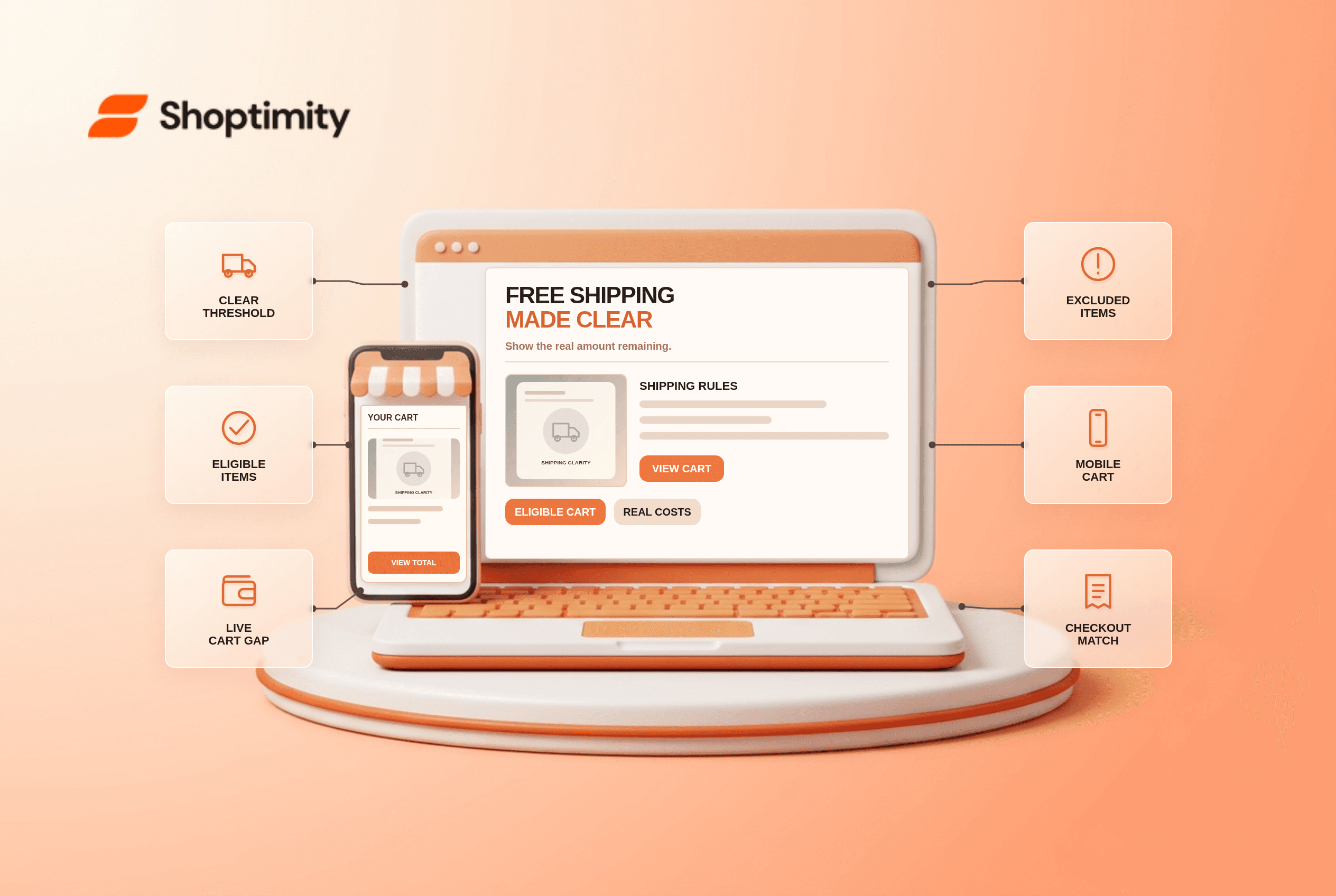
A free shipping threshold message should say who qualifies, the qualifying subtotal and the amount still needed for the current cart. Place the rule near the product buy controls and again in the cart, then confirm it at checkout. If the shipping method, destination or product type changes eligibility, update the message rather than promising free delivery that the order cannot receive.
What number should the message calculate?
Start with the actual eligible merchandise subtotal, not the headline total. Define whether discounts, tax, gift cards, subscriptions, oversized items and mixed carts count. If a store requires a qualifying subtotal of 75 units and an eligible cart has 62, “13 more to qualify” is correct only if the same items and destination remain eligible after checkout rules apply. This is an illustrative calculation, not a Shoptimity policy.
According to Baymard's free-shipping study, 32% of benchmarked sites promoted free shipping only in banners or headers; during its testing as many as 27% of users missed that messaging. Ambiguous qualifications also disappointed shoppers. Its recommendation is to place the offer near the product's buy section and state conditions plainly. Do not use a progress bar to conceal a delivery surcharge or geographic exclusion.
Shipping is a choice with an opportunity cost: a shopper cannot decide whether to add an item to meet a threshold unless they also know the regular shipping charge. Baymard's product-page shipping-cost research recommends showing an estimate near the offer. If a live quote requires an address, say the cost is estimated rather than inventing a precise number.
Where should the threshold appear?
Repeat the same rule at each decision point, with context-specific wording. On a product page, say “Free standard shipping over [threshold], eligible destinations only.” In the cart, show the remaining eligible amount or confirm qualification. At checkout, use the actual selected address and shipping method. A small site-wide banner can supplement these placements but should not be the only explanation.
- Write one source-of-truth rule for the minimum, currency, eligible items and destinations.
- Define the calculation order for discounts, tax and excluded items with the shipping team.
- Show the condition beside the product's purchase controls, including an estimate for normal shipping when possible.
- Recalculate the remaining amount when quantity, discount, variant, address or fulfillment method changes.
- Test a cart just below, exactly at and just above the threshold; verify currency rounding.
- Test excluded products, heavy-item surcharges, mixed carts and destinations outside the eligible area.
- Compare product, cart and checkout copy against the final charged amount on mobile and desktop.
Is a progress bar necessary?
No. Accurate text matters more than a graphic. A progress bar can visualize a verified calculation, but it needs a readable text equivalent such as “12 more for free standard shipping.” Never imply that 100% of a progress bar means all delivery options are free. State whether only standard delivery qualifies and whether there is a maximum weight or location restriction.
A useful exception audit is to try a discounted order with one excluded item and a remote destination. If the cart says “You have free shipping” but checkout adds a fee, the problem is the underlying eligibility logic, not the orange bar's color. Fix the condition before changing presentation or testing conversion.
We checked public Baymard guidance, not this store's shipping contracts. Platform checkout and shipping apps can control the final rate; a theme may not override them. Shoptimity themes can present a message, while the merchant owns eligibility rules. Compare our delivery-date guide for the separate question of when an order should arrive.
How should results be measured?
Audit contradiction and support contacts first. Review carts where qualification was shown but a shipping fee was charged, alongside contacts asking why delivery was not free. If you test static versus dynamic wording, keep the eligibility logic identical. Neither Baymard's research nor a progress bar guarantees more revenue for your store.
Ready to build a faster, higher-converting store?
Every Shoptimity theme ships with conversion widgets built in — so you get speed and features without stacking apps.
7-day free trial · all themes included · cancel anytime
Continue Reading

Shopify B2B Company Locations: Give Buyers the Right Access
Configure Shopify B2B company locations, verify buyer permissions and test pricing, addresses and pa...

Shopify Checkout Contact Settings: Separate Email From Shipping Phone
Configure Shopify checkout contact settings and test email, phone and shipping address requirements ...

Shopify POS Recent Carts: Share a Sale Without Reserving Stock
Learn how Shopify POS recent carts work across devices, what they do not reserve, and how to hand of...