
Generate Your Theme, Customize Every Section With Simple Prompts
High-ticket merchants know the math: every day your store sits unfinished costs you sales. A premium furniture brand waiting two weeks for a developer to build a homepage. A smart home equipment seller burning cash on expensive theme setup. A dropshipper losing conversion opportunities because their store template doesn't match their brand voice.
The bottleneck isn't the vision anymore, it's the execution. Until now, customizing a Shopify theme meant choosing between a generic template or paying thousands to a developer for custom code. In 2026, that equation has flipped. You can generate your theme, customize every section with simple prompts, and launch a fully branded storefront in hours, not weeks.
Key Takeaways:
- AI-powered theme generation builds complete storefronts from text descriptions, no coding, no developers
- Per-section customization tools let you control layout, copy, colors, and imagery without touching code
- High-ticket sellers cut setup time and costs while maintaining design quality and conversion optimization
- Ready-made presets for specific niches (jewelry, furniture, fitness, smart home) accelerate launch time
- Version history and undo/redo ensure you can experiment freely without risk
Why Theme Speed and Customization Matter for High-Ticket Sellers
High-ticket merchants operate differently than low-ticket dropshippers. You're not racing to test 50 products; you're building trust with fewer, higher-value customers. A premium furniture brand selling $2,000 sofas needs a gallery-quality storefront that signals luxury. A smart home installer selling $5,000 systems needs to communicate expertise and reliability.
The problem: traditional theme setup is slow. Generic templates feel generic. Custom builds take weeks and cost $3,000 to $10,000+. Every day of delay means lost organic search traffic, missed email capture opportunities, and competitors stealing your market position.
Speed matters because high-ticket dropshipping niches in 2026, fitness equipment, smart home systems, premium pet products, fine jewelry, have lower saturation than low-ticket categories. You're not fighting algorithm changes; you're racing to rank and capture early demand. A properly designed, conversion-optimized storefront live today beats a perfect one built in three weeks.
What Is AI-Powered Theme Generation?
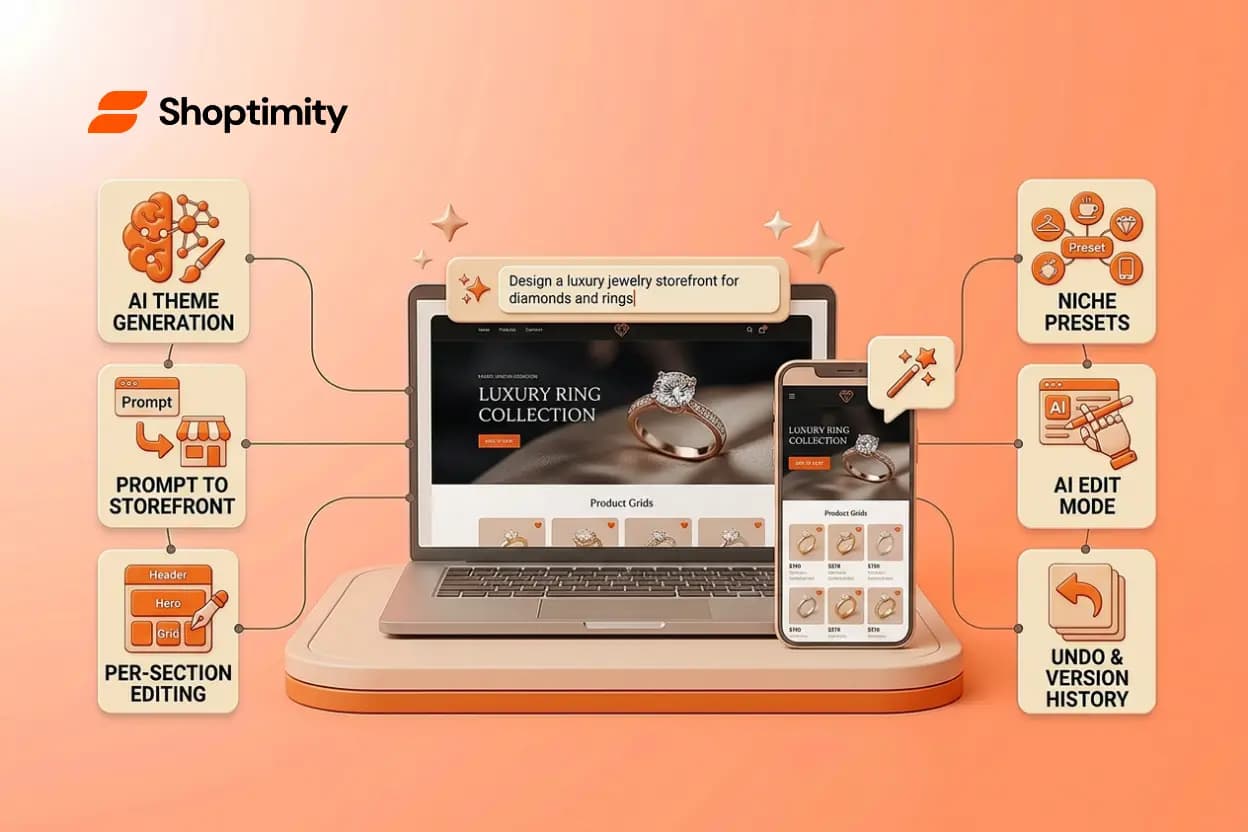
AI-powered theme generation is a tool that builds a complete Shopify storefront from a natural-language description. You describe the store you want in plain English, "a minimal, luxury jewelry brand with black accents and macro product photography", and the system generates layout, copy, imagery, and all visual elements end-to-end. No blank canvas. No page-builder busywork. A real, editable theme in minutes.
The output is native Shopify Online Store 2.0, meaning everything is built with sections, metafields, and visual editor support. You can immediately start refining it without rebuilding.
This is fundamentally different from template selection. A template is a starting point you customize. Theme generation is a complete build that reflects your brand voice, niche, and sales goals from the first deploy.
How to Generate Your Theme With Simple Prompts
Start by opening your theme editor and describing the store you want. Be specific about three things: product category, visual style, and tone.
Example for a smart home niche: "A modern smart home equipment store selling premium automation systems. Use a dark color palette, clean typography, large product images, and trust-building copy that emphasizes reliability and ease of installation."
Example for high-end fitness: "A premium home gym equipment brand targeting affluent buyers. Showcase barbells, squat racks, and power equipment with gym photography. Use bold, confident typography and lifestyle imagery that inspires serious athletes."
The AI then generates a full theme, sections for hero banner, product galleries, trust badges, testimonials, FAQ, and conversion tools, all tailored to your description. Everything is editable immediately.
You can also choose a reference layout, a preset built for your niche, and let the AI adapt it to your brand. This hybrid approach is faster if you know your category.
The system saves generation history for every store, so you can jump back to an earlier version, try a different direction, and compare results without losing progress. Version history and undo/redo are built in, so experimentation is risk-free.
Customizing Every Section Without Code
Once generated, you customize each section independently. Open the sections panel and see your entire page structure at a glance: every block, every element. Click any section to bring up full controls.
What you can do per-section without code:
Move or reorder sections to change page flow. Duplicate sections you like and reuse them elsewhere. Hide sections temporarily without deleting them. Insert new sections from a catalog, testimonials, countdown timers, quantity breaks, sticky carts, placed exactly where you want them. Edit text inline by double-clicking directly on the page. Switch to AI edit mode and describe a change conversationally: "Make this hero banner more premium" or "Add social proof to the product section", and let AI refine it for you.
For a high-ticket seller, this means you can A/B test layouts without help. Add a trust section to the product page, measure its impact, remove it if needed, or duplicate it on multiple pages. No waiting for a developer. No technical knowledge required.
The real power: you control every conversion element. Adjust product image layouts to highlight macro details for jewelry. Reorder sections to lead with installation guides for smart home gear. Add financing or quote request forms without installing third-party apps.
Real-World Examples: Themes Built for Your Niche
High-ticket merchants across multiple niches have benefited from ready-to-customize themes and generation tools.
A luxury jewelry brand launches with a dark, editorial preset, macro jewelry photography, generous white space, minimal copy. Using the theme editor, they duplicate the hero section three times, each with a different collection focus. They customize the product grid to emphasize large images and hide bulk options. Result: a gallery-quality store live in hours.
A smart home installer generates a theme from a prompt emphasizing "professional, technical, trust-focused." They customize the FAQ section to address installation timelines and warranty. They add a contact form for quote requests. They test hiding the cart icon and replacing it with "Schedule a Consultation" in the header. The theme structure allows all this without code.
A boutique fitness equipment seller uses a preset for high-energy activewear brands. They adapt colors to match brand guidelines, customize product tabs to highlight dimensions and weight capacity, and add a testimonials section with before-and-after imagery. The theme's built-in quick-view feature reduces friction for browsers who want to compare models without leaving the page.
Each of these merchants went from idea to live store in under a week. Customizing your Shopify theme without code has never been faster or more accessible.
Launch Your Store Without the Dev Costs
You now understand how AI can generate a professional theme in minutes. Start your free 7-day trial and build your first customized storefront today—no credit card required until day 8.
7-day free trial · all themes included · cancel anytime
Continue Reading
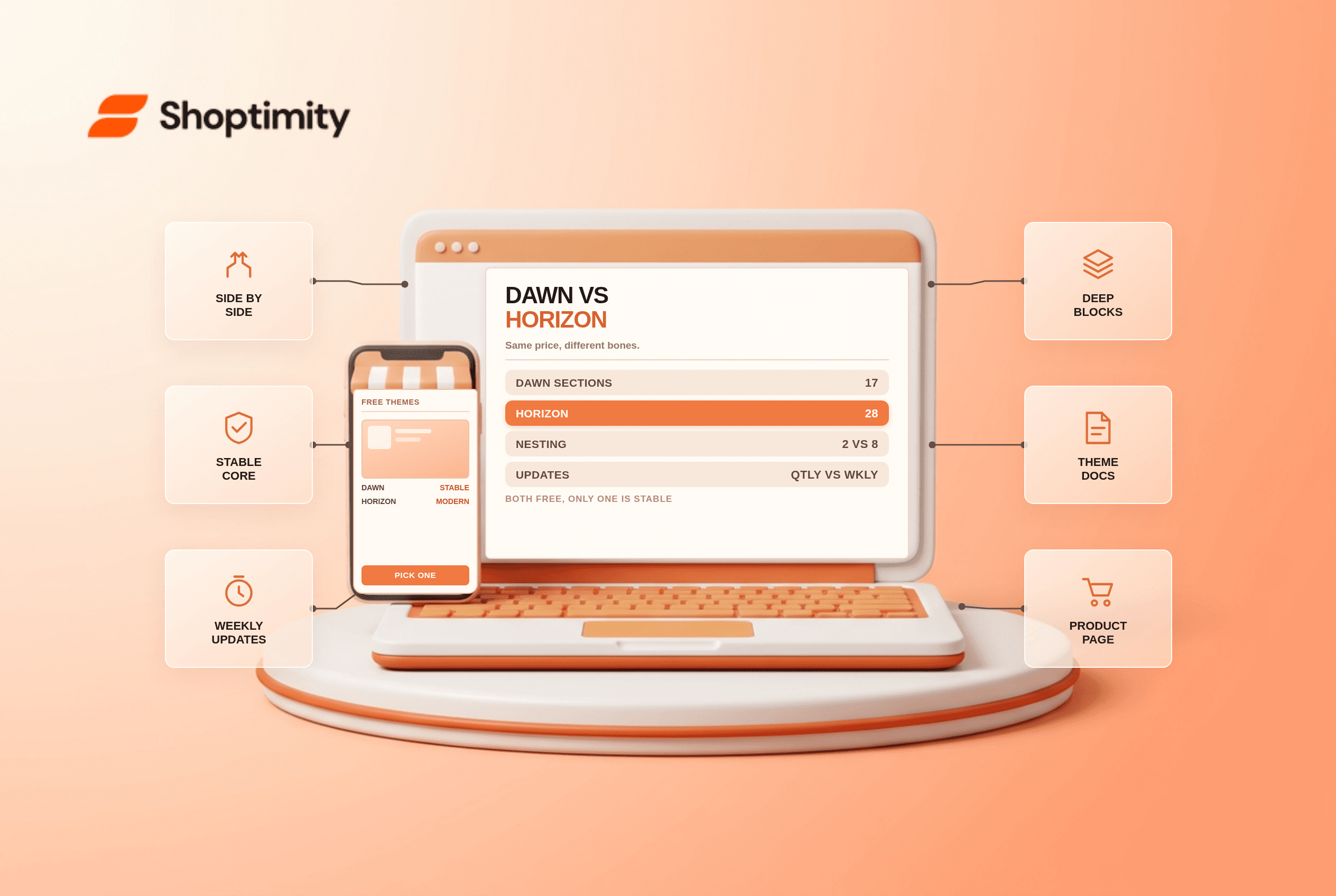
Shopify Dawn vs Horizon: Which Free Theme to Start With in 2026
Both free, very different builds. Horizon gives 28 sections and deep nesting, Dawn gives stability. ...
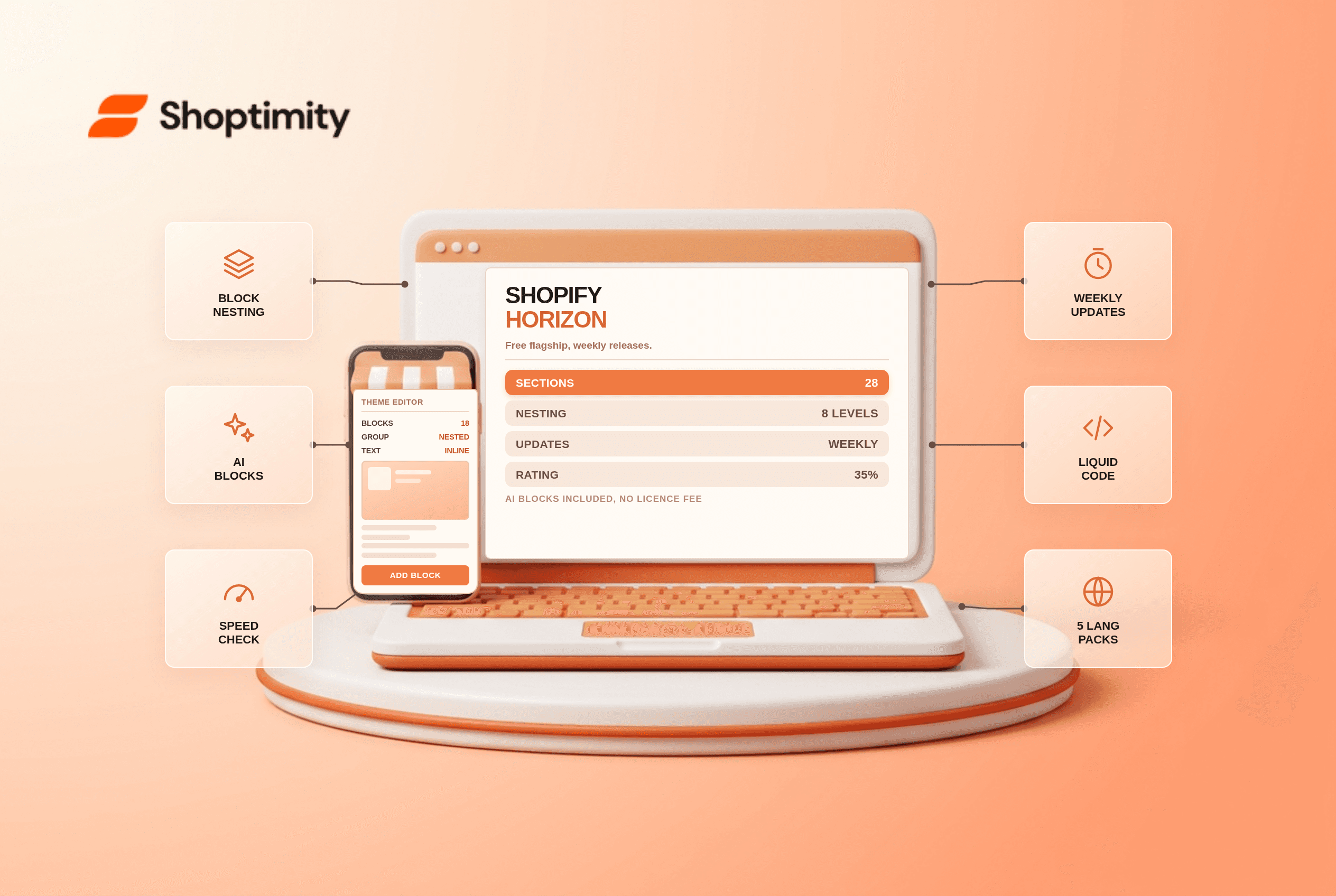
Shopify Horizon Theme Review 2026: The Best Free Theme, With a Catch
Horizon is free, block-based and AI-assisted, with a 35% merchant rating. What it does better than D...
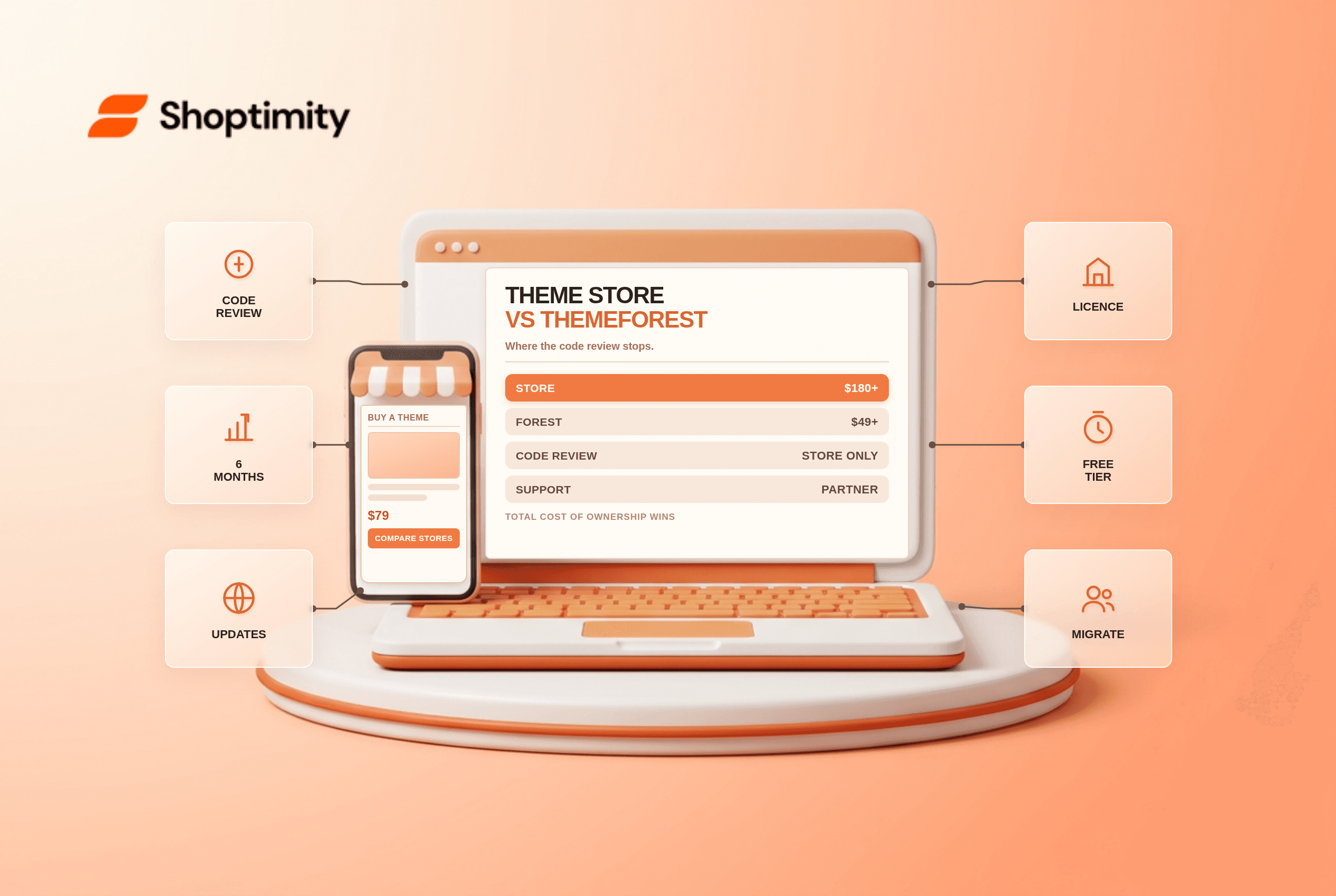
Shopify Theme Store vs ThemeForest: Where to Buy in 2026
Code review, support terms and update paths compared, plus the total cost of ownership that neither ...