
How to Fix Core Web Vitals on Shopify for Faster Speeds
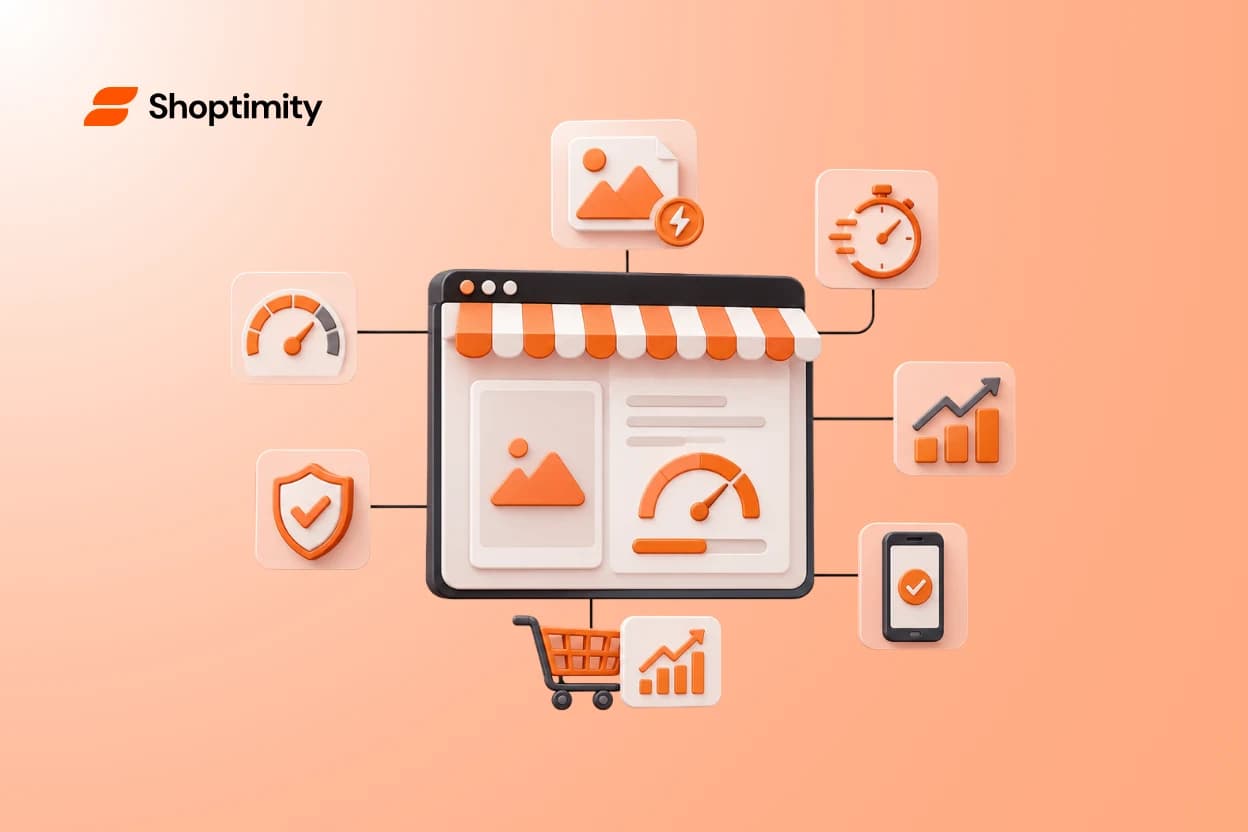
You spend months perfecting product photos, collection layouts, and checkout flows. Yet, many ecommerce merchants still lose customers in the first three seconds of a page load. The culprit is often invisible until you run a proper audit. If your Google rankings are slipping or your bounce rate is stubbornly high, failing your Shopify core web vitals is likely the root cause.
Shoppers simply will not wait around for a slow storefront to render. Google knows this, which is why they use these specific performance signals as direct ranking factors.
Key takeaways:
- Core Web Vitals focus on three specific metrics measuring loading speed (LCP), interactivity (INP), and visual stability (CLS).
- Compressing hero images and disabling lazy loading above the fold are the fastest ways to keep LCP under 2.5 seconds.
- Third-party apps ruin your site's responsiveness. Replacing them with native theme features drastically improves your INP score.
- Fixing these metrics usually takes one to three weeks and can provide a significant lift to your conversion rates.
What Are Shopify Core Web Vitals (And Why Should You Care)?
Google evaluates every online storefront against three specific performance metrics. Together, these form the Core Web Vitals. They measure how fast your main content loads, how quickly your site responds to button clicks, and how stable your layout stays while loading.
When I audit struggling stores, owners usually point to their overall PageSpeed score. But Google does not rank you on that aggregate number. They look directly at Largest Contentful Paint (LCP), Interaction to Next Paint (INP), and Cumulative Layout Shift (CLS).
According to recent data, 75.22 percent of Shopify websites pass Core Web Vitals, meaning if your store fails, you are already handing a competitive advantage to your rivals.
Shoppers are notoriously impatient. A delay of just one second can drop your conversion rate drastically. If a customer clicks an "Add to Cart" button and the site freezes for a moment, they lose trust and leave. You need a fast, stable experience to turn that hard-earned traffic into actual revenue.
Audit Your Store to Spot Performance Blockers
Before you change any code or delete any plugins, you need a baseline. Running a proper audit reveals exactly what slows down your store. You can check your scores for free using Google PageSpeed Insights. Look past the big number at the top. You want the raw data for LCP, CLS, and INP.
A thorough Shopify Core Web Vitals audit guide will tell you exactly what to measure and where your current benchmarks sit. Most Shopify stores fail because of unoptimized hero images, render-blocking apps, and bloated legacy code.
You must run these tests on both mobile and desktop views. Mobile commerce dominates traffic today, yet many merchants only check their site on a high-speed desktop connection.
Identifying your specific bottlenecks before installing quick-fix plugins prevents you from accidentally creating worse performance issues.
Look for large JavaScript files loading early in the process. If an app you no longer use is still loading scripts on your homepage, you have found an easy win. Removing unused code is the most direct path to a faster store.
Optimize Your Visual Content for Faster LCP and CLS Scores
Largest Contentful Paint measures how fast your main visible content appears on the screen. For ecommerce brands, this is almost always your hero banner or your main product image. To improve Shopify site speed, getting your LCP in the green is your absolute first priority.
The ideal benchmark for Shopify LCP is 1.8 to 2.0 seconds, and you must keep it below 2.5 seconds to avoid search ranking penalties.
To hit that target, compress all large images before uploading them to your store. Next, you need to remove lazy loading on any images that appear "above the fold" (visible without scrolling). Lazy loading is fantastic for products at the bottom of the page, but it delays your main image from showing up immediately.
You also need to watch your Cumulative Layout Shift (CLS). CLS tracks visual stability. Have you ever gone to click a link on a loading page, only for the layout to jump and cause you to click an ad instead? That is a poor CLS score. To fix this on Shopify, define the explicit height and width dimensions for all your images and ad banners so the browser reserves the right amount of space before the image even loads.
Cut App Clutter to Boost Responsiveness and INP
Interaction to Next Paint (INP) replaced older metrics in 2024 to better track how quickly a site reacts when a user interacts with it. Heavy JavaScript from third-party applications is the number one killer of INP on the Shopify platform.
Many merchants try a quick fix for shopify speed optimization 2026 by installing yet another app designed to compress code. Their overall speed score might jump slightly, but their search rankings stay flat. Why? Because the heavy scripts from pop-ups, countdown timers, and review widgets still block the main browser thread. The store might look loaded, but buttons remain unresponsive.
Replacing multiple third-party apps with a high-performance theme that includes native conversion tools will drastically lower your INP score.
Instead of stacking a dozen expensive plugins, look for a solution built natively on Online Store 2.0 architecture. Themes from the Shoptimity club include over 30 built-in conversion tools like quantity breaks, trust badges, and sticky carts right out of the box. By relying on native features, you can achieve a lightning-fast 98.9 Speed Score without the code bloat.
The hidden cost of Shopify apps is not just the monthly fee you pay. It is the severe performance penalty they charge your store every single time a page tries to load. To truly master your core web vitals, you have to prioritize a lean, modern infrastructure.
Ready to build a faster, higher-converting store?
Every Shoptimity theme ships with conversion widgets built in — so you get speed and features without stacking apps.
7-day free trial · all themes included · cancel anytime
Continue Reading
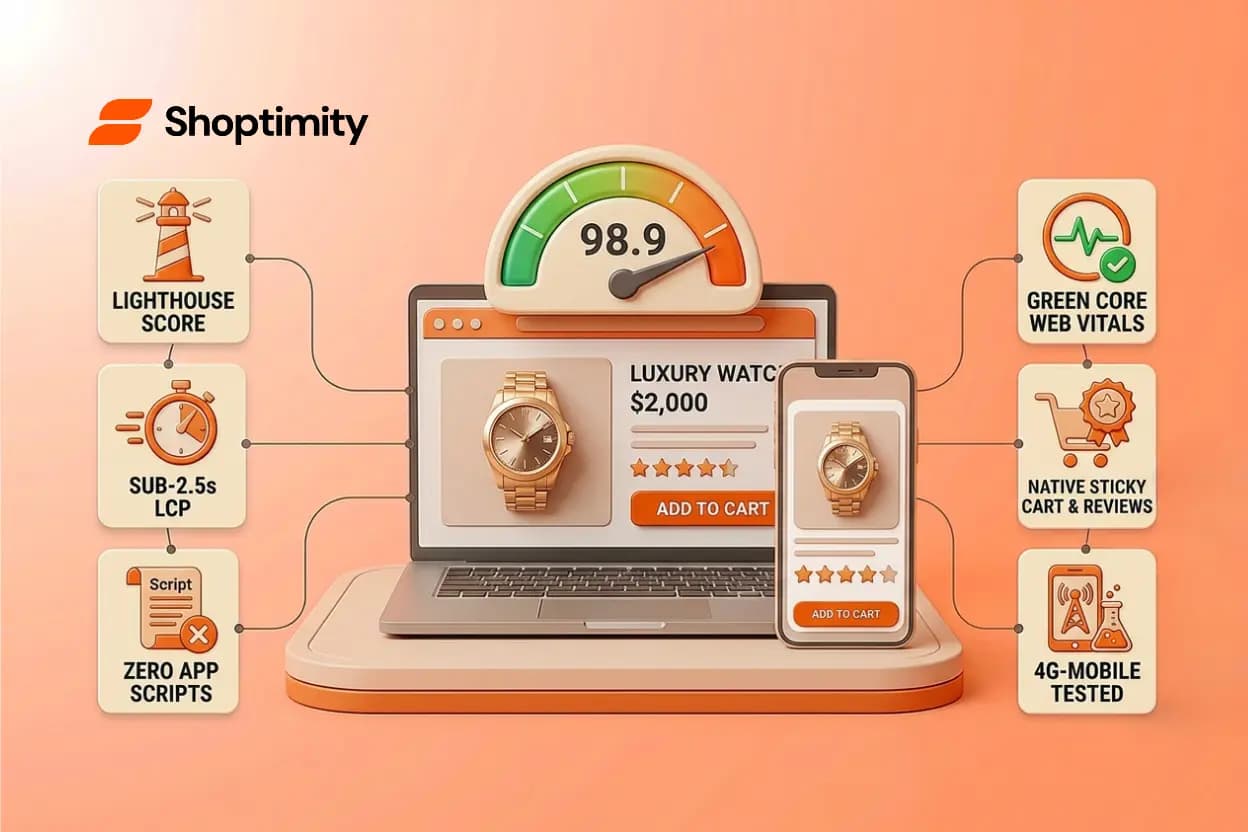
98.9 Speed Score: Why High-Ticket Dropshippers Need Lightning-Fast Shopify Themes
Every second your store takes to load costs you money. For high-ticket dropshippers selling products...
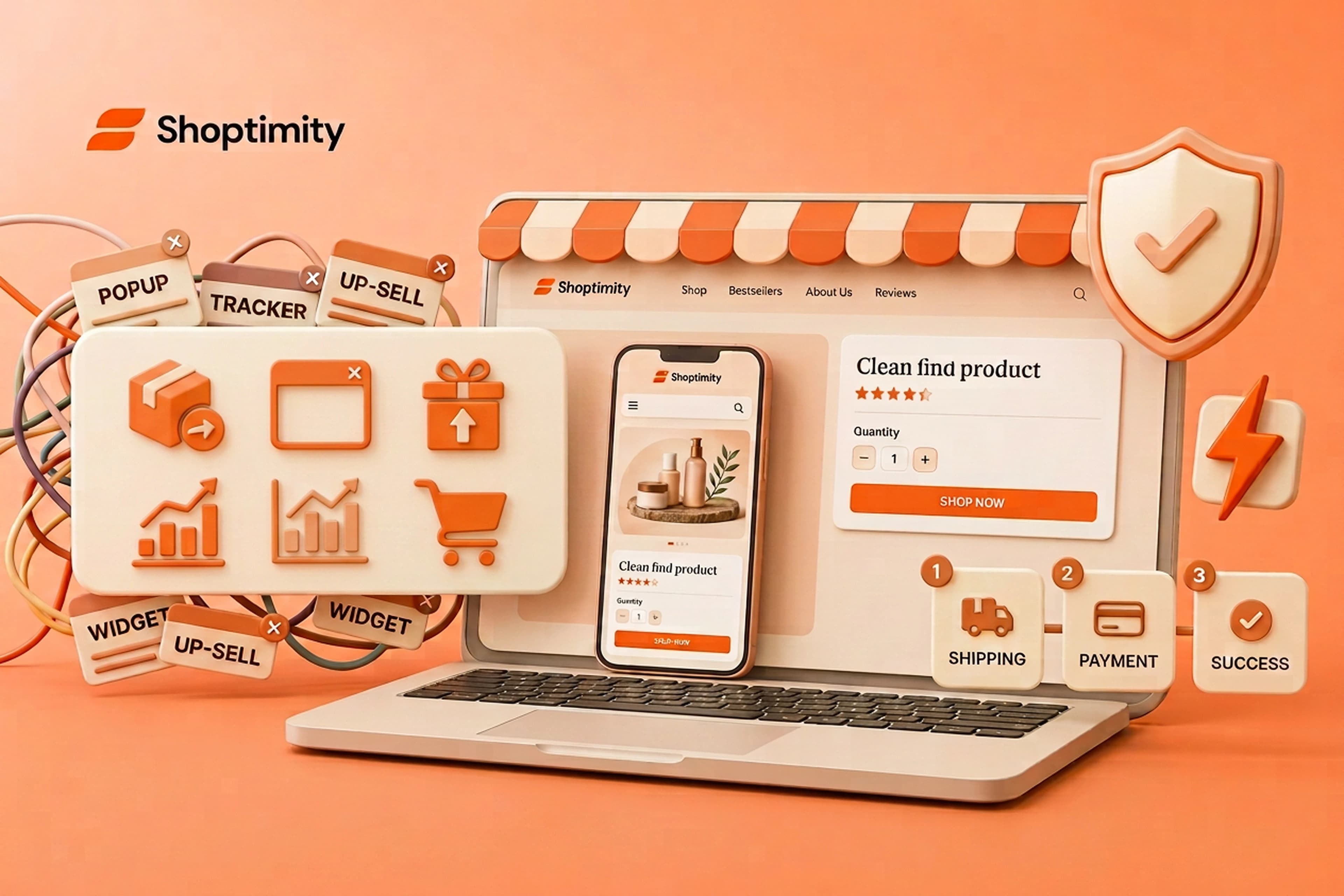
Why Most Shopify Widgets Will Break Your Store In 2026
August 26, 2026 is approaching fast. Many non-Plus stores still rely on custom tracking code or lega...

AI Shopify Theme Builder: How to Build a Store in Minutes
Seventy percent of retail executives plan to implement AI tools this year. Today, that shift is no l...