
How to Speed Up a Shopify Store: The 2026 Checklist
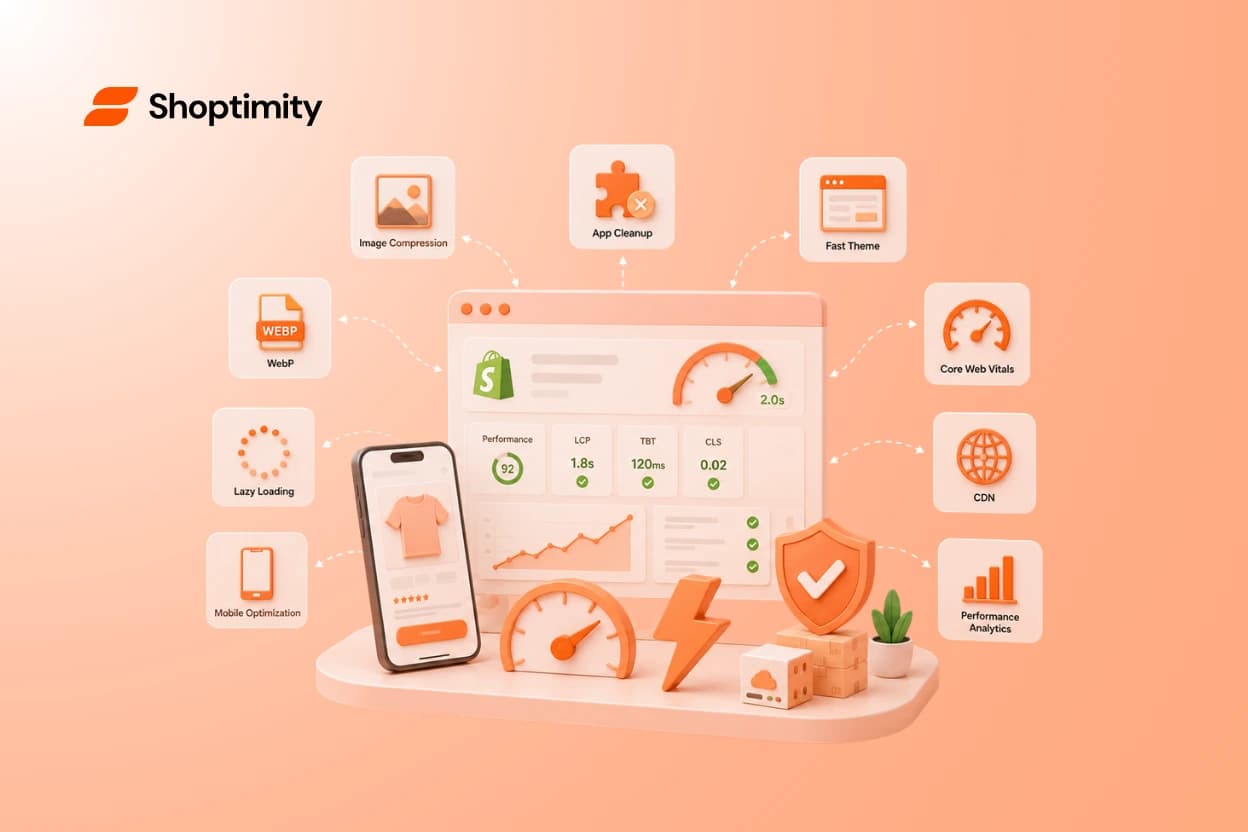
Quick answer: most slow Shopify stores share the same four problems, in this order: oversized images, too many app scripts, a heavyweight theme, and bloated homepage sections. Work the checklist below top-to-bottom — the first five items routinely take a store from "feels slow" to sub-2-second first content without touching code.
First, measure (2 minutes)
Run your homepage and one product page through PageSpeed Insights, mobile tab. Note three numbers: the Performance score, LCP (when your main content appears — target under 2.5s), and TBT (script blocking — the app-stack tell). Re-run after each fix so you know what actually moved.
The checklist, by impact
1. Compress and resize images
The #1 offender in most audits. Export hero and product images as WebP, sized to their actual display dimensions — a 4000px photo displayed at 800px wastes megabytes. Batch-convert existing images before anything else on this list.
2. Audit your apps — then actually uninstall
Every app can inject JavaScript on every page, whether it's used there or not. List your apps; for each, ask "does this earn its load time?" Common cuts: duplicate review apps, popup builders you stopped using, tracking pixels for channels you left. Important: uninstalling often leaves leftover script tags in the theme — check theme.liquid after removal.
3. Replace conversion apps with native theme features
The structural version of #2: timers, badges, sticky add-to-cart, upsells bought as separate apps = 5 separate script bundles. A theme with those widgets built in removes the scripts and their monthly fees (the cost math).
4. Trim the homepage
Every section is queries + images + scripts. Ten-section homepages routinely load twice as slow as five-section ones that convert better. Keep: hero, social proof, featured collection, best-sellers, one trust section. Cut: multiple video embeds, Instagram feeds (notorious), redundant banner carousels.
5. Lazy-load below the fold — but never the hero
Modern themes lazy-load by default; verify the hero/LCP image is excluded (loading="eager") — lazy-loading your largest visible image is a classic self-inflicted LCP penalty.
6. Limit font families and weights
Each custom font weight is a download that blocks text render. Two families, two weights each, maximum.
7. Check third-party pixel load
Analytics, ads, heatmaps, chat — each adds script time. Load chat widgets on interaction, not page load; drop heatmap tools after the study week ends.
8. Kill carousel autoplay video backgrounds on mobile
Beautiful on the designer's desktop, brutal on a phone on 4G. Static image with a play button on mobile.
9. Reduce app-block clutter in product pages
OS 2.0 app blocks are better than script injection but still cost render time — same audit as #2, per template.
10. Mind the theme itself
If you've done all of the above and mobile scores stay low, the theme's own weight is the floor you can't optimize past. That's a switching decision, not a tweaking decision — see how conversion-focused themes compare and which are built for speed-sensitive dropshipping traffic.
What NOT to waste time on
Micro-minification of already-minified assets, "speed booster" apps (an app to remove apps — think about it), and chasing a perfect 100 score. Past ~85 mobile, spend the effort on conversion instead (the playbook).
Why this matters beyond vanity scores
Speed is a conversion input (every extra second of load measurably increases bounce — fatal on paid traffic) and a ranking input (Core Web Vitals). A store that loads in 2 seconds with 5 fewer apps converts better, spends less, and ranks better — the rare fix that pays three times.
Ready to build a faster, higher-converting store?
Every Shoptimity theme ships with conversion widgets built in — so you get speed and features without stacking apps.
7-day free trial · all themes included · cancel anytime
Continue Reading
98.9 Speed Score: Why High-Ticket Dropshippers Need Lightning-Fast Shopify Themes
Every second your store takes to load costs you money. For high-ticket dropshippers selling products...

How to Fix Core Web Vitals on Shopify for Faster Speeds
You spend months perfecting product photos, collection layouts, and checkout flows. Yet, many ecomme...
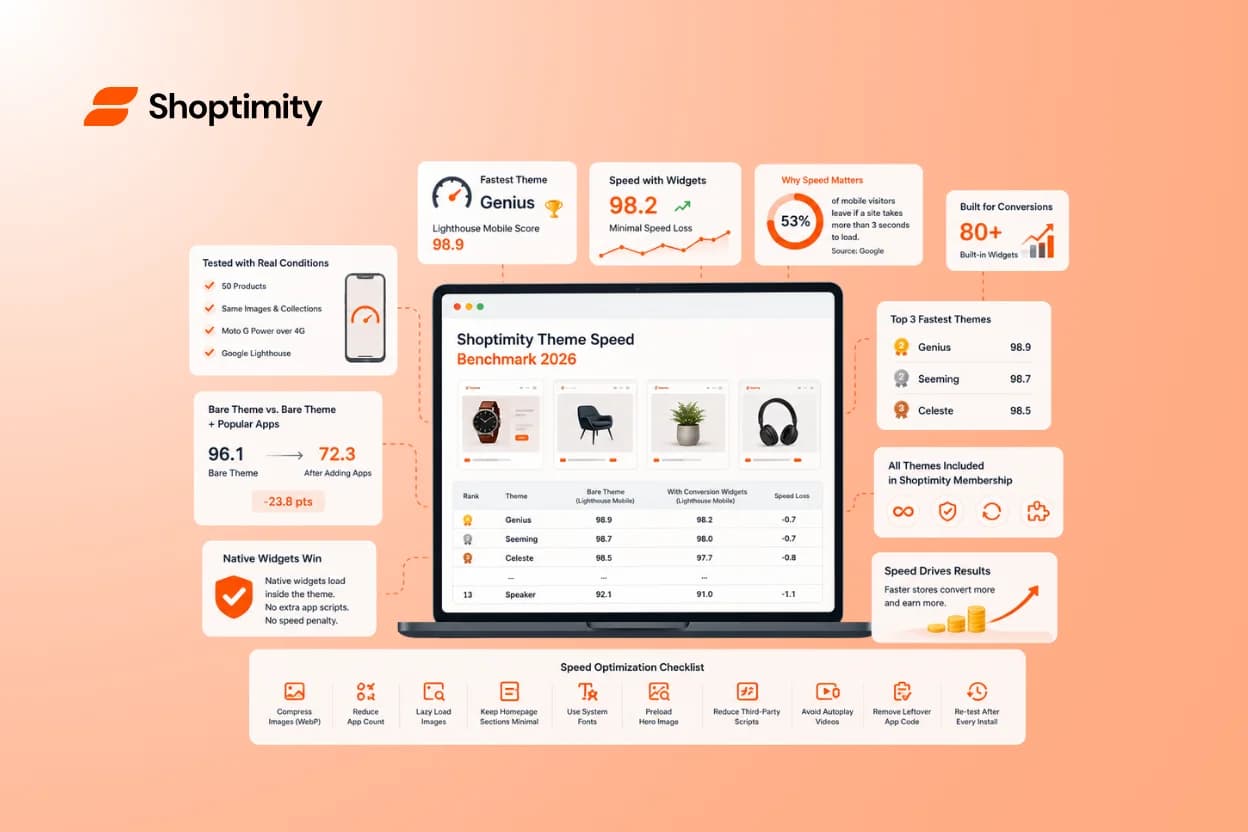
The Fastest Shopify Themes in 2026: We Benchmarked 12 So You Don't Have To
Quick answer: the fastest Shopify theme in our 2026 test was Genius, scoring 98.9/100 on Lighthouse ...