
Launch a Conversion-Optimized Shopify Theme Without Coding in 2026
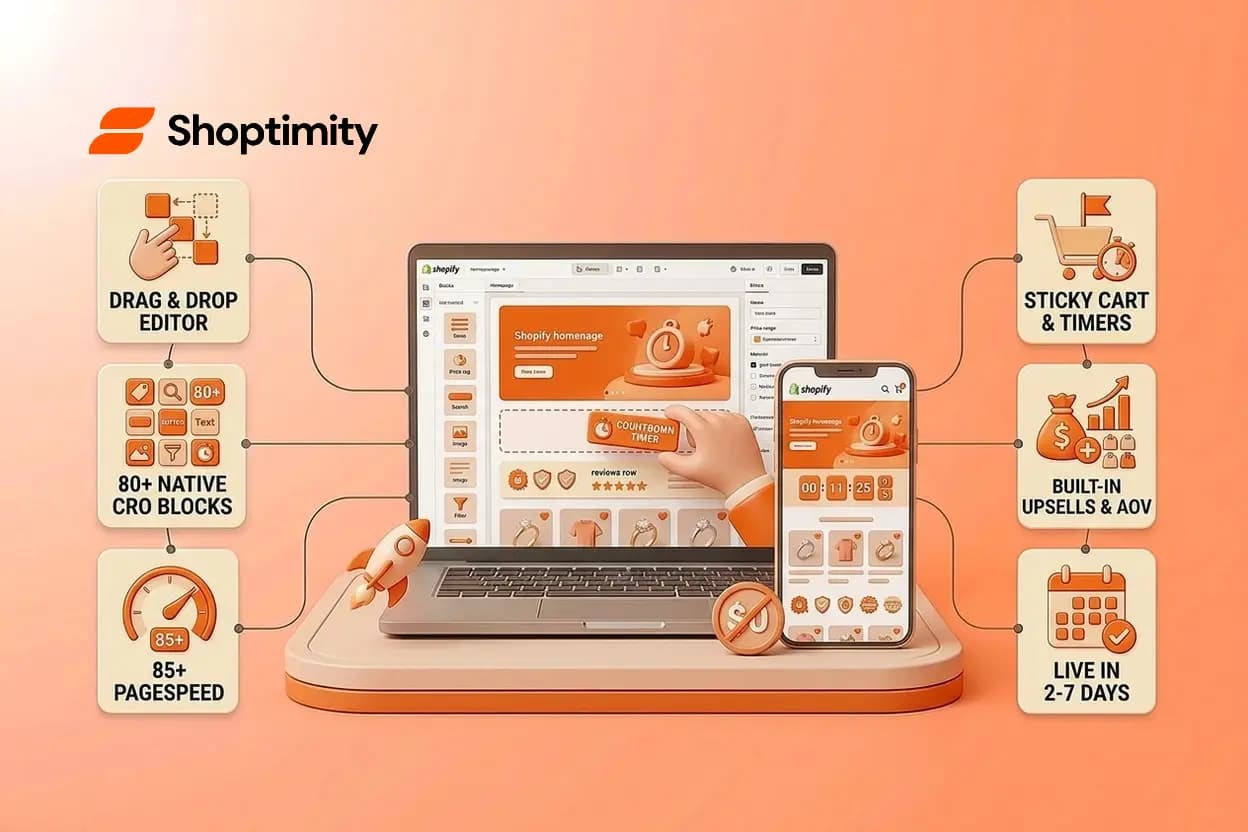
Most dropshippers and brand builders waste thousands of dollars on developer fees and monthly app subscriptions to get basic conversion features working on their Shopify store. The irony: a modern conversion-optimized theme handles most of this out of the box. If you're still hiring developers to customize your store or stacking third-party apps to add urgency timers and upsells, you're playing with yesterday's playbook. In 2026, you can launch a fully optimized store without touching a line of code, and the gap between stores that do and stores that don't is now measurable in revenue.
Key takeaways:
- Modern Shopify themes let you drag-and-drop customizations and add conversion features natively, eliminating developer costs
- Built-in CRO tools (sticky carts, countdown timers, AOV boosters) cut your monthly app spending by hundreds of dollars
- Speed and mobile-first design are now table stakes; themes delivering 85+ PageSpeed scores convert 2-3x better than slow alternatives
- Launching without coding doesn't mean sacrificing features, it means choosing the right foundation from the start
What Does It Mean to Launch a Conversion-Optimized Shopify Theme?
A conversion-optimized Shopify theme is built to turn more of your traffic into revenue, not just to look good. It combines three non-negotiable elements: fast load times (85+ PageSpeed score), mobile-first design (since over 70% of shoppers browse on phones), and native conversion tools baked directly into the code.
The key shift in 2026 is that these features are no longer add-ons. Top themes now include 30-80+ conversion blocks out of the box: sticky add-to-cart bars, quantity discounts, urgency timers, trust badges, AOV boosters, and one-click upsells. You don't rent these from app developers, they're part of your theme's DNA.
When you launch a conversion-optimized Shopify theme without coding, you're using Shopify's Online Store 2.0 architecture. This powers drag-and-drop customization on every page. You pick a section, adjust colors and text in the visual editor, and your changes go live instantly. No SSH access, no GitHub, no waiting for a developer to deploy.
Why Your Current Setup Is Costing You Money
If you're running a Shopify store with a basic free theme plus 8-12 conversion apps, here's what you're actually paying for:
App subscriptions add up fast. A sticky cart ($9-15/mo), email popup ($15-30/mo), discount engine ($20/mo), upsell tool ($25-50/mo), and analytics apps ($10-30/mo) easily run $100-200 a month. That's $1,200-2,400 a year just to patch holes your theme should fill.
More apps mean slower sites. Every third-party script adds code bloat. A store with 10-12 apps can load 30-50% slower than a clean, all-in-one theme. According to recent research, even free themes like Dawn now score 88/100 on conversion readiness, but they lack the native CRO tools that paid, conversion-focused themes include. When you add apps to compensate, you hurt your speed score.
Developer customization becomes your bottleneck. Want to change a banner? Update product copy? Without code access, you're waiting (and paying) for developer sprints that should take minutes.
The brutal truth: most free-theme dropshipping stores convert at 1.2%, while stores built on conversion-optimized themes average 2.5-5%+ conversion rates. That gap is your margin, sitting on the table while you squeeze marketing spend.
The No-Code Path: How to Customize Without Developers
Launching a conversion-optimized Shopify theme without coding starts with understanding Shopify's native theme editor. You don't need HTML or Liquid, you just need to know where to click.
Step 1: Choose a theme built on Online Store 2.0. This architecture is non-negotiable. It gives you sections on every page and drag-and-drop editing. Themes like Impulse (for visual merchandising), Prestige (for luxury branding), and others all support this natively. Install your theme from the Shopify Theme Store in minutes.
Step 2: Open the theme editor. Go to Online Store > Themes, click Customize on your active theme, and you're in the visual editor. Your site preview appears on the right, editing controls on the left.
Step 3: Add sections without touching code. Click "Add section" and choose from pre-built blocks: hero sliders, product galleries, testimonials, urgency banners, cross-sell carousels, email signup forms. Drag them into place and reorder by clicking and holding. No copy-paste, no syntax errors.
Step 4: Customize everything visually. Click any section to adjust text, swap colors, change fonts, upload images. Every setting is a simple toggle or dropdown. Font sizes, padding, animation speeds are all editable from the control panel. Real-time preview means you see changes instantly.
Step 5: Save and go live. Click Save and your store updates instantly. No deployment, no waiting, no developer ticket.
This is not a limitation. This is your competitive advantage. Stores that iterate quickly, testing new headlines, discount displays, and social proof blocks, win because they can measure and adjust in real time.
Built-In Conversion Tools vs. the App Stack Trap
Here's where the economics flip decisively in favor of modern, no-code themes.
A conversion-optimized theme includes 30-80+ native conversion blocks. Sticky add-to-cart buttons keep your CTA visible as customers scroll. Quantity breaks display discount labels for bulk orders. Countdown timers show real-time inventory or flash-sale urgency. Trust badges display security seals and return guarantees above the fold. AOV boosters suggest upsells and free-shipping progress bars. Post-purchase cross-sells complete the transaction.
When these tools live inside your theme, they load as fast as your HTML. They don't require external API calls or third-party scripts. Your store stays clean, your PageSpeed score stays high, and checkout stays frictionless.
Compare that to the app stack: each subscription app adds latency, tracking code, and monthly bills. You're outsourcing core business logic to vendors charging recurring fees. Many merchants don't realize they're paying for features that ship natively in modern themes.
Research from across the industry shows that stores using all-in-one conversion themes report 44% average conversion-rate lifts and 70% revenue increases post-launch. That's not because the theme is magic, it's because you're optimizing with tools that ship together, load fast, and let you test variations without friction.
Speed and Mobile-First Design: Non-Negotiable in 2026
In 2026, mobile commerce is not a category, it's the baseline. Over 70% of retail traffic comes from phones, and 80%+ of revenue follows that traffic. A theme optimized for mobile isn't nice to have; it's your foundation.
Fast matters. A PageSpeed score of 85+ on mobile is now the standard for high-converting themes. Themes like Booster report load times around 1.1 seconds on desktop and maintain 98.9 speed scores. Slower themes bleed cart abandonment silently: every 100ms of extra load time costs you conversions you never see.
Mobile-first design means your navigation is thumb-friendly. Product images load instantly. Your sticky add-to-cart button is reachable without scrolling. Checkout works on small screens. These aren't nice features, they're the difference between a store that works and one that leaves money on the table.
When you choose a conversion-optimized theme, you get all of this built in. The theme was designed and tested on mobile from the ground up, not retrofitted. Your PageSpeed audits pass without plugins. Your conversion funnels work because they were designed for how people actually shop.
Build Your Store in Minutes, Not Weeks
You now understand why coding and app stacks drain your time and margins. Start your free trial and launch a high-converting store without developers or setup fees.
7-day free trial · all themes included · cancel anytime
Continue Reading
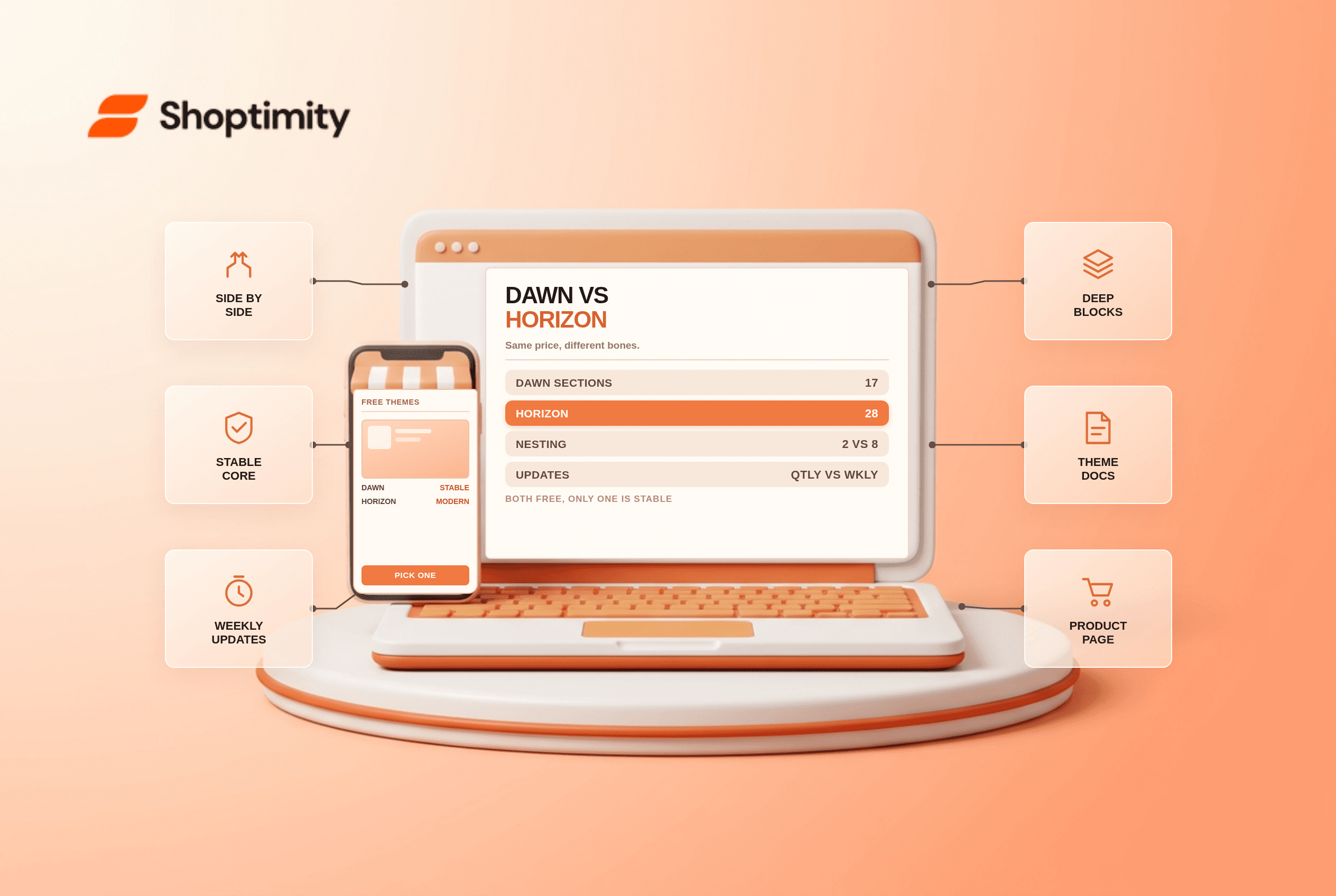
Shopify Dawn vs Horizon: Which Free Theme to Start With in 2026
Both free, very different builds. Horizon gives 28 sections and deep nesting, Dawn gives stability. ...
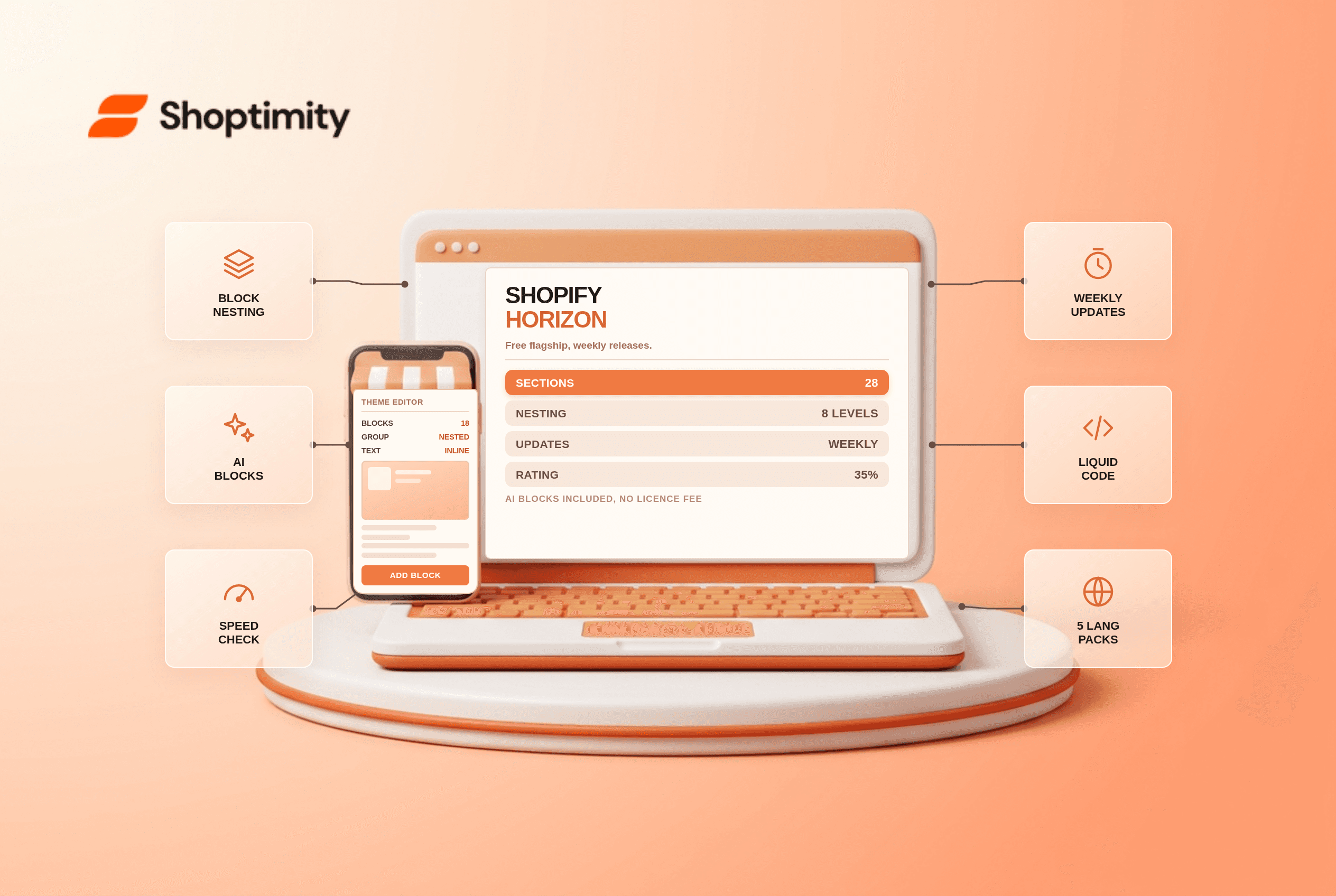
Shopify Horizon Theme Review 2026: The Best Free Theme, With a Catch
Horizon is free, block-based and AI-assisted, with a 35% merchant rating. What it does better than D...
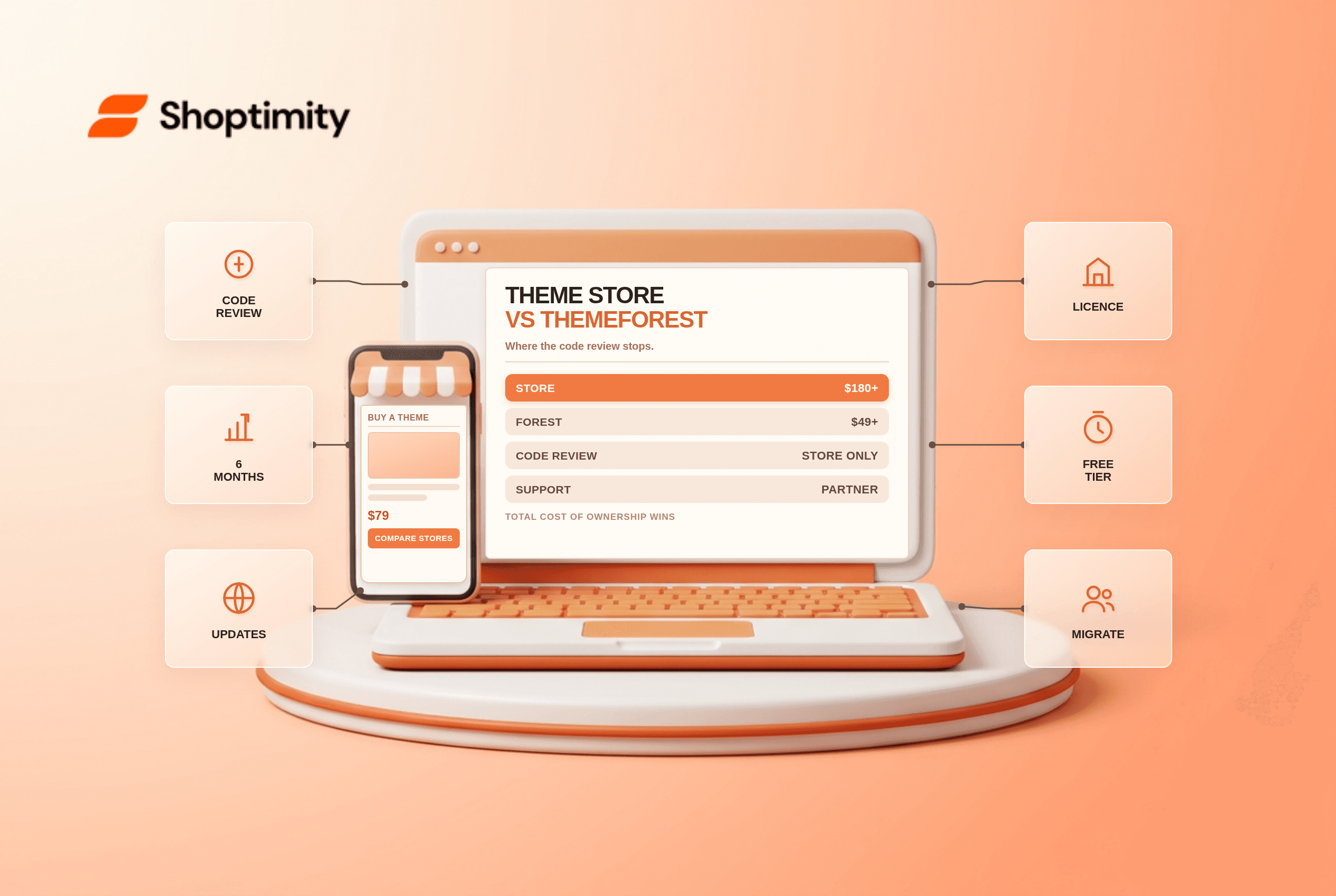
Shopify Theme Store vs ThemeForest: Where to Buy in 2026
Code review, support terms and update paths compared, plus the total cost of ownership that neither ...