
Legacy vs New Shopify Customer Accounts: Migration Checklist
title: Legacy vs New Shopify Customer Accounts: Migration Checklist slug: legacy-vs-new-shopify-customer-accounts meta_title: Legacy vs New Shopify Customer Accounts: Migration Checklist meta_description: Compare legacy vs new Shopify customer accounts and plan a careful migration of login, apps and customizations for informed merchant decisions. primary_keyword: legacy vs new Shopify customer accounts secondary_keywords:
- Shopify guide
- ecommerce operations author: The Shoptimity Team date: 2026-11-03 category: Operations schema: BlogPosting, FAQPage
Legacy vs New Shopify Customer Accounts: Migration Checklist
Legacy vs new Shopify customer accounts is a choice between theme-based legacy customization and Shopify's newer account experience. New accounts support passwordless sign-in and app-based extensions, but legacy Liquid customizations do not automatically move. Audit the login, support, loyalty and subscription journeys before switching.
Shopify says legacy accounts are deprecated and recommends upgrading; its upgrade guide documents a 30-day revert window. Check current eligibility and timelines for your store before scheduling a change.
What changes for shoppers
| Feature | Legacy accounts | New customer accounts |
|---|---|---|
| Default sign-in | Email and password | Email and one-time code |
| Additional sign-in | Options vary | Shop and optional Google or Facebook where configured |
| Customization | Theme Liquid | Apps and account UI extensions |
| Returns and store credit | Depends on setup | Available account features subject to configuration |
| Order and profile management | Legacy account pages | Hosted account experience |
Shopify's feature comparison lists supported sign-in options. Do not tell customers email codes are the only possible method: Shop and social sign-in can also be available. Existing customer records and orders should be verified during testing, especially when shoppers use multiple email addresses.
Inventory customizations
Open each legacy account template in the theme editor. Record login modals, registration fields, loyalty balances, subscriptions, order-history changes and tracking. Ask each app provider if its feature supports the new accounts experience and the surfaces you use.
A feature might need a customer account UI extension, an app configuration change or a different workflow. Some legacy-specific Flow triggers or segment filters may require replacement. Test rather than assuming the app's general Shopify compatibility covers account pages.
Handle identity and access
A six-digit email code removes the need for a traditional password reset, but customers must be able to access their inbox unless another supported sign-in option is enabled. Prepare support instructions for users who cannot receive codes.
For single sign-on, Shopify says existing Multipass integrations on Plus continue to work after upgrade; it also describes OAuth 2.0 and OpenID Connect identity-provider support. Confirm the exact requirements with Shopify and your identity provider rather than assuming all SSO configurations migrate unchanged.
Migrate in a controlled window
- Back up the current configuration and list the features your customers actually use.
- Confirm compatibility with loyalty, subscription, returns and B2B apps.
- Prepare the new experience in the checkout and accounts editor and preview it.
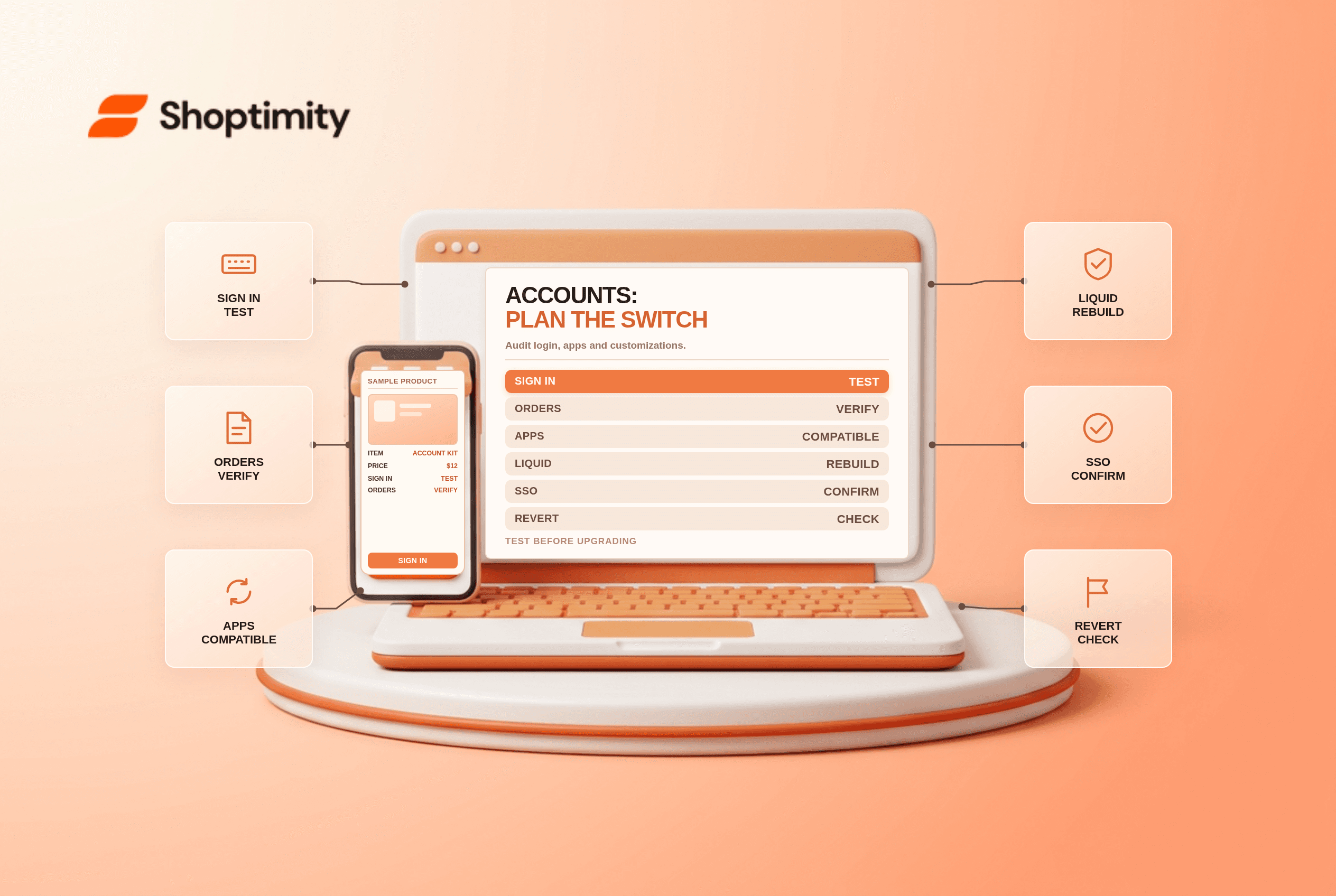
- Test sign-in, history, addresses, returns and account widgets with representative accounts.
- Explain the sign-in change to support staff and customers.
- Upgrade during a staffed window and monitor account-related support requests.
Verify the current rollback conditions directly in the admin; a 30-day revert window is not a substitute for an app-by-app recovery plan. Shopify returns self-serve setup is a useful companion if returns are part of your account experience.
Coordinate the support handoff
Before the upgrade, give support staff a short troubleshooting guide for delayed codes, changed email addresses, missing order history and app widgets. Define who can verify identity and who owns escalation to Shopify or an app vendor. Track the issues after launch and compare them with the prior support baseline rather than assuming fewer passwords automatically means fewer tickets.
Ready to build a faster, higher-converting store?
Every Shoptimity theme ships with conversion widgets built in — so you get speed and features without stacking apps.
7-day free trial · all themes included · cancel anytime
Continue Reading

Shopify B2B Company Locations: Give Buyers the Right Access
Configure Shopify B2B company locations, verify buyer permissions and test pricing, addresses and pa...

Shopify Checkout Contact Settings: Separate Email From Shipping Phone
Configure Shopify checkout contact settings and test email, phone and shipping address requirements ...

Shopify POS Recent Carts: Share a Sale Without Reserving Stock
Learn how Shopify POS recent carts work across devices, what they do not reserve, and how to hand of...