
Merge Shopify Customer Profiles: Identity, Consent and Data Checks
title: Merge Shopify Customer Profiles: Identity, Consent and Data Checks slug: merge-shopify-customer-profiles-safely meta_title: Merge Shopify Customer Profiles Safely meta_description: Learn how to merge Shopify customer profiles safely, verify identity and consent, review excluded data and check the irreversible result for store teams. primary_keyword: merge Shopify customer profiles secondary_keywords:
- Shopify merchant guide
- ecommerce operations author: The Shoptimity Team date: 2026-11-04 category: Operations schema: BlogPosting, FAQPage
Merge Shopify Customer Profiles: Identity, Consent and Data Checks
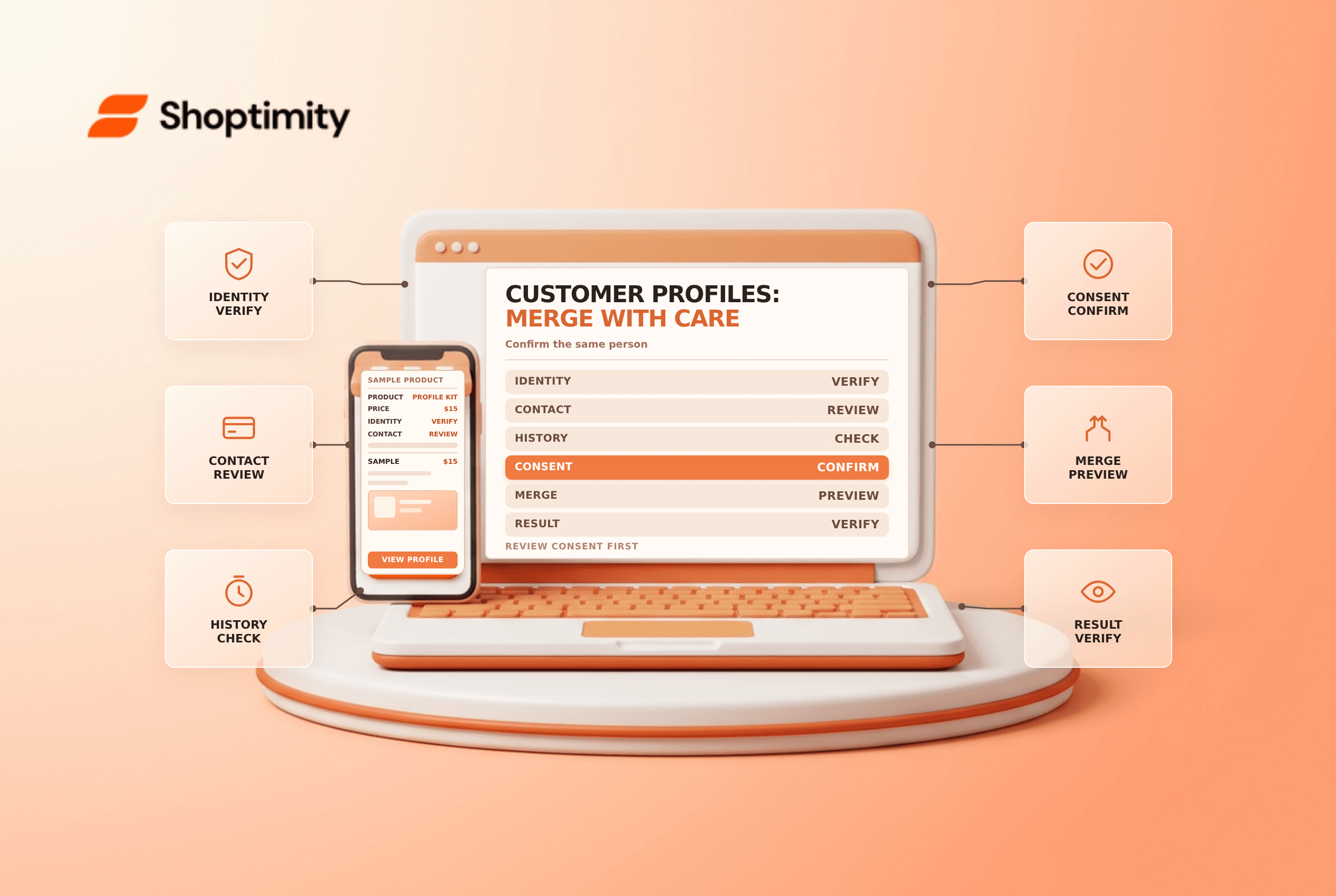
Merge Shopify customer profiles only after confirming that both records belong to the same person. Merging can consolidate useful customer history, but Shopify says the action cannot be reversed and some data does not transfer. Preview the result and resolve consent and account issues before proceeding.
Verify identity before merging
Compare reliable identifiers such as customer-confirmed contact details and order history. A shared address, surname or business email domain is not sufficient proof that two people are the same customer. Escalate uncertain cases instead of merging them for a cleaner list.
Limit access to staff who need to perform the operation. Keep the reason and approval in an appropriate internal record without copying unnecessary sensitive data. Shopify's customer-management guide describes the merge workflow and its limitations.
Preview what is kept
Shopify's merge preview shows data that will be merged and data that will be retained or discarded. Review contact information, addresses, notes, tags and order history before confirming. The system selects the most recently updated name, email, phone and default address, and some other fields have their own rules. Do not assume the primary-looking profile will supply every field.
| Check | Why it matters |
|---|---|
| Identity | Prevents combining two different people |
| Contact and default address | The retained values may not be the ones expected |
| Orders, notes and tags | Confirm the preview reflects the desired record |
| Marketing consent | A merged subscription status can affect future campaigns |
| Unsupported data | Some records and relationships cannot be merged |
Shopify says customer profiles with certain conditions cannot be merged, including deleted or redacted customers, active data requests and certain account or company relationships. Past subscription contracts, B2B company links, vaulted cards, store credit and multipass identifiers are among the data or conditions that require special attention. Review the current guide and the actual preview: Shopify may block a merge or not transfer particular information depending on the condition.
Check marketing consent separately
Shopify says that if either profile is subscribed to marketing, the merged profile will be subscribed. That system outcome does not independently establish valid consent for every channel, purpose or jurisdiction. Review the source of consent, channel-specific preferences and opt-outs before sending campaigns; involve your privacy or legal adviser where needed. Do not use a merge to override a customer's unsubscribe request.
Shopify says the customer is not notified automatically about a merge. If your internal privacy process requires notification or documentation, handle it separately.
A controlled merge workflow
- Confirm both profiles belong to the same individual.
- Check for ongoing privacy requests, account restrictions and excluded data.
- Review the merge preview, especially contact values and discarded fields.
- Verify marketing preferences and consult the relevant consent records.
- Obtain approval when required and complete the merge once.
- Reopen the merged profile to verify retained data and document exceptions.
If the preview exposes an unexpected loss or the tool blocks the merge, stop. Resolve the issue through Shopify's current support and your own policy rather than trying to work around the restriction.
For adjacent work see customer segments and email eligibility and cookie-banner consent checks.
A privacy request or an unresolved identity mismatch is a reason to stop and seek help, not a reason to bypass the merge checks. The record should be trustworthy after the change.
Ready to build a faster, higher-converting store?
Every Shoptimity theme ships with conversion widgets built in — so you get speed and features without stacking apps.
7-day free trial · all themes included · cancel anytime
Continue Reading
Shopify Flow Fulfillment Order Moved: Location Alerts
Build an internal alert for moved fulfillment orders and verify location changes with your third-par...
ShopifyQL Timeseries: Show Missing Months in Sales
Use ShopifyQL TIMESERIES to expose empty reporting periods and compare them with GROUP BY results ca...
Shopify Flow Return Declined: Build a Review Handoff
Set up a cautious Shopify Flow return-declined review and distinguish internal reasons from customer...