
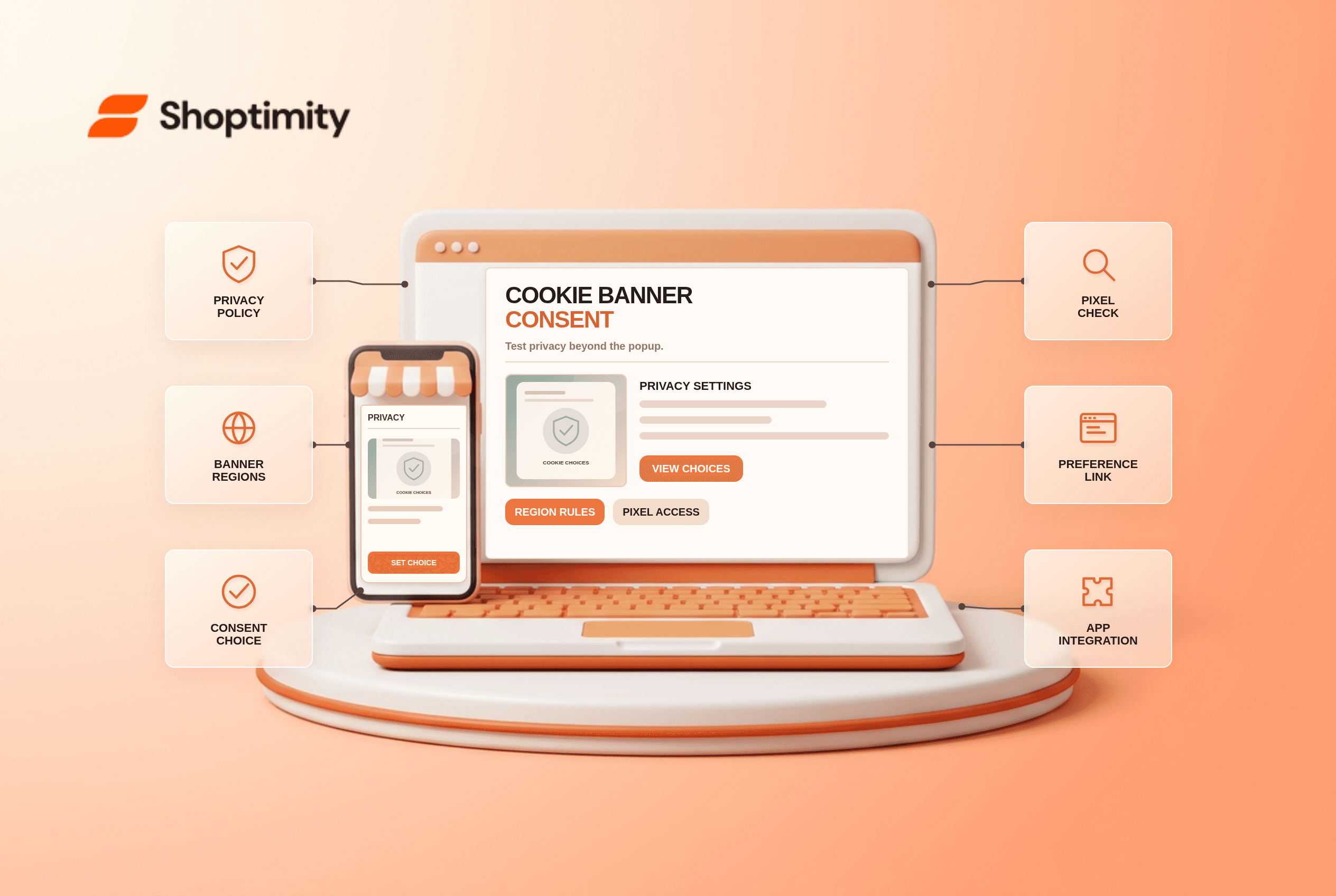
A Shopify cookie banner can ask visitors for consent to non-essential data collection in configured regions. Its appearance is only the visible part of a privacy workflow. Review the privacy policy, regional settings, customer preferences and third-party pixels before assuming that a styled popup covers every tracking tool on the store.
What does Shopify's native banner govern?
It controls Shopify-specific cookies and pixels within the configured privacy setup. Shopify's customer privacy guide says the banner can appear on storefront, cart, checkout and customer account pages in selected regions. It also says a privacy policy must be published before using the banner. Manually installed third-party cookies or app pixels may need additional consent integration; the presence of Shopify's banner does not guarantee that every external script honors the choice.
New stores can have automated privacy settings enabled by default, with configured market regions affecting banner defaults. A merchant should check what visitors in each target region actually see. Legal requirements vary, so Shopify's defaults are a starting point for review, not a legal opinion.
How do you test a consent flow?
Test the choice, the preference change and the resulting tracking behavior. Use a fresh browser profile and a region-specific test environment where possible.
- Publish and review the privacy policy in Settings > Customer privacy. Check links, contact information and descriptions of data use.
- Inspect the native banner's regions, text, colors and position. Test mobile placement so it does not block critical navigation indefinitely.
- Visit from a configured region without existing cookies. Try each available consent choice and verify the banner responds as expected.
- Open the cookie-preferences link after the first choice. Shopify says visitors can revisit and change preferences; test that control.
- Audit Shopify Pixels, app integrations and manually installed tracking. Confirm which tools receive consent signals and which need separate configuration.
- Repeat in an unconfigured region and in each storefront language. Record differences in banner display and privacy text.
Shopify's privacy settings guidance notes that consent choices can reduce analytics and advertising data in some regions. A dip in session counts after implementing a compliant banner is not automatically a theme performance defect. Compare measurements and consent settings before changing the storefront.
What if a third-party consent app is installed?
Avoid mismatched region settings and duplicate banners. Shopify's third-party banner instructions say the app should be integrated with the Customer Privacy API and its configured consent regions should match those in Shopify Admin. If the two systems disagree, non-essential data may be processed before a visitor chooses. Test the actual app on a clean browser and check its integration documentation.
A theme might display a visual popup that looks like a consent banner but does not transmit a choice to pixels. Do not rely on appearance alone. Our email-authentication article addresses a different trust layer; it may still be unpublished.
What is the theme's role?
A Shoptimity theme can provide coherent styling and links; Shopify privacy settings or a properly integrated app handle consent. Theme versus app responsibilities helps assign ownership. We checked Shopify's public guidance, not your legal obligations, tag manager or installed apps. Have qualified privacy counsel assess requirements across your selling regions.
Ready to build a faster, higher-converting store?
Every Shoptimity theme ships with conversion widgets built in — so you get speed and features without stacking apps.
7-day free trial · all themes included · cancel anytime
Continue Reading

Top Shopify Theme for Wholesale: A 2026 Buyer's Guide
You've just spent weeks sourcing inventory and building supplier relationships. But when you launch ...

Ecommerce Return Status Updates: Separate Request and Refund
Ecommerce return status updates should separate request, label, receipt, inspection and refund so sh...

Ecommerce Delivery Delay Updates: Show the New Reality
Ecommerce delivery delay updates should replace stale promises with a dated revised estimate, clear ...