
How to Reduce Cart Abandonment on Shopify (2026 Guide)
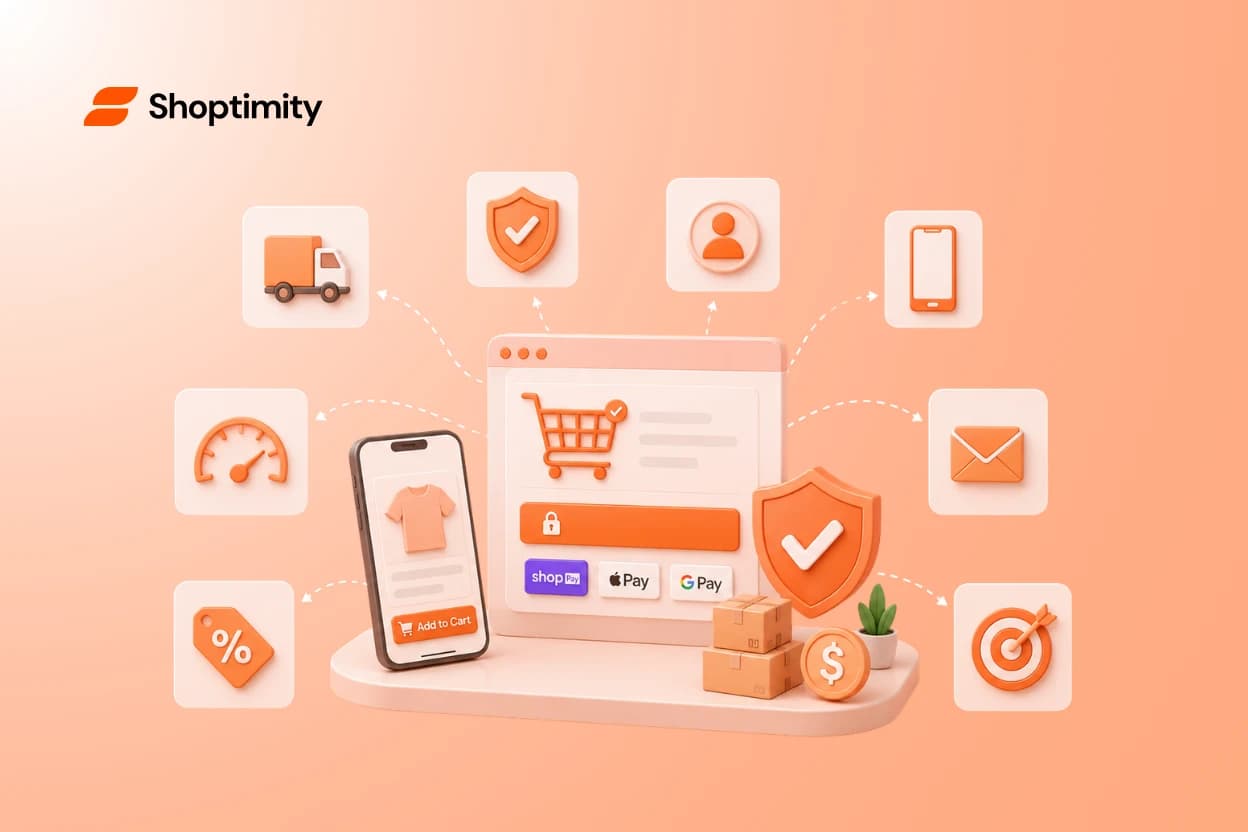
Quick answer: roughly 7 in 10 carts are abandoned, and the causes are boringly consistent: surprise costs at checkout, forced account creation, slow or clunky mobile checkout, and missing trust signals at the payment moment. The fixes below are ordered by impact-per-effort — the first four are same-day changes.
First, know your real abandonment rate
Shopify reports abandoned checkouts natively (Orders → Abandoned checkouts). Measure checkout abandonment separately from cart abandonment — someone who never starts checkout has a different objection (price, trust) than someone who quits at shipping (surprise cost). The fix differs accordingly.
Same-day fixes
1. Kill surprise costs — show shipping early
Unexpected shipping/fees is the #1 stated reason for abandonment in every industry study. Show shipping cost (or the free-shipping threshold) on the product page and in the cart, not at the last checkout step. A free-shipping progress bar in the cart ("$12 away from free shipping") turns the objection into an upsell.
2. Put trust at the payment moment
Payment icons, guarantee, and returns summary belong next to the checkout button — not in the footer. At the moment of maximum hesitation, the buyer should be looking at reasons to proceed.
3. Enable express checkout + guest checkout
Shop Pay, Apple Pay, Google Pay: every saved form field is a retained customer. Never force account creation.
4. Sticky add-to-cart on mobile
Most abandonment is mobile abandonment. If the buy button scrolls away, you're adding a step to every purchase. (This and the progress bar are built-in widgets in Shoptimity — no extra app scripts slowing checkout further.)
This-week fixes
5. Speed up the path to checkout
Slow cart and checkout pages compound every other problem — and conversion apps are a common cause of the slowness (each adds JavaScript). Audit what's installed; a theme with native conversion features removes the need for most (why that matters for the whole funnel).
6. Set up the recovery email sequence
Shopify sends one abandoned-checkout email natively; a sequence recovers multiples more. The cadence that works: 1 hour (plain reminder, no discount), 24 hours (social proof + answer objections), 72 hours (incentive, if your margin allows — never in email #1, or you train customers to abandon for coupons).
7. Exit-intent with a real offer
Exit popups work when the offer is genuine (free shipping, a gift) and fail as generic "wait!" begging. On mobile, trigger on back-button intent rather than cursor position.
8. Retargeting for the silent majority
Most abandoners never opened your emails. A modest retargeting audience of cart-abandoners (dynamic product ads) is routinely the highest-ROAS campaign in the account.
The structural fix
If abandonment stays high after all eight, the problem is usually upstream: pricing surprises, weak product-page trust, or slow mobile experience — the full diagnostic order is in the 2026 CRO playbook, with benchmarks to know what "fixed" looks like in what's a good Shopify conversion rate.
Ready to build a faster, higher-converting store?
Every Shoptimity theme ships with conversion widgets built in — so you get speed and features without stacking apps.
7-day free trial · all themes included · cancel anytime
Continue Reading

How to Scale Conversions with an AI Shopify Theme Store Builder
Seventy percent of retail executives plan to implement artificial intelligence tools in 2024 to stay...
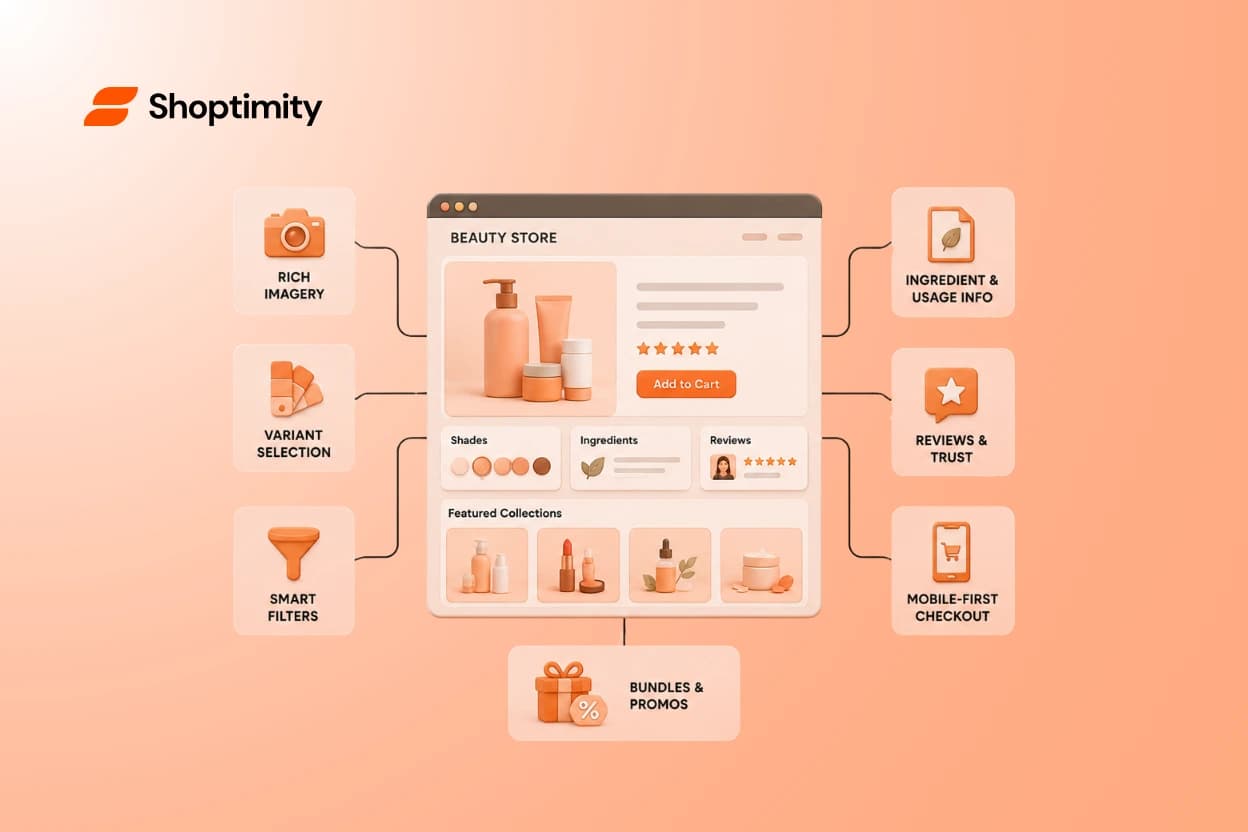
Best Shopify Themes for Beauty Brands
A gorgeous homepage sells nobody if shoppers can't find the shade they want, read the ingredients, o...

How to Fix Core Web Vitals on Shopify for Faster Speeds
You spend months perfecting product photos, collection layouts, and checkout flows. Yet, many ecomme...