
Shopify App Extensions and Functions: Find What Is Active
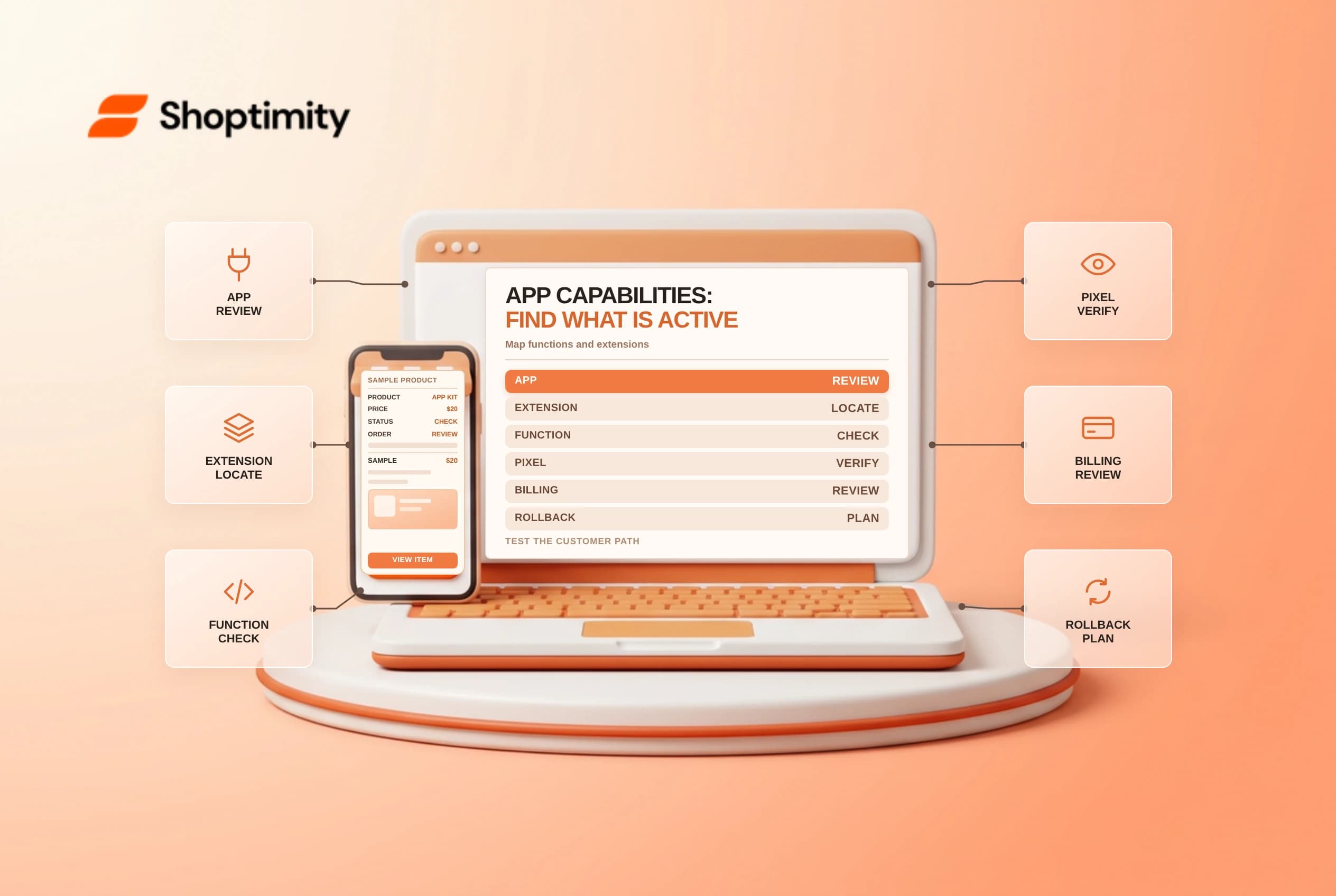
Shopify app extensions and functions can change the storefront, checkout, discounts or other parts of a store. Installing an app does not mean every available feature is active in every location. Map where the app is used and test the customer journey before activating, disabling or replacing a capability.
Separate the two concepts
Shopify's extensions and functions guide describes extensions as features added to surfaces such as the online store, checkout, customer accounts or POS. Functions customize backend logic, such as discounts, delivery options or payment rules. Both are provided by app developers and are managed in the area where they are used.
| Component | Example | Review |
|---|---|---|
| Extension | App field in checkout | Placement, eligibility and customer experience |
| Function | Delivery or discount rule | Conditions, conflicts and resulting behavior |
| App pixel | Customer event tracking | Privacy settings, destination and test events |
| App subscription | Billing and usage | Charges and provider terms |
| Permissions | Data and operations an app can access | Least privilege and business need |
An extension's visible block is not the same as a function's pricing or validation logic. Removing one surface does not prove all other app behavior has stopped. Check each dependency individually.
Inventory active capabilities
In Settings > Apps, open the app's details. Shopify says its Extensions and Functions cards show active counts and available areas; the lists provide Active and Inactive tabs. Select an item to navigate to the area where it is managed. The app's details can also display pixel status, permissions, privacy information, billing and compatibility issues.
Record the app owner, affected surface, purpose and fallback. For example, a shipping customization may affect which delivery choices a customer can see, while a checkout extension may collect additional information. Check current plan and channel eligibility because availability varies by surface and store.
Test changes in context
Before changing a feature, preserve its configuration and agree on an owner and rollback plan. Use an approved test order or preview. Test a qualifying and nonqualifying cart, different delivery methods and a mobile device where relevant. Compare what the app intends to do with what appears in checkout and in the final order.
| Scenario | Test |
|---|---|
| Activate checkout extension | Correct placement, content and data handling |
| Change discount function | Qualifying and nonqualifying cart totals |
| Disable delivery customization | Expected delivery choices and rates remain available |
| Replace an app | No duplicate logic or missing customer-facing behavior |
| Function warning | Record details and contact the app developer |
| Rollback | Restore the approved configuration and retest |
Shopify says activation and deactivation occur in the admin area where a capability is used. Follow the specific surface's documentation and app provider instructions; an active count alone is not a complete end-to-end test. Avoid deactivating a live checkout rule merely to see what happens during peak sales.
Monitor and document dependencies
Shopify's app management guide says a function card can display a warning and provide a way to share logs with the developer. Review errors without sharing unnecessary customer data. Recheck dependencies after an app update, theme change or checkout migration.
Coordinate app removal with billing, data retention and other installed features. Uninstalling an app and disabling a single extension are different actions; consult the provider before either. Related guides: app blocks versus embeds and uninstalling an app.
Keep the original app configuration and any vendor instructions with the change record. After rollback, verify both the visible customer experience and the backend outcome, because a page that looks right can still apply an incorrect rule.
Ready to build a faster, higher-converting store?
Every Shoptimity theme ships with conversion widgets built in — so you get speed and features without stacking apps.
7-day free trial · all themes included · cancel anytime
Continue Reading
Shopify Mondial Relay: Ship France Box Relay Orders
Set up Shopify Mondial Relay for domestic French Point Relais and locker boxes, require French billi...
Shopify Poste Italiane: Ship Domestic Italy Parcels
Configure Shopify Poste Italiane domestic Standard drop-offs and 70 kg Express pickups, avoid banned...
Canadian Sales Tax: Set Up Shopify GST, HST and QST
Configure Canadian sales tax in Shopify across the $30,000 CAD CRA threshold, 5% GST, 13% to 15% HST...