
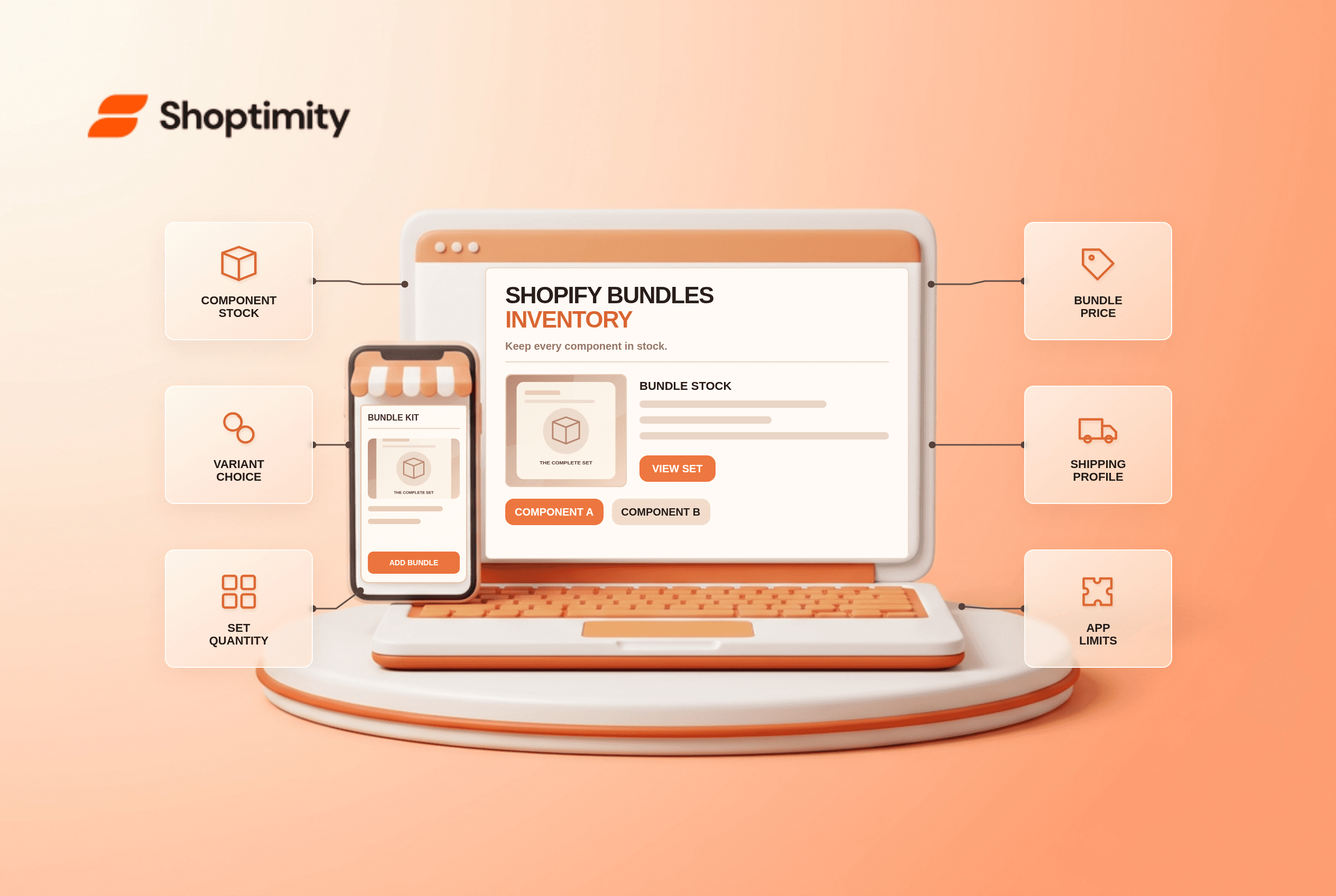
Shopify Bundles inventory depends on the components inside a bundle. A polished bundle page does not create extra shirts, skincare bottles or gift boxes in your warehouse. Before promoting a set, verify its component quantities, variant selections and shipping profiles. The lowest-stock required component can determine how many complete bundles you can actually sell.
How does Shopify Bundles inventory work?
The bundle's sellable quantity is derived from its component products. Shopify's bundle eligibility guide says the limiting component determines how many complete sets can be sold. For example, a set needing one candle and one holder cannot sell 12 complete sets if only 7 holders are available, even when 40 candles are on hand. The example assumes tracked inventory and the relevant purchase options.
Shopify says a bundles app is required to create product bundles. Its free Shopify Bundles app can build fixed or multipack bundles, but it does not provide every mix-and-match or subscription use case. The Shopify Bundles limitations page also notes that bundle prices do not automatically update when a component price changes. Review the set price when individual items are repriced.
What should a merchant check before publishing a bundle?
Audit the physical pack and the online listing together. Use this six-part checklist:
- List every required component. Write the exact SKU, quantity and variant needed per set, including packaging if you treat it as sellable inventory.
- Enable tracking where needed. A component with inventory tracking off or “Continue selling when out of stock” can be ignored in Shopify's bundle-availability calculation. Decide whether that is intentional.
- Test variant choices. If customers can choose size or scent, place orders for more than one combination. Check that component SKUs in the order match the options shown.
- Recalculate the bundle price. A price update to an individual product does not automatically update the bundle price in the Shopify Bundles app.
- Test fulfillment and shipping. Shopify calculates shipping from the components' shipping profiles, not a separate profile assigned to the bundle.
- Review incompatible purchase options. Shopify says bundles are not compatible with subscriptions or preorders. Do not market a “monthly preorder kit” as if the native fixed-bundle workflow supports both.
A useful stock test has 2 cases: a set with every component in stock, and a set with one component exhausted. Check the product page, cart and order details. If the bundle goes to draft after someone changes a component variant, Shopify's limitations guide says deleted or renamed options can invalidate the bundle until it is updated.
Is a visual grouping the same as a real bundle?
No. A theme can display “frequently bought together” tiles, recommendations or a bundle-looking card, but that does not automatically create a bundle product with component inventory. Determine whether the customer adds several individual lines or one actual bundle before writing fulfillment instructions. A promotional card is presentation; a bundle app and component model are commerce logic.
Shopify's bundle overview describes fixed sets and sales-channel support. The correct setup depends on whether shoppers need fixed components, multipacks or true mix-and-match selection. Review the current app restrictions rather than promising a native feature based on a theme demo.
How should the product page explain the set?
State the included items, quantities, selectable variants and dispatch expectations. If one product is delayed, do not silently advertise immediate dispatch for the entire kit. On mobile, check that selected variant labels and the cart summary remain clear. Shoptimity's themes can help present a set; they do not create missing component inventory. Read theme versus app responsibilities and our preorder checklist before combining offers. We checked Shopify's documentation, not your warehouse or chosen bundle app.
Ready to build a faster, higher-converting store?
Every Shoptimity theme ships with conversion widgets built in — so you get speed and features without stacking apps.
7-day free trial · all themes included · cancel anytime
Continue Reading

Top Shopify Theme for Wholesale: A 2026 Buyer's Guide
You've just spent weeks sourcing inventory and building supplier relationships. But when you launch ...

Ecommerce Return Status Updates: Separate Request and Refund
Ecommerce return status updates should separate request, label, receipt, inspection and refund so sh...

Ecommerce Delivery Delay Updates: Show the New Reality
Ecommerce delivery delay updates should replace stale promises with a dated revised estimate, clear ...