
Shopify Carrier Pickups: Schedule USPS, UPS and DHL
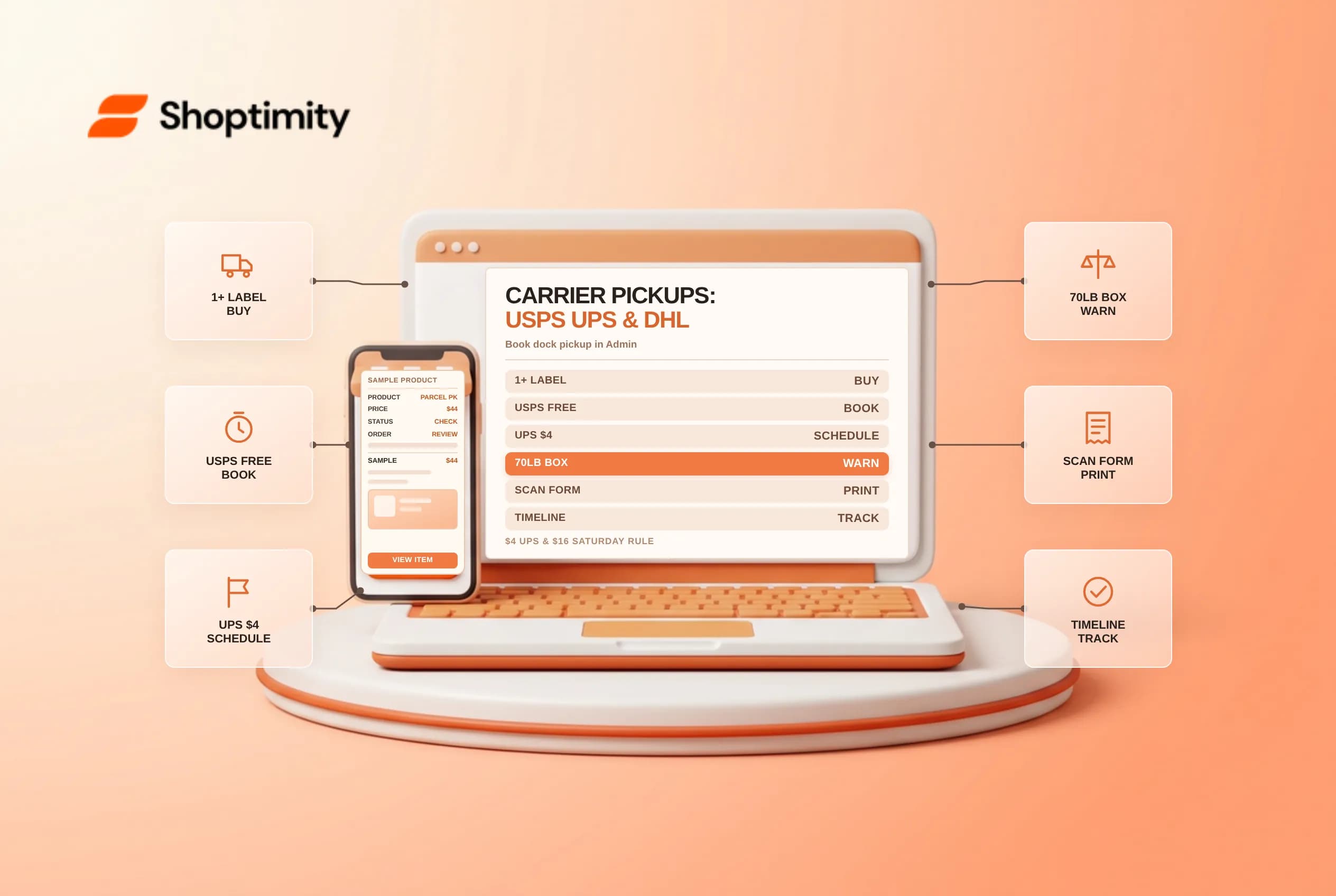
Driving bins of parcels to a post office or drop-off counter wastes warehouse labor every afternoon. Shopify carrier pickups let US fulfillment teams request doorstep or dock collection directly from Shopify Admin after purchasing at least one eligible shipping label through USPS, UPS, or DHL Express, keeping confirmation numbers attached to order timelines.
Each carrier enforces different fees, scheduling windows, Saturday surcharges, and cancellation rules, so operations teams should standardize which carrier gets booked when.
Compare USPS, UPS, and DHL Express pickup rules in Shopify
Based on Shopify's official carrier pickup scheduling guide and individual US carrier manuals, pickup costs and geographic eligibility differ sharply across the three supported networks:
| Carrier | Base pickup fee | Advance window and key surcharges | Eligibility notes |
|---|---|---|---|
| USPS | Free during regular mail delivery | $24 USD if you select a specific pickup time window; each pickup booked separately | Available for US fulfillment locations after buying at least 1 USPS label |
| UPS (US) | $4 USD discounted UPS On-Call Pickup | Book 1 to 7 days ahead; $16 USD Saturday processing fee billed later as a label price adjustment | US locations only (Canadian UPS labels require drop-off at UPS locations) |
| DHL Express (US) | Free | Book 1 to 7 days ahead in local pickup-address time zone | Continental US to international destinations only (excludes AK, HI, PR, and PO boxes) |
Step-by-step booking workflow in Shopify Admin
- Purchase at least one eligible USPS, UPS, or DHL Express label in Shopify Shipping.
- Open Orders > Shipping labels and click Schedule or view pickups (or click Schedule pickup immediately inside the post-purchase Package pickup card, or from an individual fulfilled order's three-dot menu).
- Verify the Pickup address; you can enter a one-time custom pickup street address for UPS or DHL Express, but custom addresses are not saved for future bookings.
- Enter a reachable dock contact name, phone number, package location (front desk, loading bay, porch), gate/buzz code, and estimated date and window.
- Heavy-parcel check on UPS: If any carton exceeds 70 lb (32 kg), check Notify the carrier that some packages weigh over 70 lbs so they come prepared.
- Pair high-volume USPS dispatches with a printed USPS SCAN form shipping manifest from Pickups and manifests > Create manifest so your letter carrier scans one master barcode instead of fifty individual poly mailers.
Avoid handoff mix-ups and surprise adjustments
Three operational traps cause missed pickups or unexpected billing lines on your Shopify invoice:
- Never hand UPS Ground Saver to USPS: Even if a UPS Ground Saver label displays a secondary postal tracking barcode, Shopify's UPS guide warns to tender Ground Saver strictly to UPS drivers or UPS drop-off points, never USPS. Conversely, DHL eCommerce labels print as USPS handoff labels and must go to USPS without mixing in DHL Express, UPS, or FedEx cartons.
- Match the printed ship date on USPS parcels: If you post-date or miss a specified ship date on USPS labels, postal clerks or carriers can refuse acceptance.
- Know how cancellations and no-shows work: Canceling a UPS pickup in Admin credits the
$4pickup fee back toward future shipping labels. DHL Express pickups canceled too close to the window may still dispatch a driver. USPS pickups must be modified or canceled through USPS's pickup scheduler or1-800-ASK-USPS(1-800-275-8777), while missed UPS (1-800-742-5877) or DHL (1-800-225-5345) pickups require the pickup confirmation number stored in your order's Timeline.
Ready to build a faster, higher-converting store?
Every Shoptimity theme ships with conversion widgets built in — so you get speed and features without stacking apps.
7-day free trial · all themes included · cancel anytime
Continue Reading
Shopify Flow Collection Deleted: ID-Only Alerts
Create a safe collection-deleted alert in Shopify Flow, understand its ID-only data and plan a manua...
Shopify Flow Discount Created: Choose the Trigger
Compare discount code and automatic discount creation triggers in Shopify Flow and design internal p...
Shopify Flow Inventory Item Deleted: ID-Only Data
Understand the inventory item deleted trigger, its ID-only limitation and how to alert operations wi...