
Shopify USPS Shipping Manifests: A SCAN Form Checklist
title: Shopify USPS Shipping Manifests: A SCAN Form Checklist slug: shopify-usps-shipping-manifests-scan-form meta_title: Shopify USPS Shipping Manifest: SCAN Form meta_description: Use a Shopify USPS shipping manifest safely: check label eligibility, reconcile the handoff and understand the effect of a voided label for store teams. primary_keyword: Shopify USPS shipping manifest secondary_keywords:
- Shopify merchant guide
- ecommerce operations author: The Shoptimity Team date: 2026-11-04 category: Operations schema: BlogPosting, FAQPage
Shopify USPS Shipping Manifests: A SCAN Form Checklist
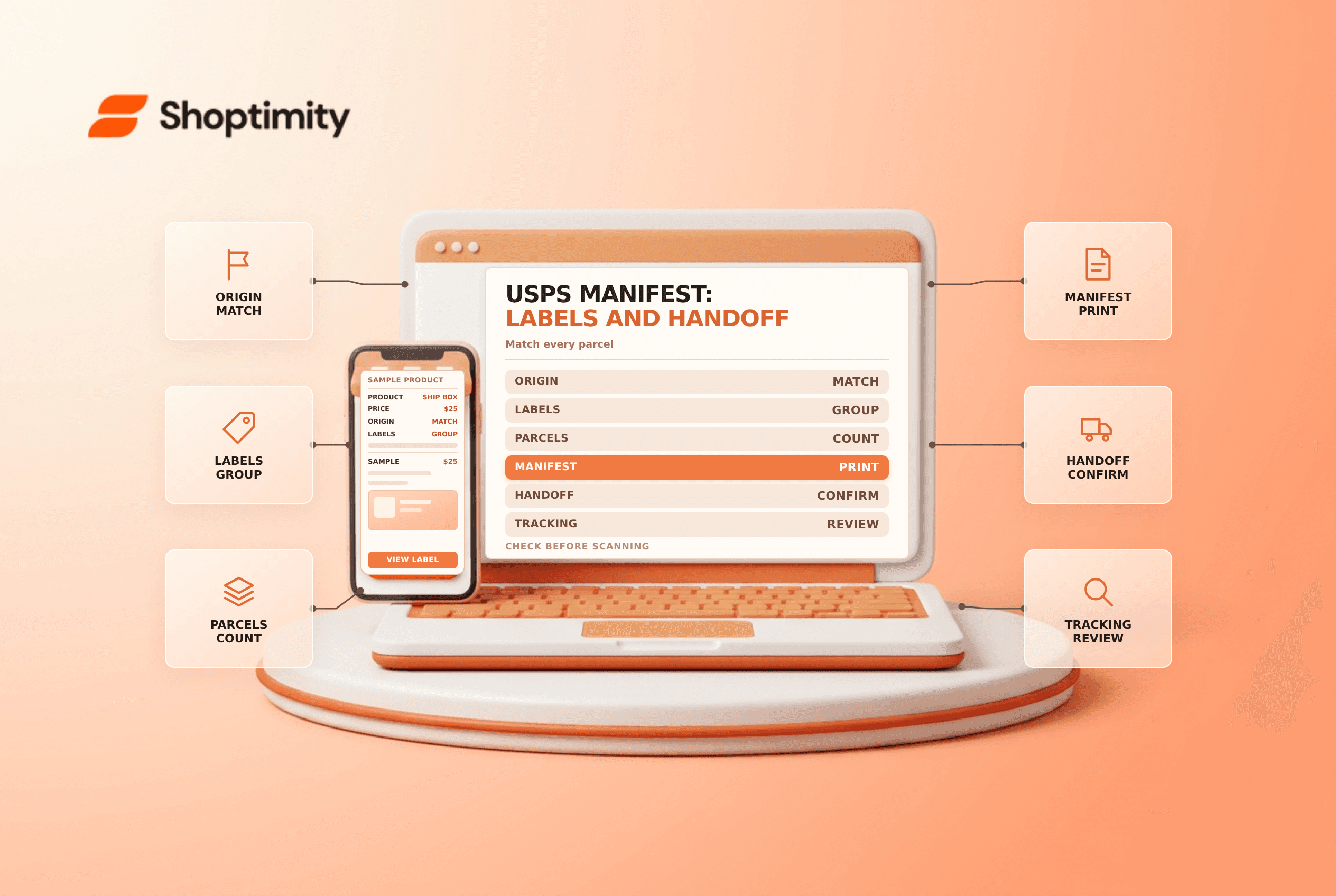
A Shopify USPS shipping manifest groups eligible labels under one barcode for carrier acceptance. It can simplify a handoff, but creating a manifest does not prove that every physical parcel was packed or collected. Match the packages to the labels and preserve a reliable acceptance record.
What a SCAN form does
Shopify's USPS guide calls a shipping manifest a Shipment Confirmation Acceptance Notice, or SCAN form. USPS can scan the manifest barcode rather than scanning each eligible shipment individually at pickup or drop-off.
| Record | Purpose | Does not establish by itself |
|---|---|---|
| Shipping label | Identifies and routes a parcel | That the carrier has accepted it |
| Manifest | Groups eligible labels for one acceptance scan | That every listed parcel is physically present |
| Pickup request | Arranges a collection | That the driver actually collected the goods |
| Tracking history | Shows carrier scan events | Contents or condition of every parcel |
This guide concerns USPS labels in the documented Shopify workflow. Other carriers and label platforms use different processes; confirm their current requirements.
Check eligibility before creating the form
Shopify says labels on a USPS manifest must have the same shipping origin address and shipping date. The documented eligibility criteria include tracking, a shipping date matching the day the manifest is created, and a label that has not already been added to another manifest. International labels have additional shipping-date conditions.
Shopify also describes a same-day purchase cutoff of 9 p.m. local time at the shipping location. Treat this as a current USPS workflow requirement, not a universal carrier deadline. Verify the current page and local handoff schedule before relying on it.
Create and reconcile the handoff
The shipping-label management guide describes creating a manifest from Orders → Shipping labels through the Shipping Manifests app. Select the fulfillment location, create the manifest and print it. Shopify says all available eligible labels for that location are added, so verify the resulting set before the carrier arrives.
- Finish packing and confirm each parcel has the correct label.
- Group parcels by eligible origin and shipping date.
- Create and print the manifest for the correct location.
- Compare the manifest's label set with the physical parcels.
- Hand over both the parcels and the form; retain the pickup or drop-off record.
- Review tracking later and investigate missing acceptance events.
If a parcel is not included, follow USPS's current process for an individual scan. Do not assume the manifest barcode covers an item printed after the form was generated.
Handle voids carefully
Shopify warns that a label recently added to a manifest cannot be voided for about 15 minutes. More importantly, voiding a label included on the manifest invalidates that manifest: the remaining shipments must be scanned individually, and using a manifest containing voided labels can result in charges for those labels. Check the current guidance and coordinate with USPS before handoff.
A canceled order and an unused shipping label are different records. Review label void eligibility and packing slips when changes occur after packing.
Before a busy pickup window, designate one person to count parcels and another to verify the label list. Keep the form and pickup confirmation with the shipment records. If the carrier does not arrive, follow the current carrier support process rather than marking every order as collected.
Ready to build a faster, higher-converting store?
Every Shoptimity theme ships with conversion widgets built in — so you get speed and features without stacking apps.
7-day free trial · all themes included · cancel anytime
Continue Reading

Shopify B2B Company Locations: Give Buyers the Right Access
Configure Shopify B2B company locations, verify buyer permissions and test pricing, addresses and pa...

Shopify Checkout Contact Settings: Separate Email From Shipping Phone
Configure Shopify checkout contact settings and test email, phone and shipping address requirements ...

Shopify POS Recent Carts: Share a Sale Without Reserving Stock
Learn how Shopify POS recent carts work across devices, what they do not reserve, and how to hand of...