
Shopify Complementary Product Recommendations: Check Eligibility
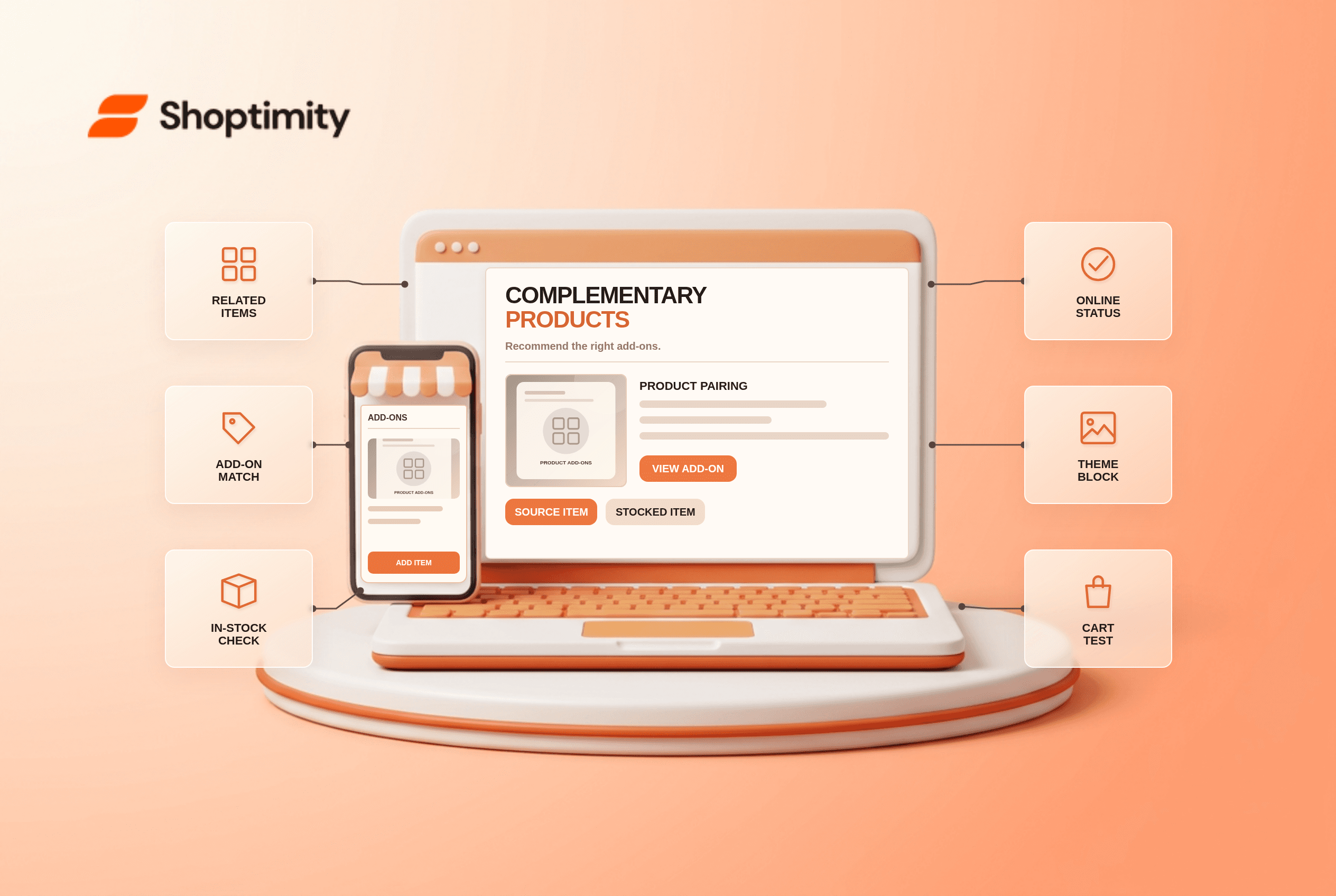
Shopify complementary product recommendations suggest useful add-ons to an item a shopper is considering. They differ from related products, which offer alternatives. A merchant may select an excellent accessory in Search & Discovery and still not see it on the storefront if the item is sold out, unpublished or the product template lacks a compatible block.
What is the difference between complementary and related?
Complementary products are add-ons; related products are substitutes or similar choices. Shopify's recommendations guide describes both types in its Search & Discovery app. You can manually choose up to 10 complementary and 10 related items per source product. Automatically generated related items may also display, depending on settings. A recommendation card is not itself a discounted bundle or a component-inventory system.
The app's recommendations need a matching storefront section. Shopify says the theme must include a complementary-products block or related-products section for that type to appear. Add or enable the block on the correct product template in the theme editor, then test a real product URL on mobile.
Why is a selected add-on missing?
Eligibility is checked when products display. Shopify's guide says recommendations must be active, published to the Online Store, priced above zero, not unlisted, not a gift card and not already in the shopper's cart. Complementary items must have stock above zero; a related item can sometimes appear when it continues selling after stock reaches zero. Check the candidate product's exact status before changing the source product's recommendations.
A short diagnostic makes the problem reproducible:
- Choose one source product and one accessory that is active, stocked and visible in the Online Store.
- Add the accessory under Apps > Search & Discovery > Product recommendations for the source product.
- Check the product template used by that source. Add or enable a complementary-products block where supported.
- Open the live page in a fresh browser. Check whether the item appears before and after adding it to cart.
- Test a second candidate with zero stock to see whether eligibility filters it out.
- Review title, price and selected variant on mobile. A quick-add control may instead ask the shopper to choose options.
Shopify notes that only one complementary products block can be used on a product page at a time. If the wrong section is showing, inspect the exact template and block settings rather than duplicating blocks. Related recommendations can vary over time because generated suggestions change.
Does this create a bundle discount?
No. Recommendations drive discovery; discounts and bundle inventory are separate commerce logic. If you offer a “buy these together” promotion, test whether the shopper adds independent line items or a genuine bundle. Our bundle-inventory checklist explains component stock and app limits; that article may still be a draft. Never promise a bundled price merely because two cards appear near each other.
Product pairing is also an editorial task. Choose accessories that solve a real need and do not obscure the primary purchase button. A low-priced care kit might complement furniture; a near-identical sofa is a related alternative. Measure whether the block helps real customers, rather than filling all 10 slots because the app permits it.
Where does Shoptimity fit?
A compatible Shoptimity theme can present and style the recommendation block; Shopify Search & Discovery supplies the selections and eligibility. Check the installed theme's exact template rather than assuming a demo block is enabled. Theme versus app responsibilities covers that boundary. We checked Shopify's public documentation, not your theme build or recommendation app settings.
Ready to build a faster, higher-converting store?
Every Shoptimity theme ships with conversion widgets built in — so you get speed and features without stacking apps.
7-day free trial · all themes included · cancel anytime
Continue Reading

Top Shopify Theme for Wholesale: A 2026 Buyer's Guide
You've just spent weeks sourcing inventory and building supplier relationships. But when you launch ...

Ecommerce Return Status Updates: Separate Request and Refund
Ecommerce return status updates should separate request, label, receipt, inspection and refund so sh...

Ecommerce Delivery Delay Updates: Show the New Reality
Ecommerce delivery delay updates should replace stale promises with a dated revised estimate, clear ...