
Shopify Customer CSV Import: Protect Tags and Marketing Consent
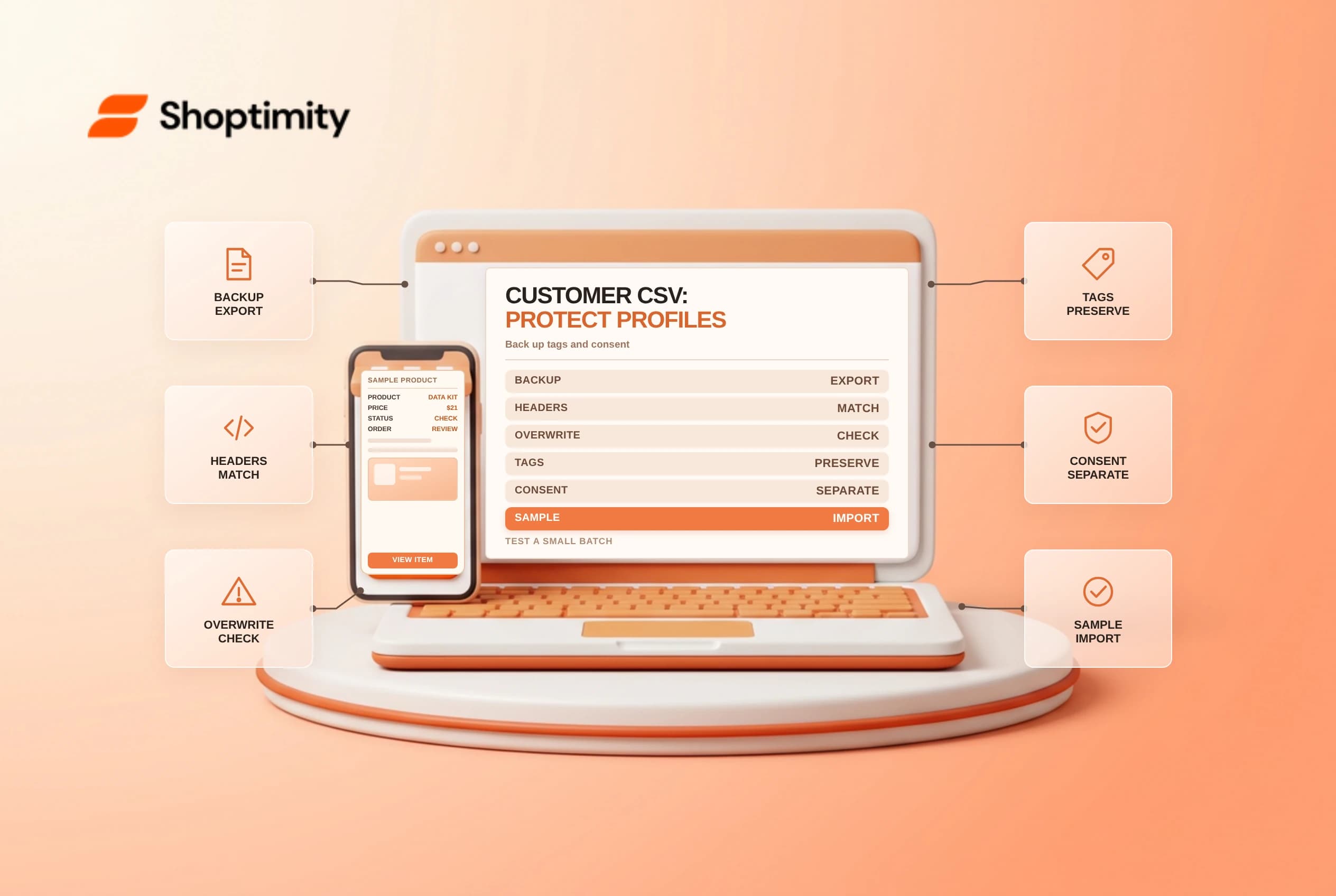
Shopify customer CSV import helps teams migrate subscriber lists, append account tags or clean up addresses across hundreds of buyer profiles at once. Because customer imports match by email or phone and have no interactive column-mapping screen, a malformed header or careless overwrite checkbox can replace live tags and marketing preferences in seconds. Export a backup and test a tiny sample before running a full file.
Know the template limits and non-imported fields
Shopify's customer import and export guide enforces two strict format rules: each uploaded CSV file must be 15 MB or smaller, and the column headers must match the official Shopify customer CSV template. As Shopify warns in its WooCommerce migration instructions, customer CSV imports do not offer custom column mapping, so third-party spreadsheets must be reformatted to Shopify's exact headers before upload.
Several columns visible in a customer export cannot be brought in through a customer CSV:
| Data type | Imported via customer CSV? | What to know before uploading |
|---|---|---|
| Name, email, phone, default address | Yes | Email column header is required even when blank |
Email, SMS and WhatsApp consent (yes/no) | Yes | Set each channel separately from verified consent records |
Tags, Note and Tax Exempt | Yes | Overwrite mode replaces all existing data and tags |
Total Spent and Total Orders | No | Ignored on import; historical order records do not transfer here |
| Email opens, clicks and bounce history | No | Translate unsubscribes and bounces into no consent and tags |
yes/no)Tags, Note and Tax ExemptTotal Spent and Total Ordersno consent and tagsHandle the overwrite checkbox with extreme care
During upload under Customers > Import, Shopify offers Overwrite existing customers that have the same email or phone number. Leave that box unchecked when you only want to add net-new contacts and skip profiles already in your store.
Checking the overwrite option replaces all customer data on matching email or phone profiles, including existing tags. Suppose a VIP customer already carries wholesale-approved and loyalty-gold tags in Shopify, and your marketing agency uploads a spreadsheet containing only spring-event in the Tags column with overwrite enabled. That upload wipes out the prior tags unless you exported current customer profiles first and merged the existing tag list into the spreadsheet cell.
Keep email, SMS and WhatsApp consent separate
Shopify provides distinct columns for Accepts Email Marketing, Accepts SMS Marketing and Accepts WhatsApp Marketing, each accepting yes or no. Treat every channel independently:
- Mark
Accepts Email Marketingasnofor anyone who never opted in, previously unsubscribed, hard-bounced or reported spam on an older email tool. - Base SMS and WhatsApp values strictly on documented opt-in history for those messaging channels, since an email unsubscribe does not determine SMS status and an email opt-in never grants SMS permission.
- Format phone numbers with international country codes and two-letter ISO country and province codes so phone matching and address validation do not create duplicate profiles.
- Test a five-row CSV containing one existing test profile and one new contact, verify tags and consent states in Shopify admin, and split large migrations into sub-15 MB batches.
Related guides: customer segments and email eligibility and merging duplicate customer profiles.
Save a dated customer CSV export in restricted storage before every bulk upload so an unintended tag wipe can be reversed from known data. If your store uses Shopify B2B companies or external identity providers, test how profile imports interact with company location assignments and account sign-in settings before touching wholesale buyer records.
Ready to build a faster, higher-converting store?
Every Shoptimity theme ships with conversion widgets built in — so you get speed and features without stacking apps.
7-day free trial · all themes included · cancel anytime
Continue Reading
Shopify Flow Fulfillment Order Moved: Location Alerts
Build an internal alert for moved fulfillment orders and verify location changes with your third-par...
ShopifyQL Timeseries: Show Missing Months in Sales
Use ShopifyQL TIMESERIES to expose empty reporting periods and compare them with GROUP BY results ca...
Shopify Flow Return Declined: Build a Review Handoff
Set up a cautious Shopify Flow return-declined review and distinguish internal reasons from customer...