
Shopify Customer Data Requests: Access and Erasure
title: Shopify Customer Data Requests: Access and Erasure slug: shopify-customer-data-request-access-erasure meta_title: Shopify Customer Data Requests: Access and Erasure meta_description: Handle a Shopify customer data request with identity checks, access and erasure workflows, external processor coordination and legal caveats. primary_keyword: Shopify customer data request secondary_keywords:
- Shopify merchant guide
- ecommerce operations author: The Shoptimity Team date: 2026-11-03 category: Operations schema: BlogPosting, FAQPage
Shopify Customer Data Requests: Access and Erasure
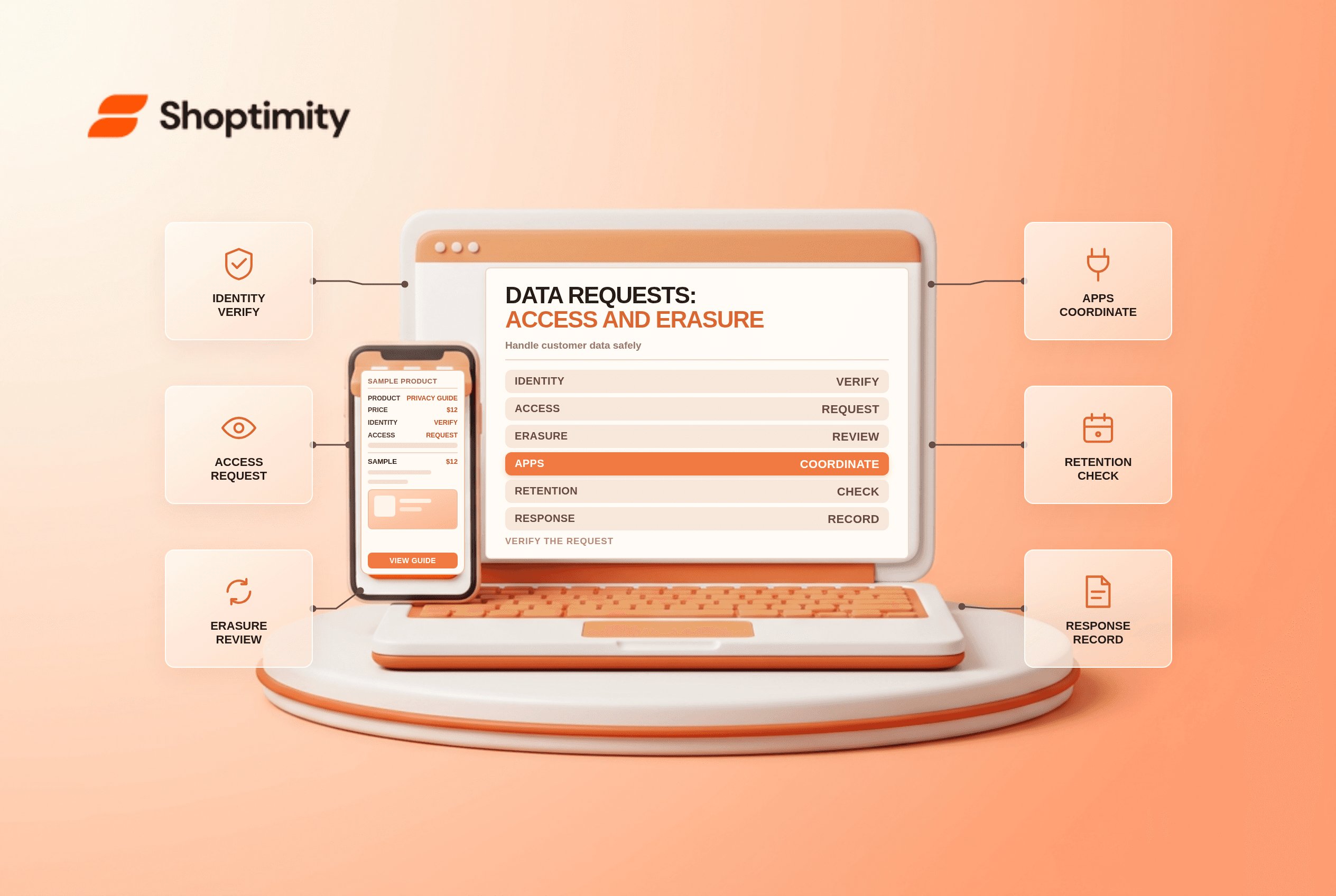
A Shopify customer data request can involve providing a copy of personal information or erasing eligible information. Deleting a customer profile is a different operation. Build a documented process for identifying the requester, reviewing the legal basis and coordinating with other systems before acting.
Distinguish the requests
| Request or action | What it addresses | Important limitation |
|---|---|---|
| Access or portability | A copy of the customer's data | Verify identity and applicable legal scope |
| Personal-data erasure | Redaction of personal information | Some non-personal order information remains |
| Delete a customer profile | Removal of an eligible profile | Shopify restricts deletion for certain profiles |
| Marketing opt-out | A preference about marketing | Not necessarily a request to erase all data |
Shopify's data-request guidance says the merchant is responsible for complying with applicable privacy laws. Rights, response deadlines, exemptions and identity-verification requirements vary by jurisdiction. This article is operational guidance, not legal advice.
Intake and verify
Record the request date, preferred contact method, request type, applicable jurisdiction and the systems likely to hold the information. Use a proportionate identity-verification method appropriate to the sensitivity of the request. Do not ask for extra identity documents by default or send customer records to an unverified address.
Assign a case owner and a legal-review path for uncertain requests, retention obligations or conflicts. A financial record, fraud investigation or other legitimate requirement may affect what must be kept, but do not assume an exemption without checking the applicable law.
Request access data in Shopify
A store owner or staff member with the necessary permissions can open the customer profile and select More actions > Request customer data. Shopify says the data becomes available on the customer's profile; the store owner also receives it by email. Review the export before sending it through a secure channel and avoid including another person's information.
The Shopify export is not automatically a complete map of every external system. Check support platforms, analytics, fulfilment partners and other processors where relevant. Document who was contacted, what was included and the date the response was delivered.
Understand erasure and timing
From a customer profile, an authorized user can select More actions > Erase personal data. Shopify says it processes the request and sends it to installed apps and channels. The merchant remains responsible for contacting other companies with whom it shared the data. Follow up on external copies and check their documented retention or erasure processes.
Shopify states that a pending erasure can be canceled within ten days. Its guidance also warns that erasing a customer with active pre-authorized payments can cancel subscription contracts and prevent remaining pre-authorized payments from being charged. Escalate that operational consequence without using it to deny a lawful request.
Erasure redacts personal information while the customer profile and order history can remain with certain non-personal transaction details. Shopify also notes that information collected through a customer's separate relationship with Shop or Shop Pay has its own request path.
Close the loop
- Record the decision and the reason, including any required legal review.
- Submit the appropriate request using a properly authorized account.
- Coordinate external systems and document responses without storing unnecessary personal data.
- Confirm completion or explain any lawful delay or limitation to the requester.
- Retain a minimal audit record according to your retention policy.
Protect access to exports with least privilege and secure delivery. Related work includes your internal staff-permissions runbook and the cookie consent checklist.
Ready to build a faster, higher-converting store?
Every Shoptimity theme ships with conversion widgets built in — so you get speed and features without stacking apps.
7-day free trial · all themes included · cancel anytime
Continue Reading

Shopify B2B Company Locations: Give Buyers the Right Access
Configure Shopify B2B company locations, verify buyer permissions and test pricing, addresses and pa...

Shopify Checkout Contact Settings: Separate Email From Shipping Phone
Configure Shopify checkout contact settings and test email, phone and shipping address requirements ...

Shopify POS Recent Carts: Share a Sale Without Reserving Stock
Learn how Shopify POS recent carts work across devices, what they do not reserve, and how to hand of...