
Shopify Customs Information: HS Codes, Origin and Declarations
title: Shopify Customs Information: HS Codes, Origin and Declarations slug: shopify-customs-information-hs-codes-origin meta_title: Shopify Customs Information: Codes and Origin meta_description: Prepare Shopify customs information with HS codes, origin, descriptions and parcel checks, while recognizing carrier and jurisdiction differences. primary_keyword: Shopify customs information secondary_keywords:
- Shopify merchant guide
- ecommerce operations author: The Shoptimity Team date: 2026-11-04 category: Operations schema: BlogPosting, FAQPage
Shopify Customs Information: HS Codes, Origin and Declarations
Shopify customs information helps create declarations for international shipments. Accurate product descriptions, classification, origin, quantity and value reduce preventable problems, but entering a code in an admin field does not guarantee a parcel will clear customs or establish the correct legal classification.
Gather the required facts
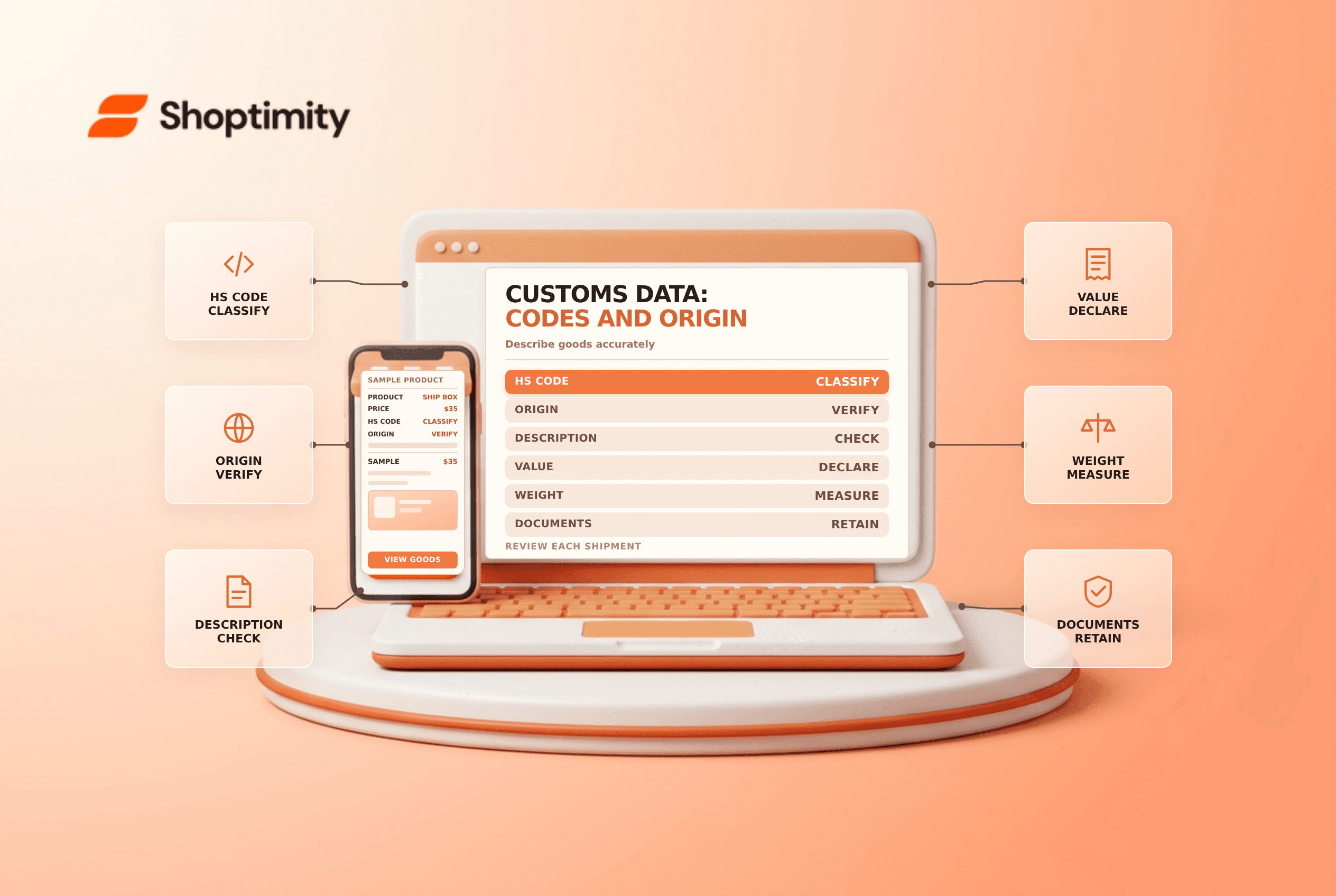
Shopify's customs-documentation guide lists an HS code of at least six digits, country or region of origin, goods description, quantity, value and item weight among the required details for the documented workflow.
| Field | What it describes | Common mistake |
|---|---|---|
| HS code | Classification of the goods | Copying a code from a similar but different product |
| Origin | Where the goods were made or assembled into their sold form | Using the dispatch warehouse country automatically |
| Description | What the item actually is | Using vague marketing language |
| Quantity and value | What is in the shipment and its declared value | Declaring a promotional or replacement parcel inaccurately |
| Weight | Item weight for the shipment | Leaving the field blank or using packaging weight as item weight |
The destination and carrier may require additional information, documentation or restrictions. Consult a qualified customs broker or relevant authority for classification, origin and valuation decisions; do not guess to obtain a label.
Understand HS codes and origin
The first six digits of the Harmonized System are a global classification base. Countries can add further digits for more detailed national classifications. Shopify's HS-code guide says country-specific codes can be used for duty calculation where configured.
Origin is not necessarily the country from which the parcel is shipped. Shopify gives the example of a table assembled in the United States from materials sourced in several countries. The appropriate origin for your own product can depend on the applicable rules and facts; obtain expert advice for complex manufacturing or preferential-origin claims.
Review the declaration for the actual shipment
Add accurate customs information to product records where appropriate, then review each line when buying an international label. Shopify says a custom item added directly to an order has no product page from which to inherit a code. Check the actual shipped quantities, values and weights, especially for split shipments or replacements.
Shopify notes that the declaration's goods description usually comes from the HS code rather than the product title. A label-specific description edit is not saved to the product for future shipments. Verify that the resulting description is clear and accurate; if the classification or description is wrong, correct the underlying data rather than relying on a repeated manual fix.
Shopify also says Managed Markets assigns HS codes to products and merchants cannot edit them in that workflow. Check the current service rules and support path when a classification needs review.
Release checklist
- Check destination restrictions and the carrier's documentation rules.
- Confirm the code, origin and description for each item.
- Match quantity, value and weight to the parcel being shipped.
- Verify any required invoice, tax identifiers and electronic or printed documents.
- Record the label and declaration details for support and reconciliation.
- Review recurring border exceptions with a broker or logistics provider.
Do not promise that a customs form eliminates duties or guarantees delivery. For related work see duties at checkout and packing slips.
Ready to build a faster, higher-converting store?
Every Shoptimity theme ships with conversion widgets built in — so you get speed and features without stacking apps.
7-day free trial · all themes included · cancel anytime
Continue Reading

Shopify B2B Company Locations: Give Buyers the Right Access
Configure Shopify B2B company locations, verify buyer permissions and test pricing, addresses and pa...

Shopify Checkout Contact Settings: Separate Email From Shipping Phone
Configure Shopify checkout contact settings and test email, phone and shipping address requirements ...

Shopify POS Recent Carts: Share a Sale Without Reserving Stock
Learn how Shopify POS recent carts work across devices, what they do not reserve, and how to hand of...