
Shopify Flow vs Zapier: Where the Free Tool Stops
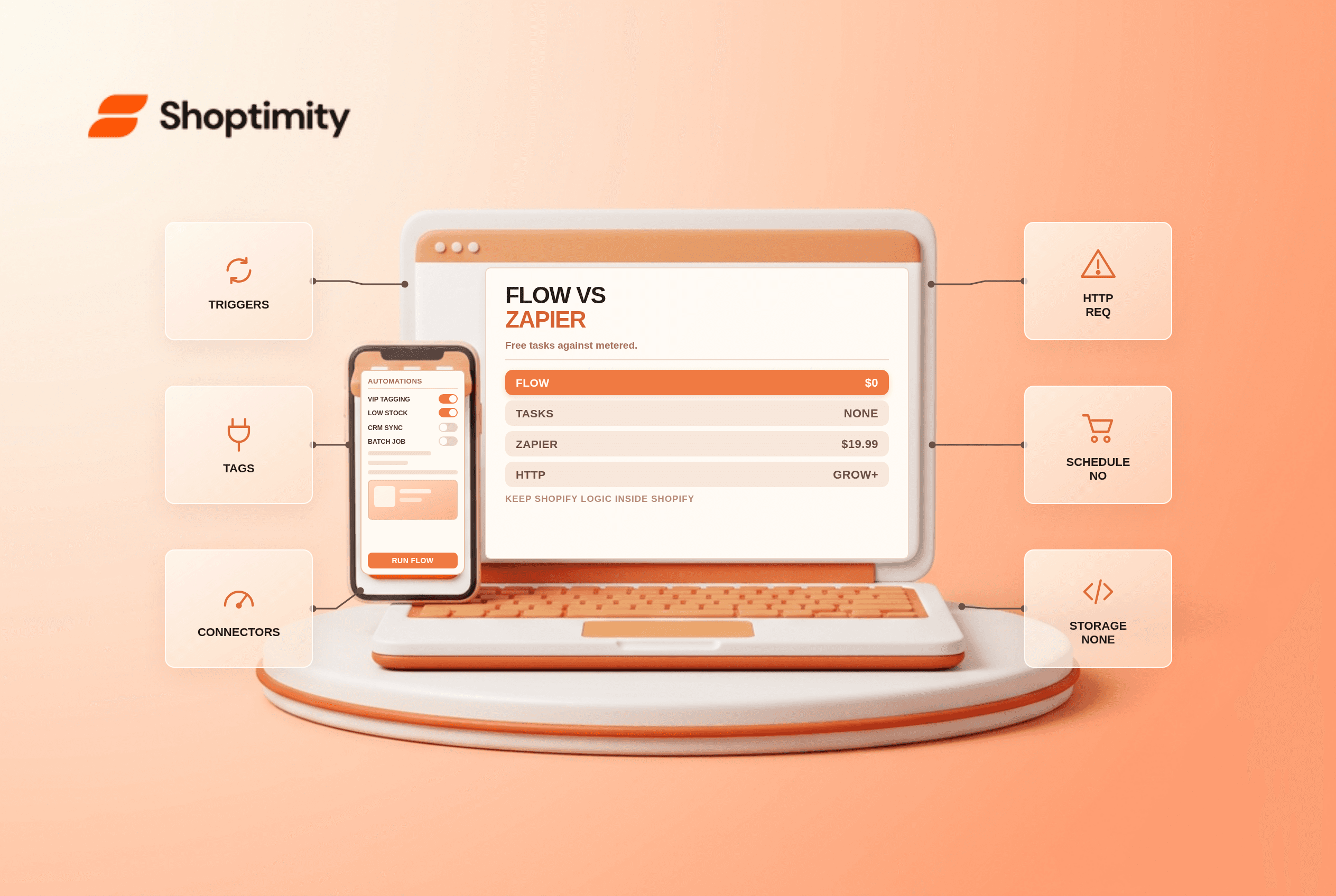
Shopify Flow is free on every plan with no task limits, and it is the right first tool for anything that happens inside Shopify. Zapier earns its $19.99 entry price only when a workflow has to leave Shopify for a tool Flow cannot reach.
The dividing line is not difficulty. It is whether the trigger and the action both live inside Shopify's data model.
What Flow does well
Flow listens to Shopify events, order created, customer created, product updated, inventory level changed, fulfillment created, and runs actions: tag something, set a metafield, send an email or Slack message, publish or hide a product, create a fulfillment, add an order note.
Conditions nest with AND/OR, which covers most merchant logic: tag orders above $500, tag customers on their third purchase, hide out-of-stock products in a collection, alert the warehouse when a SKU drops below 10 units. The template library covers hundreds of these patterns, and Sidekick can draft a workflow from a plain-language description.
None of it consumes tasks, because there is no task meter.
Where Flow stops
According to Shopify's Flow documentation, the Send HTTP Request action requires Grow or higher. On Basic you cannot call an external API from Flow at all, which is the single most common reason a merchant concludes Flow "cannot do it".
Flow is stateless. No tables, no durable variables. You cannot store a value on day one and read it on day thirty without writing it to a metafield yourself.
No real scheduling. Wait steps exist, but Flow is not a batch engine. Nightly reconciliation jobs and long multi-day sequences belong elsewhere.
Around 300 connectors, mostly through third-party Flow connectors, against Zapier's 7,000-plus. Error handling is basic logging rather than retries with human review.
| Dimension | Shopify Flow | Zapier |
|---|---|---|
| Price | Free on all plans | Free 100 tasks, then from $19.99 |
| Task limits | None | Metered by task |
| Triggers | All native Shopify events | Shopify events via webhooks |
| Actions inside Shopify | Deep, first-class | Workable but API-mediated |
| External apps | ~300 connectors | 7,000+ |
| HTTP requests | Grow plan and above | Any plan |
| Scheduling | Wait steps only | Schedule triggers and delays |
| Data storage | None | Tables on paid plans |
The cost pattern that wastes money
We measured the split pattern against a single-tool setup at 4,000 orders a month, and the metered side accounted for under 6% of the task volume.
The expensive mistake is paying Zapier to do Shopify-internal work. A task-per-order zap that tags VIP customers burns one task per order, 4,000 tasks a month on a store doing 130 orders a day, for something Flow does for nothing.
The reverse mistake is cheaper but still real: trying to force a HubSpot sync or a Trello card through Flow on Basic, then buying a connector app to bridge it, then paying for both.
Our pattern, in order: build the internal logic in Flow, write the resulting state to a metafield or tag, and let Zapier or Make trigger on that tag only for the external step. Half the operations stay free and the metered tool handles only the part that genuinely needs it.
A worked example
Say you want high-value orders flagged, added to a CRM, and reviewed by a human.
- Flow: order created, condition order total above $500, action add tag
vip-review. - Flow: same trigger, action set a metafield with the account manager name.
- Zapier: trigger on tag added, action create a CRM deal with the metafield attached.
One zap runs per high-value order instead of one per order, and the Shopify-side logic stays inside the free tool. Our verdict is that Flow should be the default and Zapier the exception, with a limitation worth stating: Flow's grow-plan gate on HTTP requests is a pricing decision disguised as a feature gap, so price the plan upgrade before price-comparing automation tools. If your automation exists mainly to patch app gaps, the hidden cost of Shopify apps is the better starting point. Flow itself is documented at shopify.com.
Ready to build a faster, higher-converting store?
Every Shoptimity theme ships with conversion widgets built in — so you get speed and features without stacking apps.
7-day free trial · all themes included · cancel anytime
Continue Reading

Shopify B2B Company Locations: Give Buyers the Right Access
Configure Shopify B2B company locations, verify buyer permissions and test pricing, addresses and pa...

Shopify Checkout Contact Settings: Separate Email From Shipping Phone
Configure Shopify checkout contact settings and test email, phone and shipping address requirements ...

Shopify POS Recent Carts: Share a Sale Without Reserving Stock
Learn how Shopify POS recent carts work across devices, what they do not reserve, and how to hand of...