
Shopify Free Shipping Discounts: Test the Rate Cap and Cart Minimum
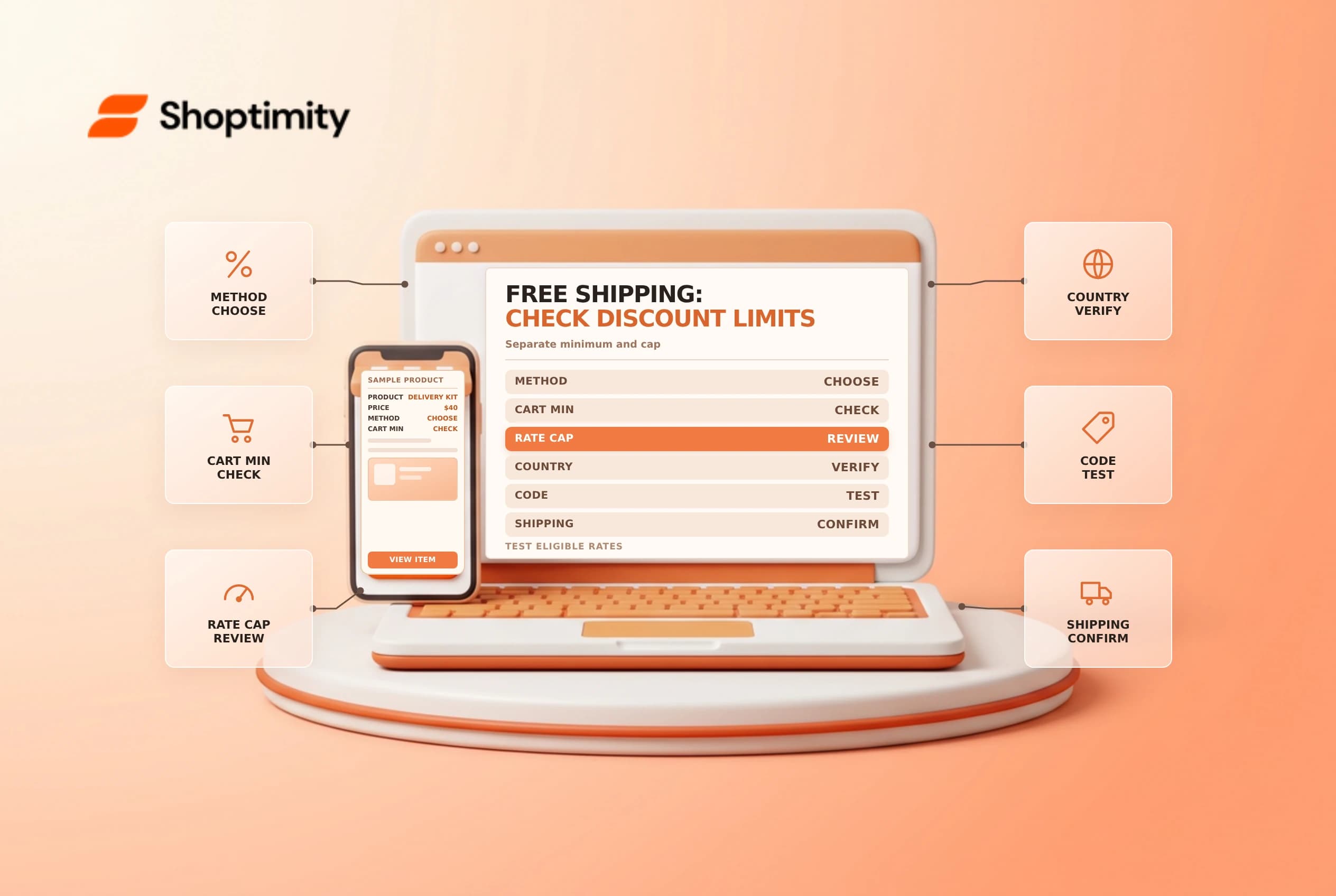
A Shopify free shipping discount can waive an eligible shipping charge when its conditions are met. It is different from configuring a zero-priced shipping rate, and the minimum purchase requirement is different from a cap on the shipping rate. Explain those distinctions in the offer and test the actual checkout before launch.
Choose a discount or a shipping rate
Shopify's free shipping discount guide describes code and automatic methods, with country, customer, minimum and other available conditions. A store can also configure free shipping through its shipping settings. The right approach depends on whether the offer targets a customer or campaign, or is part of the normal rate setup.
| Control | What it limits |
|---|---|
| Minimum purchase | The qualifying product amount or quantity |
| Maximum shipping rate | Which shipping charges are eligible for the discount |
| Country | The destination countries selected for the offer |
| Customer eligibility | Which customers may use the discount |
| Dates and combinations | When the offer runs and how it interacts with others |
Shopify says the minimum purchase amount counts product prices, including gift cards in the cart, but not taxes. A rate cap is unrelated to that order minimum: it excludes shipping rates above a specified amount. Check the current setup and actual checkout calculation rather than assuming the headline threshold covers every service.
Configure the offer
In Discounts, create a free shipping discount and choose a code or automatic method. Select countries and any available customer, minimum, maximum shipping-rate, combination, usage and date conditions. Review the summary and promotional wording before saving. A code needs to be entered or applied through a supported link; an automatic offer still needs an eligible cart and destination.
For example, a campaign might require $75 of eligible product value while excluding shipping rates over $20. These are two separate checks. A cart that meets the $75 purchase requirement may still have an expedited shipping rate that exceeds the cap. Confirm the exact boundaries using your store's currency, settings and checkout rather than promising all shipping methods are free.
Test a set of representative carts
Use a safe test process. Check a cart just below, at and above the purchase threshold; then compare a standard rate with an expedited rate above the cap. Test the intended country and one outside the offer, plus a cart with another discount. If products ship from multiple profiles or the store uses shipping options by market, inspect the actual resulting rate because rate-combination behavior depends on the configuration.
| Scenario | Review |
|---|---|
| Below minimum | Discount does not apply unexpectedly |
| At minimum | Qualifying amount and eligible service |
| Rate above cap | Correct exclusion and customer message |
| Different country | Offer scope matches campaign copy |
| Competing offer | Actual combination and final total |
Shopify's shipping rate setup guide describes free rates separately. A discount cannot fix a missing shipping option or unsupported destination by itself. Investigate the rate configuration if no service is available.
Monitor and close the campaign
Give support the threshold, cap, destinations, dates and a clear escalation path. Monitor redemption and delivery costs, and review customer complaints about excluded services. If a carrier charge or shipping profile changes, repeat the checkout tests. At the end, remove or update banners and emails so the store does not continue promising an expired offer.
Keep screenshots of safe test results, the owner and the approval date. Related guides: discount combinations and free shipping messages.
Ready to build a faster, higher-converting store?
Every Shoptimity theme ships with conversion widgets built in — so you get speed and features without stacking apps.
7-day free trial · all themes included · cancel anytime
Continue Reading

Shopify B2B Company Locations: Give Buyers the Right Access
Configure Shopify B2B company locations, verify buyer permissions and test pricing, addresses and pa...

Shopify Checkout Contact Settings: Separate Email From Shipping Phone
Configure Shopify checkout contact settings and test email, phone and shipping address requirements ...

Shopify POS Recent Carts: Share a Sale Without Reserving Stock
Learn how Shopify POS recent carts work across devices, what they do not reserve, and how to hand of...