
Shopify Landing Page Builders vs Theme Sections
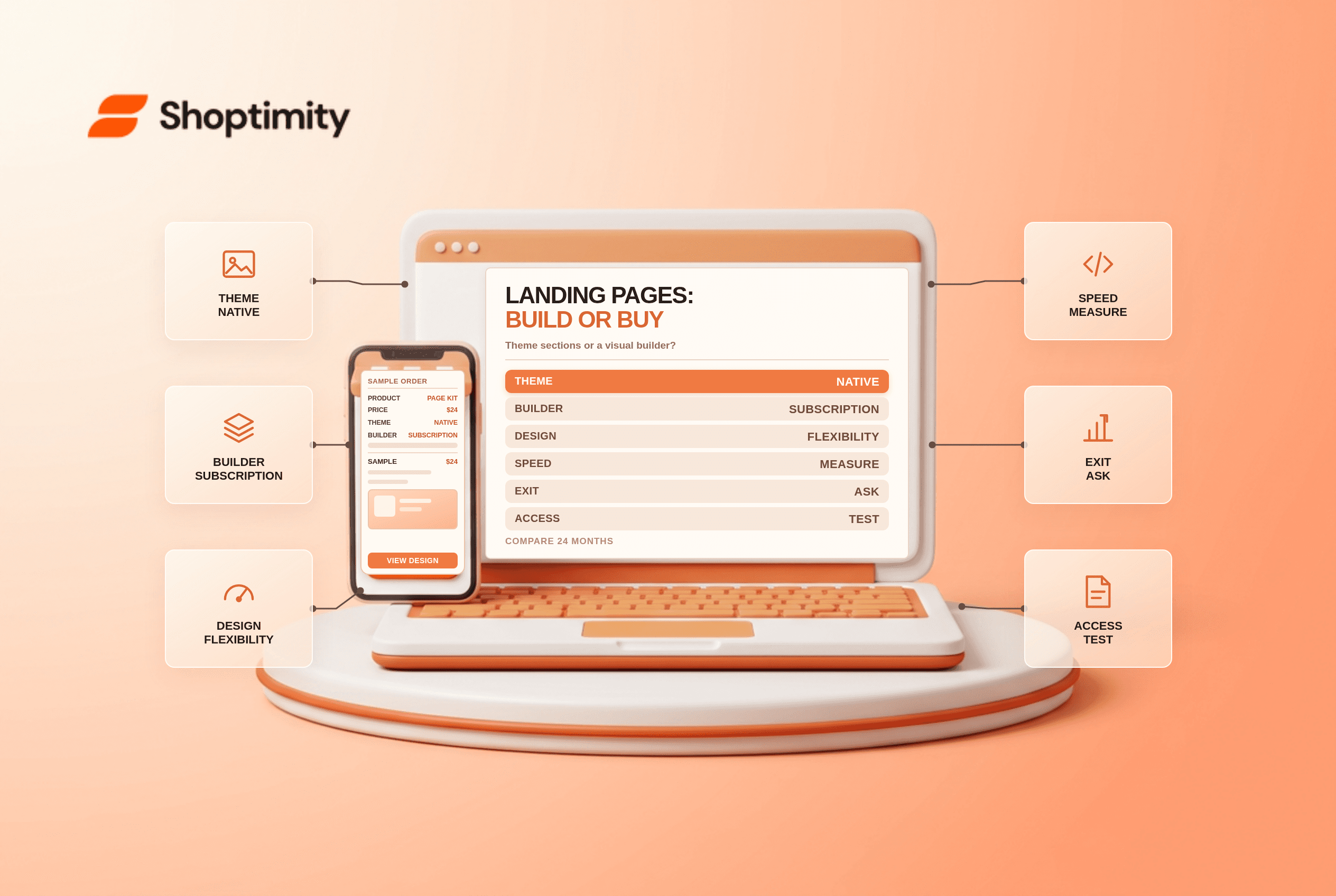
title: Shopify Landing Page Builders vs Theme Sections slug: shopify-landing-page-builder-vs-theme-sections meta_title: Shopify Landing Page Builders vs Theme Sections meta_description: Compare a Shopify landing page builder with theme sections on cost, speed, ownership and marketing workflow for informed merchant decisions. primary_keyword: Shopify landing page builder secondary_keywords:
- Shopify guide
- ecommerce operations author: The Shoptimity Team date: 2026-11-03 category: Design schema: BlogPosting, FAQPage
Shopify Landing Page Builders vs Theme Sections
A Shopify landing page builder gives a marketing team visual control, while native theme sections keep layouts in the theme. The better choice depends on publishing frequency, design requirements, performance and what happens when the app is removed, not a universal speed score.
Compare the operating models
| Option | Best when | Main trade-off |
|---|---|---|
| Theme sections | Your theme already supports the layouts | Less freedom if the section library is limited |
| Custom theme sections | You need reusable, owned components | Upfront development and maintenance |
| Page builder | Non-developers create varied campaign pages often | Recurring cost and potential app dependence |
PageFly, GemPages and Shogun all offer different plans and publishing limits. Published 2026 comparisons put entry paid plans around $24, $29 and $39 per month respectively, but features and billing change; verify each live listing. Shogun's testing product may be separate from its page builder, price the specific features you need.
Calculate the two-year cost
A hypothetical $29 monthly subscription costs $696 over 24 months before taxes, add-ons or staff time. A $1,200 custom-section project costs more upfront but may be less expensive over a longer period. Add maintenance, designer and developer time, and the value of faster campaign launches to both sides. Neither is automatically cheaper.
Ask whether the price scales with page slots, traffic, stores or extra features. Include any separate experimentation product and the cost of rebuilding pages if you leave. For the theme decision itself, see are paid Shopify themes worth it.
Measure performance on your own pages
Builders can introduce scripts, styles, network requests and third-party dependencies; native sections can also be heavy if they load large images or inefficient code. Generic Lighthouse scores do not predict your store's results.
Create two comparable pages with the same images, fonts and content. Test mobile performance with repeat runs under the same conditions, then review field data when enough real traffic exists. Look at Largest Contentful Paint, Interaction to Next Paint and layout shifts, alongside page weight and network requests. A score alone is not a conversion estimate.
Check ownership before committing
Ask the vendor whether published pages remain visible, editable and functional after uninstall. Export or duplicate a noncritical page and test the documented uninstall process on a development store. Verify canonical URLs, metadata, redirects, forms and analytics after migration; vendors' exit behaviour and plan terms can change.
A sensible rollout
- List the campaign layouts your team actually needs and how often they change.
- Prototype one representative page using existing theme sections.
- Run the same brief through a builder trial and compare editing time and mobile results.
- Test accessibility using keyboard navigation, labels and focus order.
- Price the desired page count, testing and exit over two years.
Choose the theme when reusable sections meet the brief; use custom sections for repeatable gaps; consider a builder when independent campaign creation justifies recurring cost. Shopify speed checklist covers the rest of the performance budget.
Treat accessibility as a selection criterion
Campaign pages need the same keyboard, focus, label, contrast and alternative-text checks as the rest of the store. Review an actual builder-generated page rather than a vendor's template screenshot. If your team cannot correct a defect in the editor, ask about support and workarounds before committing to the annual plan.
Ready to build a faster, higher-converting store?
Every Shoptimity theme ships with conversion widgets built in — so you get speed and features without stacking apps.
7-day free trial · all themes included · cancel anytime
Continue Reading

Shopify B2B Company Locations: Give Buyers the Right Access
Configure Shopify B2B company locations, verify buyer permissions and test pricing, addresses and pa...

Shopify Checkout Contact Settings: Separate Email From Shipping Phone
Configure Shopify checkout contact settings and test email, phone and shipping address requirements ...

Shopify POS Recent Carts: Share a Sale Without Reserving Stock
Learn how Shopify POS recent carts work across devices, what they do not reserve, and how to hand of...