
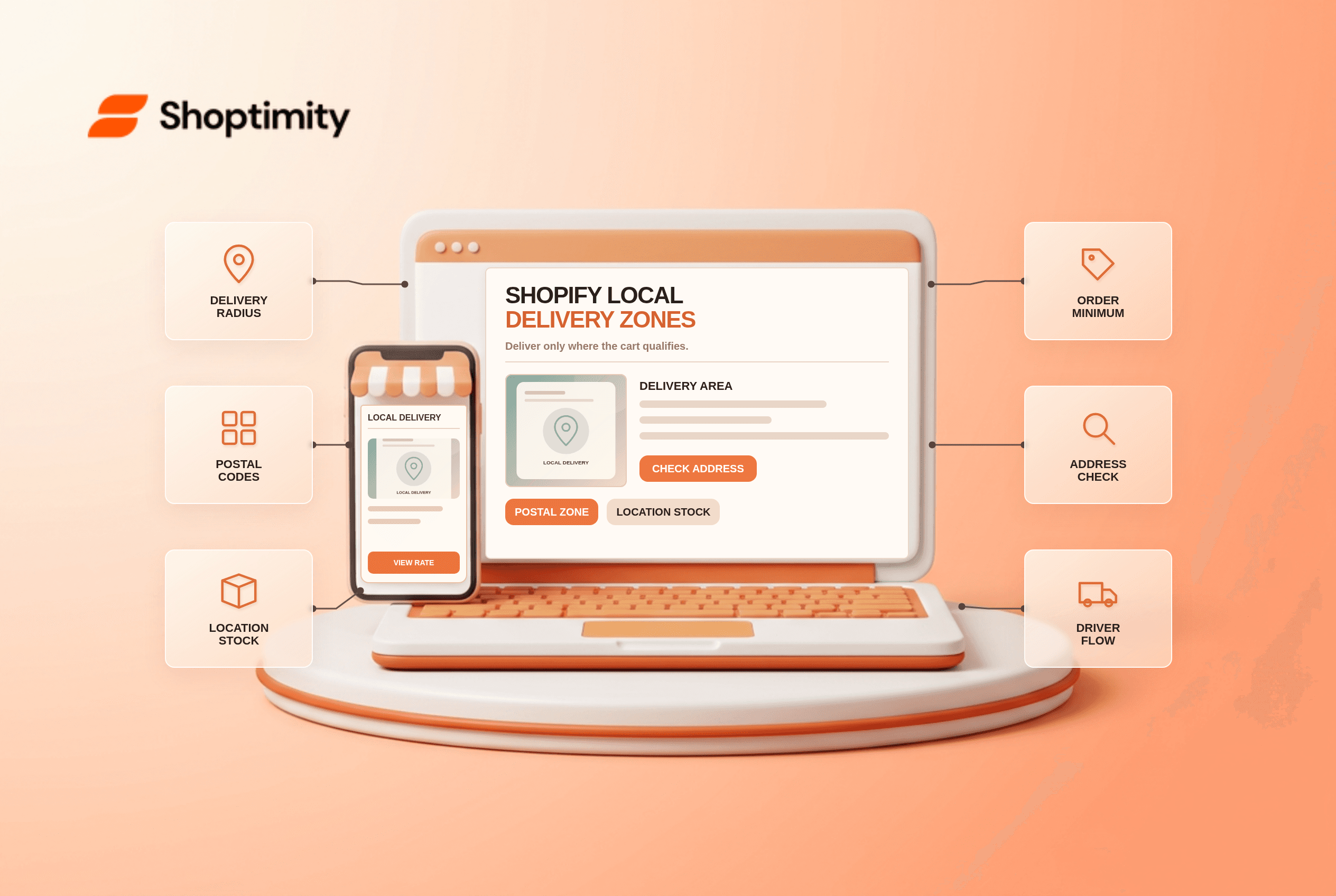
Shopify local delivery zones define where a merchant can offer delivery from a specific location. A banner saying “we deliver nearby” does not establish that a cart qualifies. Checkout checks the delivery address, zone rules and inventory at the delivering location. Test real addresses at the boundary before promising a rate or arrival window.
How do local delivery zones work?
Each delivering location needs its own activation and area. Shopify's local-delivery guide allows zones defined by distance from a verified business location or by postal codes. In Settings > Shipping and delivery > Local delivery, activate the service at the location and set prices and any minimum order requirements. Shopify documents up to 10 delivery zones per location and a maximum radius of 160 km or 100 miles. A radius does not extend across national borders.
An eligible customer must have an address in the selected area. Shopify also requires all physical items in the cart to be deliverable from a single location with stock for the entire order. This means a cart can lose local delivery when a shopper adds one product that is stocked elsewhere. Check the real inventory assignment, not only the product page's availability label.
What should you test before launch?
Build a boundary table with two addresses and two carts. Record which location should fulfill each order and the rate you expect.
- Verify the delivering location's street address before using a radius. A wrong map position moves the apparent coverage area.
- If you use postal codes, check exact codes and any prefix rules. Do not treat a partial code as an exact match.
- Set one address clearly inside the zone and one just outside. Enter both in checkout with the same eligible product.
- Add a second product stocked at another location. Confirm whether any one location can fulfill every physical item.
- Test the minimum spend immediately below and above its threshold, and compare local delivery with ordinary shipping options.
- Run a test order and confirm who prepares the goods, what delivery instructions the customer receives and who marks the order delivered.
The Shopify delivery documentation also notes that local delivery works with Shop Pay but not with some other accelerated checkouts, including Apple Pay and Google Pay when chosen in the first checkout step. Check the actual payment journey before attributing a missing option to a theme. The customer might be using a path that does not offer it.
Why does local delivery disappear at checkout?
Start with address verification, stock and checkout method. Shopify requires an address that it can verify and that meets the radius or postal-code rules. If the zone seems correct, inspect whether the selected location has every physical item. Then try the normal checkout path rather than a different accelerated method. This isolates three common causes without changing a working theme.
A price rule can be another cause. A customer within the zone may still be ineligible if the cart misses its minimum order value. Record the displayed subtotal, delivery rate and address for each test; a screenshot of a promotional banner cannot prove the eligibility calculation. For nearby pickup rather than a driver route, see our pickup-in-store guide. That article may still be a draft, so publish it first or replace the link.
What does the theme control?
It can explain service boundaries, not extend them. A Shoptimity theme can show delivery coverage, estimated preparation times and a clear link to policy. Avoid hard-coded text such as “free delivery everywhere” if checkout uses location-specific rules. Theme versus app responsibilities helps separate display from fulfillment settings. We checked Shopify's public rules, not your route capacity or local regulations. Confirm the human delivery process before going live.
Ready to build a faster, higher-converting store?
Every Shoptimity theme ships with conversion widgets built in — so you get speed and features without stacking apps.
7-day free trial · all themes included · cancel anytime
Continue Reading

Top Shopify Theme for Wholesale: A 2026 Buyer's Guide
You've just spent weeks sourcing inventory and building supplier relationships. But when you launch ...

Ecommerce Return Status Updates: Separate Request and Refund
Ecommerce return status updates should separate request, label, receipt, inspection and refund so sh...

Ecommerce Delivery Delay Updates: Show the New Reality
Ecommerce delivery delay updates should replace stale promises with a dated revised estimate, clear ...