
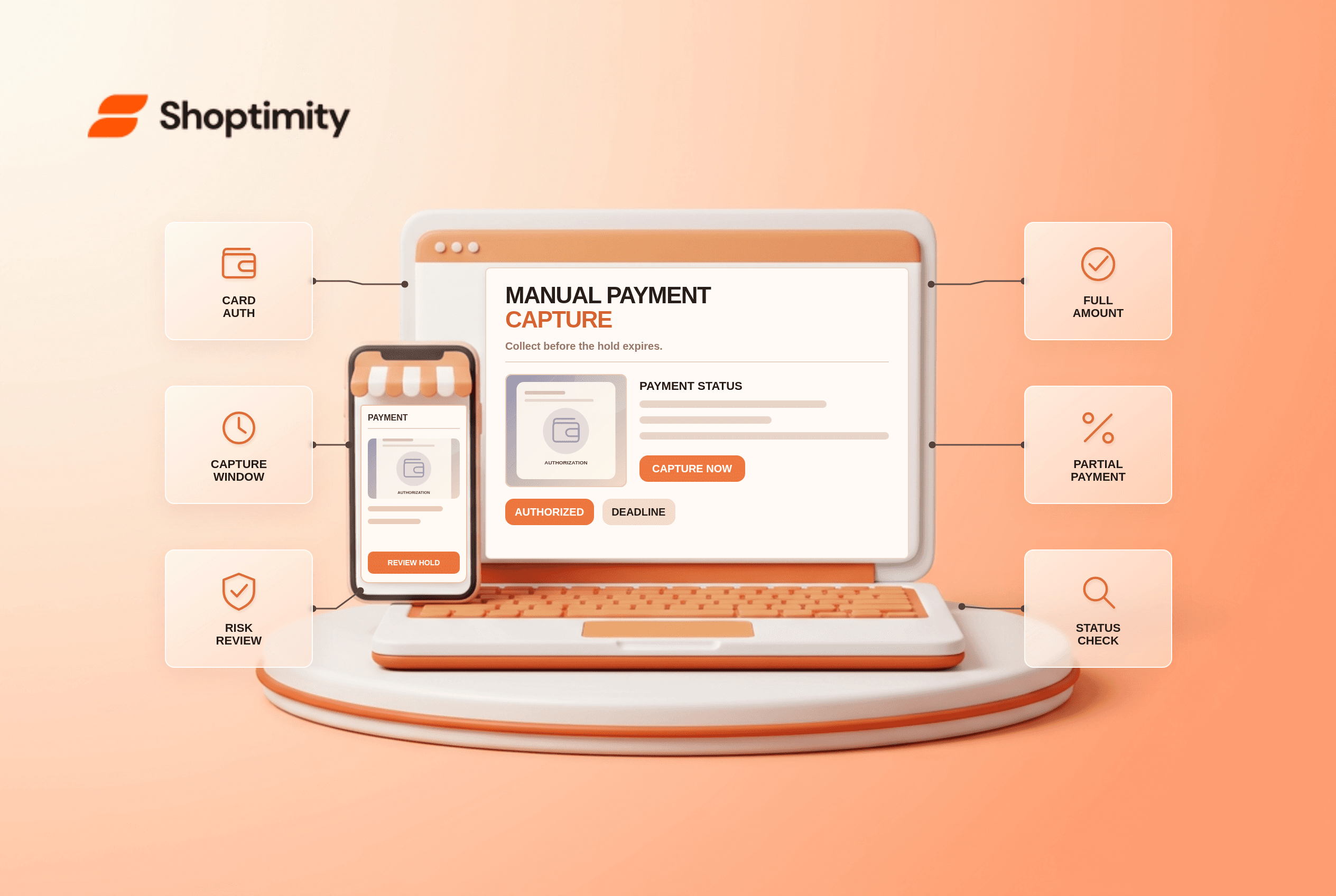
Shopify manual payment capture lets a store authorize a card at checkout and charge it later. That delay can be useful for reviewing a risky order or aligning capture with fulfillment. It also creates a deadline: an authorization is not settled revenue, and a late capture can fail or create extra work. Give the operations team a reliable capture queue before changing the setting.
How does authorization differ from capture?
Authorization reserves the ability to charge; capture collects payment. Shopify's payment authorization guide says automatic capture at checkout is the default for credit cards and some other methods. Manual capture requires staff or an eligible app to capture the authorized payment within the provider's authorization period. Shopify Payments documents a standard 7-day authorization period, but a different provider can have different rules. Do not apply Shopify Payments timing to every gateway.
Some additional payment providers do not support manual capture and will charge automatically even if your Shopify setting is manual. Check the payment method in a real test order, including the status displayed in Shopify Admin. A pending bank hold is not the same as a merchant having received funds.
What should a capture workflow include?
Define an owner, deadline and exception path. Use a short operational list that someone can follow on a busy shipping day.
- In Settings > Payments, review the current capture method and any third-party app that also captures orders. Avoid conflicting automatic routines.
- Decide when an authorized order is reviewed and who makes the capture decision. Record fraud and stock decisions separately.
- Note the authorization expiry shown for the order. Set an internal deadline earlier than the provider deadline.
- Test a normal card order and any important additional payment methods. Verify whether each stays Authorized or captures automatically.
- If you capture at fulfillment, test a partially fulfilled order. Shopify's entire-order automatic fulfillment capture waits for the full order; per-fulfillment automatic capture is a Plus feature.
- Reconcile the captured amount and order status each day. Escalate authorization expiry before promising dispatch.
Shopify's capture options distinguish automatic at checkout, automatic after the entire order fulfills, automatic per fulfillment on Shopify Plus, and manual capture. The right method depends on warehouse timing and provider support. For example, a backordered item can delay whole-order fulfillment past the authorization window. Do not assume a fulfillment event can always rescue an expired authorization.
What happens if the authorization expires?
The store may not be able to collect the original payment as planned. Shopify says payment must be captured within the authorization period. Monitor orders approaching expiry; review whether a new checkout or order is required under the provider's rules rather than quietly shipping unpaid goods. A customer may also see a temporary authorization hold on a bank statement after cancellation. Explain the difference between a hold and a captured charge accurately.
For high-risk orders, manual capture gives staff a review point but is not a fraud guarantee. Our fraud-analysis checklist covers the review process; it may still be a draft. Coordinate charge decisions with the actual fraud assessment.
Can a theme manage capture?
No. A Shoptimity theme presents payment options and policies but cannot extend a provider's authorization window or collect a charge. Theme versus app responsibilities clarifies the boundary. We checked Shopify's published guidance, not your gateway contract. Confirm timelines, currencies and fees with your provider and payments team.
Ready to build a faster, higher-converting store?
Every Shoptimity theme ships with conversion widgets built in — so you get speed and features without stacking apps.
7-day free trial · all themes included · cancel anytime
Continue Reading

Top Shopify Theme for Wholesale: A 2026 Buyer's Guide
You've just spent weeks sourcing inventory and building supplier relationships. But when you launch ...

Ecommerce Return Status Updates: Separate Request and Refund
Ecommerce return status updates should separate request, label, receipt, inspection and refund so sh...

Ecommerce Delivery Delay Updates: Show the New Reality
Ecommerce delivery delay updates should replace stale promises with a dated revised estimate, clear ...