
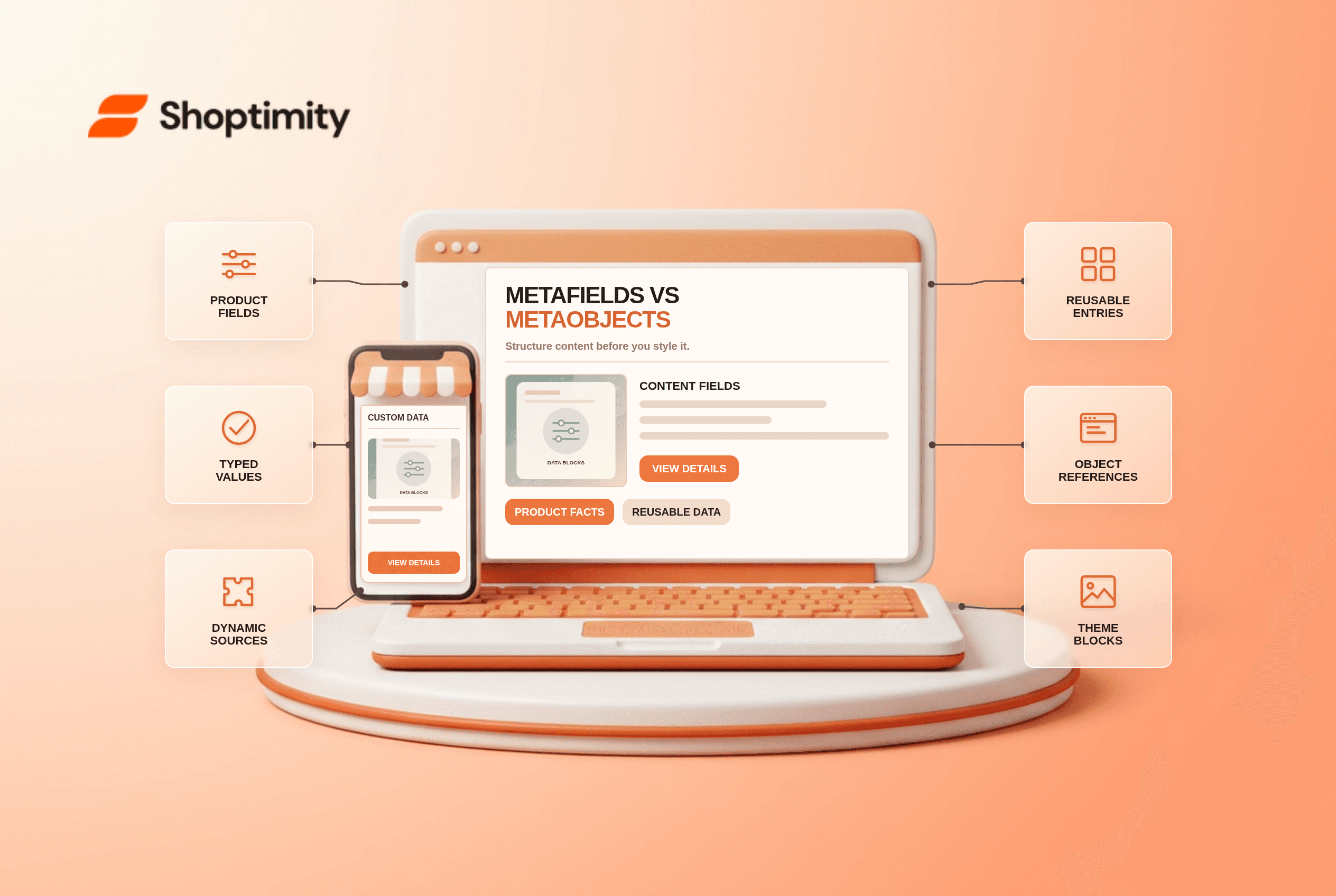
Shopify metafields vs metaobjects is not a battle between two page-design features. A metafield stores a typed piece of information on a resource such as a product. A metaobject groups fields into a structured entry that can be reused or referenced. Choose the data model first; only then connect it to the theme. Otherwise a beautiful block may show the same wrong content on every product.
When is a metafield enough?
Use a product metafield for a value that belongs to that product. A care instruction, material, warranty note or dimensions value can be defined once and filled differently for each product. Shopify's metafield instructions show a care-guide definition, product-level values and a theme connection. Consistent types matter: a numeric weight should not be stored as an arbitrary paragraph if you want filtering or validation later.
In a compatible theme editor, a setting with a dynamic-source icon can connect to a metafield. Shopify's display guide says the block must support the source type. A missing dynamic-source option can be a block compatibility issue rather than missing product data.
When does a metaobject make more sense?
Use a metaobject for a repeatable, structured thing. Imagine a “Product highlight” with an icon, title and short explanation that appears on several products. Create one definition, add entries and reference the appropriate entry from each product. Shopify's metaobject overview uses product highlights and influencer profiles as examples. An entry is content; the definition is the shape of that content.
A simple decision table can prevent an expensive remodel:
| Content need | Likely starting point | Why |
|---|---|---|
| One care note per product | Product metafield | Value lives on that product |
| Shared size-guide record | Metaobject reference | Reusable structured entry |
| Product-specific page count | Product metafield | Simple typed fact |
| Many team profiles with image and bio | Metaobject | Each profile has several fields |
Neither method automatically makes content visible. Shopify's connection guidance requires a compatible block, matching field type or code that reads the object. Test at least 2 products: one with a populated value and one without, so the empty state is intentional.
How do you avoid duplicated or stale content?
Map ownership before importing data. Decide who edits product facts, who edits shared entries and how retired entries are handled. A reusable warranty paragraph stored separately in 50 products can drift; a single shared entry can reduce that drift but also propagates any mistake to every referenced page. Use clear naming for definitions and entries, and document where each field appears.
Do not force every marketing sentence into a metafield. If the copy is identical across a whole template, a theme setting might be simpler. If it varies by product, a product-level field may be better. If it describes a reusable person, ingredient or feature with its own image and fields, a metaobject is worth considering. The decision concerns maintainability, not only whether the current screenshot looks correct.
What should you test on the storefront?
Check the source, block and rendered page as three separate layers. Confirm the definition exists, values or entries are populated, and the theme block is connected to the right source. Preview products with and without data on desktop and mobile. If the block appears in one template but not another, compare template assignments before duplicating fields.
Shoptimity's themes can render product sections, but we have not tested a specific theme's compatibility with your custom definitions. Our theme-versus-app guide explains why stored data and its presentation are different. For collection filtering of custom data, read the storefront-filter diagnostic. According to Shopify, field types must match compatible settings; theme styling cannot repair a mismatched source.
Ready to build a faster, higher-converting store?
Every Shoptimity theme ships with conversion widgets built in — so you get speed and features without stacking apps.
7-day free trial · all themes included · cancel anytime
Continue Reading

Top Shopify Theme for Wholesale: A 2026 Buyer's Guide
You've just spent weeks sourcing inventory and building supplier relationships. But when you launch ...

Ecommerce Return Status Updates: Separate Request and Refund
Ecommerce return status updates should separate request, label, receipt, inspection and refund so sh...

Ecommerce Delivery Delay Updates: Show the New Reality
Ecommerce delivery delay updates should replace stale promises with a dated revised estimate, clear ...