
Shopify Order Edit Discounts: Review the Refund or Balance
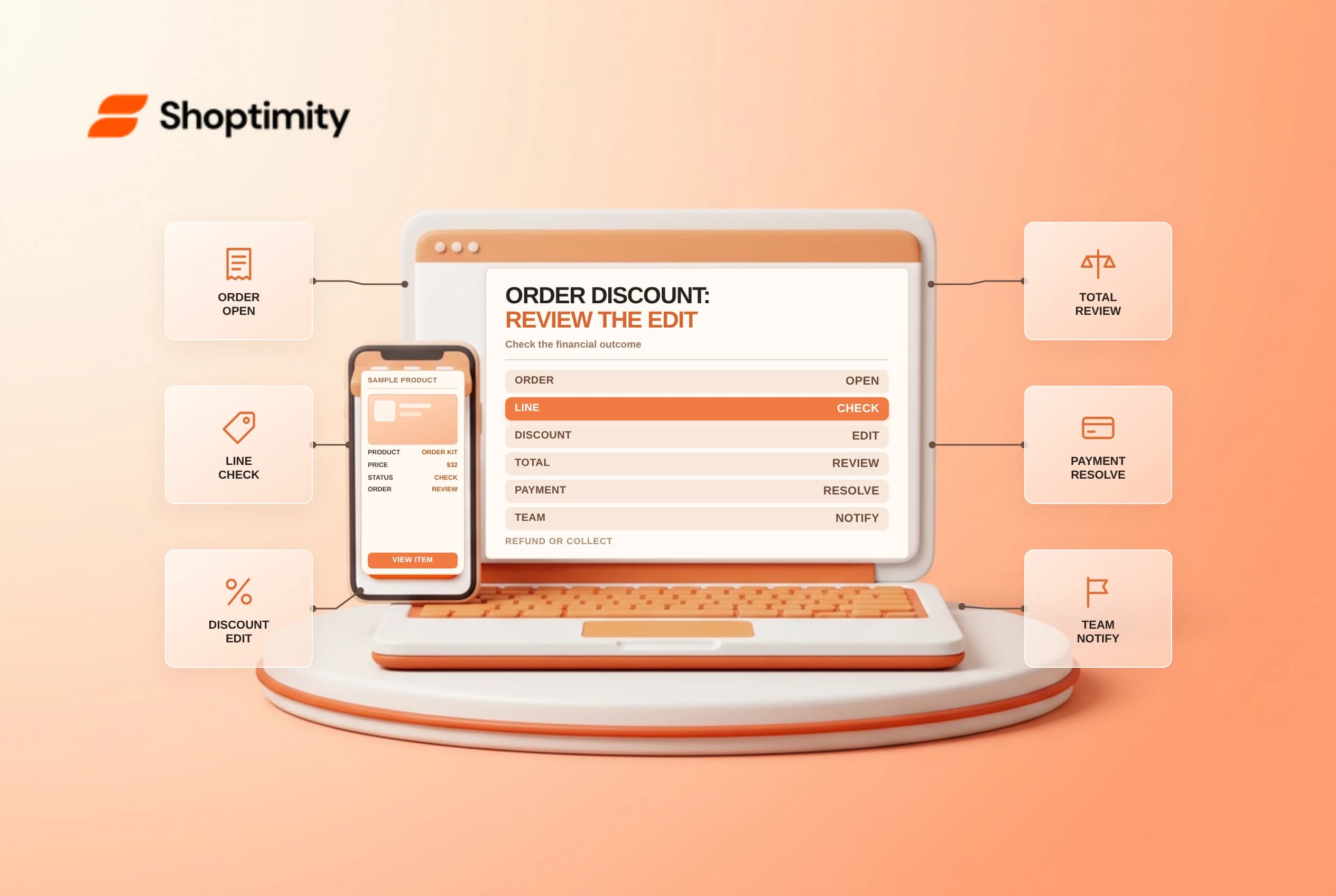
Shopify order edit discounts can correct an agreed price after a customer places an order. A manual item discount, a custom order discount and an existing discount code have different rules. Review fulfillment status, the resulting total and any payment action before telling the customer the change is complete.
Identify the discount you can change
Shopify's order discount editing guide says merchants can add, adjust or remove manual discounts on items and manage one custom discount for the entire order, subject to restrictions. Existing discount codes and automatic discounts cannot be added, edited or removed through order editing. Some discounts do not recalculate after an edit.
| Discount or state | Review |
|---|---|
| Manual line-item discount | Can be managed where the item and order are eligible |
| Custom order-wide discount | One is supported, subject to documented restrictions |
| Existing discount code | Cannot be changed or removed through order editing |
| Automatic discount | Cannot be changed or removed through order editing |
| Partially fulfilled line item | Shopify says a discount cannot be added to that line |
| Pending payment or app-created order | Check whether the order can be edited at all |
Shopify's editing considerations list further restrictions, including certain bundles, subscription renewals and marketplace orders. Do not assume every paid order supports the same edit.
Review the correct line and total
Verify the customer's request and open the order. Check line quantities and fulfillment state, then choose the approved manual discount type and reason. Shopify says a discount on a line with multiple quantities applies to that whole line; separate lines need separate discounts. A partially fulfilled line cannot have a new discount added, even if some units remain unfulfilled.
For a custom order-wide discount, inspect any existing discounts before adding or changing it. Shopify says some order-level discounts recalculate after edits while others do not. Review the entire final total, not just the new discount field. Shipping methods and rates are not recalculated automatically when an order is edited.
Complete the financial action
Editing the order is not the same as issuing a refund or collecting a balance. Shopify says a lower total can leave a refund owed, while a higher total can leave an amount to collect. Review the summary, update the order and use the supported refund or payment process when required. Communicate the amount and method to the customer without promising immediate bank settlement.
| Result | Required review |
|---|---|
| Total decreases | Determine and issue the appropriate refund |
| Total increases | Collect the amount due through a supported method |
| Total unchanged | Verify the final order and decide on notification |
| Existing code remains | Check that the total reflects the intended agreement |
| Fulfillment app involved | Confirm the app received the updated order |
| Shipping changed in practice | Review the charge and carrier handoff separately |
Shopify warns that some apps may not recognize order edits. Confirm the fulfillment system and warehouse are working from the latest approved order before shipping. If the change cannot be made, follow the store's escalation process rather than forcing an unsupported workaround.
Test and document exceptions
Use a test order with synthetic data to review a manual line discount, an existing code and a partially fulfilled line. Do not issue an actual refund to a live customer as a test. Keep the approval, reason, before-and-after total, payment action and customer communication in the store's approved record.
Reconcile exceptions with finance and review tax effects where relevant. Consult a qualified adviser for jurisdiction-specific tax or consumer-law questions. Related guides: editing orders and partial refunds.
Ready to build a faster, higher-converting store?
Every Shoptimity theme ships with conversion widgets built in — so you get speed and features without stacking apps.
7-day free trial · all themes included · cancel anytime
Continue Reading
Shopify Mondial Relay: Ship France Box Relay Orders
Set up Shopify Mondial Relay for domestic French Point Relais and locker boxes, require French billi...
Shopify Poste Italiane: Ship Domestic Italy Parcels
Configure Shopify Poste Italiane domestic Standard drop-offs and 70 kg Express pickups, avoid banned...
Canadian Sales Tax: Set Up Shopify GST, HST and QST
Configure Canadian sales tax in Shopify across the $30,000 CAD CRA threshold, 5% GST, 13% to 15% HST...