
Shopify Partial Refunds: Amounts, Shipping and Restocking
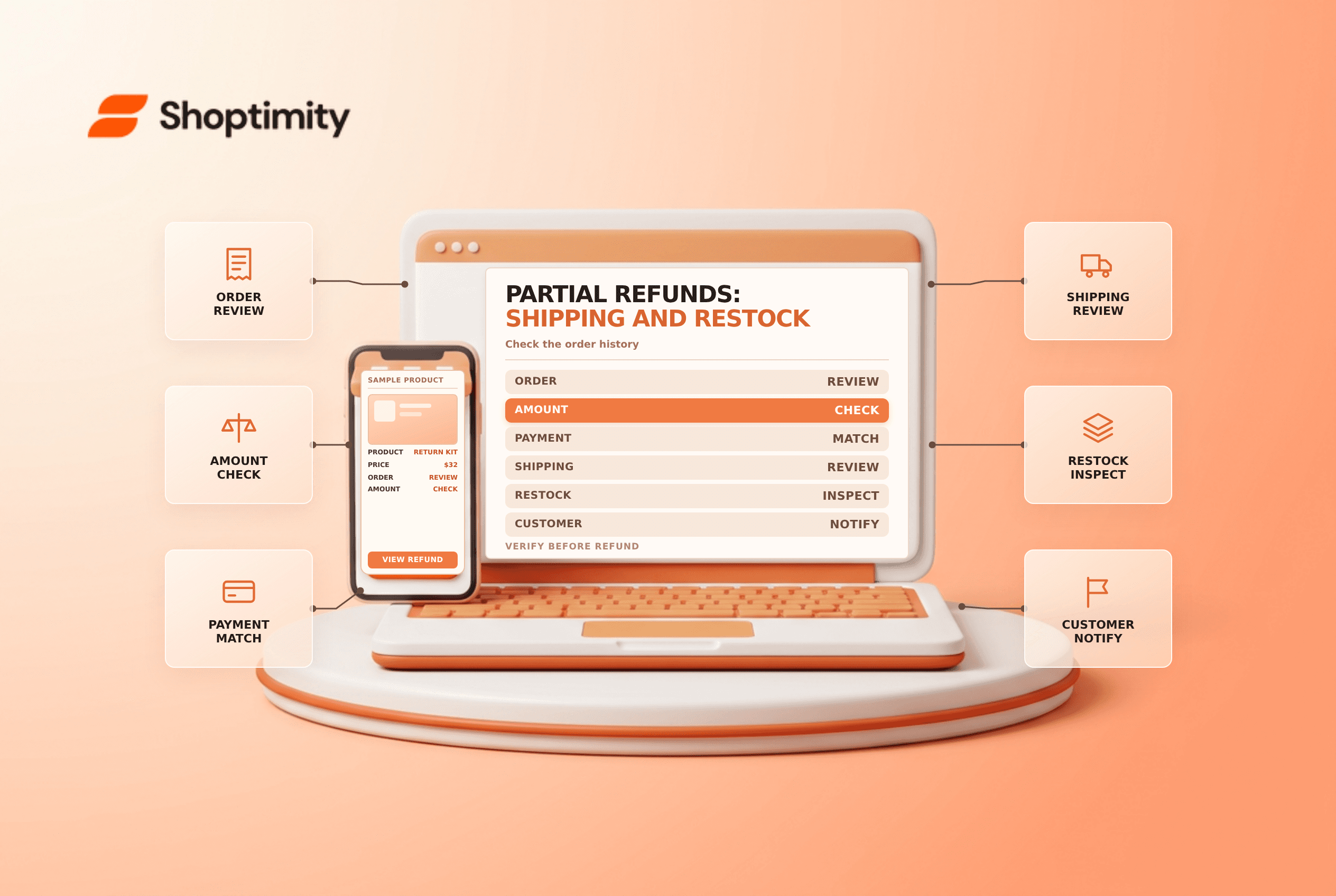
title: Shopify Partial Refunds: Amounts, Shipping and Restocking slug: shopify-partial-refunds-shipping-restocking meta_title: Shopify Partial Refunds: Shipping and Restocking meta_description: Understand Shopify partial refunds, return tracking, split payments, shipping and inventory restocking with a practical verification checklist. primary_keyword: Shopify partial refunds secondary_keywords:
- Shopify merchant guide
- ecommerce operations author: The Shoptimity Team date: 2026-11-04 category: Operations schema: BlogPosting, FAQPage
Shopify Partial Refunds: Amounts, Shipping and Restocking
Shopify partial refunds return part of an order's paid amount without necessarily canceling the entire order. The refund, the physical return and the inventory restock are separate decisions. Review each one before confirming, and follow your customer policy and applicable law.
Separate the actions
Shopify's refund guide says a refund can be issued without creating a return, but a return cannot be created after a refund has been issued. If you need to track a physical return, determine the appropriate workflow before refunding.
| Decision | What to check | Example |
|---|---|---|
| Return | Whether goods are coming back and need tracking | A customer sends a damaged item |
| Refund | Amount and available payment method | Refund one item from a three-item order |
| Shipping | Whether any original shipping amount is refundable | Refund part of a shipping fee where permitted |
| Restock | Whether goods are present and fit to sell | Inspect the returned unit at the correct location |
| Notification | What the customer should receive | Confirm refund amount and expected processing time |
Shopify says a partially refunded order displays Partially refunded. A refund status is not proof that the parcel has returned to the warehouse.
Review the original payment and prior actions
Open the order and inspect the payment timeline, discounts, prior refunds and remaining refundable amount. Where an order has multiple transactions, Shopify may suggest how a partial refund should be split. Its guide says a gift-card component is suggested for refund first in some split-payment scenarios; review the actual choices rather than assuming every refund goes to one card.
Check the store's policy and the payment provider's rules before promising a method or timing. Applicable consumer rights can override a store policy. A refund submitted by the merchant may take additional time for the provider and customer's bank to process.
Decide what to refund
Select the item and quantity, review the calculated amount, and consider any eligible shipping refund separately. Do not exceed the amount available. Shopify notes that an order-level free-shipping discount can affect whether shipping is refundable through the documented workflow.
For an illustrative order with two items and a separate shipping charge, refunding one item does not automatically mean the entire shipping charge must be refunded. The correct amount depends on the facts, applicable rules and the order. Check taxes, discounts and fees in the actual refund screen; do not copy a simple example into a live transaction.
Restock only when the record matches reality
Shopify offers a restock option for tracked items. If goods have not arrived or are damaged, avoid automatically making them available for sale. Inspect them, choose the correct location and use the appropriate inventory state and policy. If inventory was accidentally restocked, investigate and correct the record rather than issuing another refund to fix stock.
- Confirm the customer, order, items and prior refunds.
- Decide whether a return must be created before refunding.
- Review the amount, payment split, shipping and customer notification.
- Check the restock choice and destination before submitting.
- Record the outcome and monitor any outstanding return or refund.
- Reconcile payment activity and investigate discrepancies.
See inventory adjustments and store credit versus refunds for related controls.
Ready to build a faster, higher-converting store?
Every Shoptimity theme ships with conversion widgets built in — so you get speed and features without stacking apps.
7-day free trial · all themes included · cancel anytime
Continue Reading

Shopify B2B Company Locations: Give Buyers the Right Access
Configure Shopify B2B company locations, verify buyer permissions and test pricing, addresses and pa...

Shopify Checkout Contact Settings: Separate Email From Shipping Phone
Configure Shopify checkout contact settings and test email, phone and shipping address requirements ...

Shopify POS Recent Carts: Share a Sale Without Reserving Stock
Learn how Shopify POS recent carts work across devices, what they do not reserve, and how to hand of...