
Shopify Inventory Adjustments: Counts, Reasons and Controls
title: Shopify Inventory Adjustments: Counts, Reasons and Controls slug: shopify-inventory-adjustments-reasons-controls meta_title: Shopify Inventory Adjustments: Reasons and Controls meta_description: Learn how Shopify inventory adjustments work, choose a reason, reconcile counts and review inventory history without obscuring the root cause. primary_keyword: Shopify inventory adjustments secondary_keywords:
- Shopify merchant guide
- ecommerce operations author: The Shoptimity Team date: 2026-11-04 category: Operations schema: BlogPosting, FAQPage
Shopify Inventory Adjustments: Counts, Reasons and Controls
Shopify inventory adjustments change recorded quantities at a specific location. A physical count, a damaged item and a supplier delivery can all affect stock, but they are not the same event. Use the correct inventory state and reason, then record enough context for another person to understand the change.
Understand the inventory states
| State | Meaning | Example |
|---|---|---|
| Available | Units available to sell at the location | Stock on a saleable shelf |
| Committed | Units reserved for applicable orders or transfers | An unfulfilled order |
| Unavailable | Units set aside and not available to sell | Stock in quality control |
| On hand | Committed plus unavailable plus available | Physical stock recorded at the location |
| Incoming | Units expected at the location | An inbound transfer |
Shopify's adjustment-history guide describes these states and the staff, app or sales-channel activity that changed them. Incoming stock is not the same as stock already available for sale.
Set to versus adjust by
Use Set to when you have established a reliable exact quantity for the selected state and location. Use Adjust by to add or subtract a known change. Shopify's quantity-adjustment guide describes both methods and lets you select a reason.
Example: the available quantity is 24 and a physical review establishes that two available units are missing. An adjustment of minus two gives 22, provided no relevant transaction occurred between the count and the adjustment. If orders or transfers were processed during the count, reconcile that movement before overwriting the quantity. Do not set available stock equal to the total physical count without accounting for committed and unavailable units.
Choose a reason that explains the event
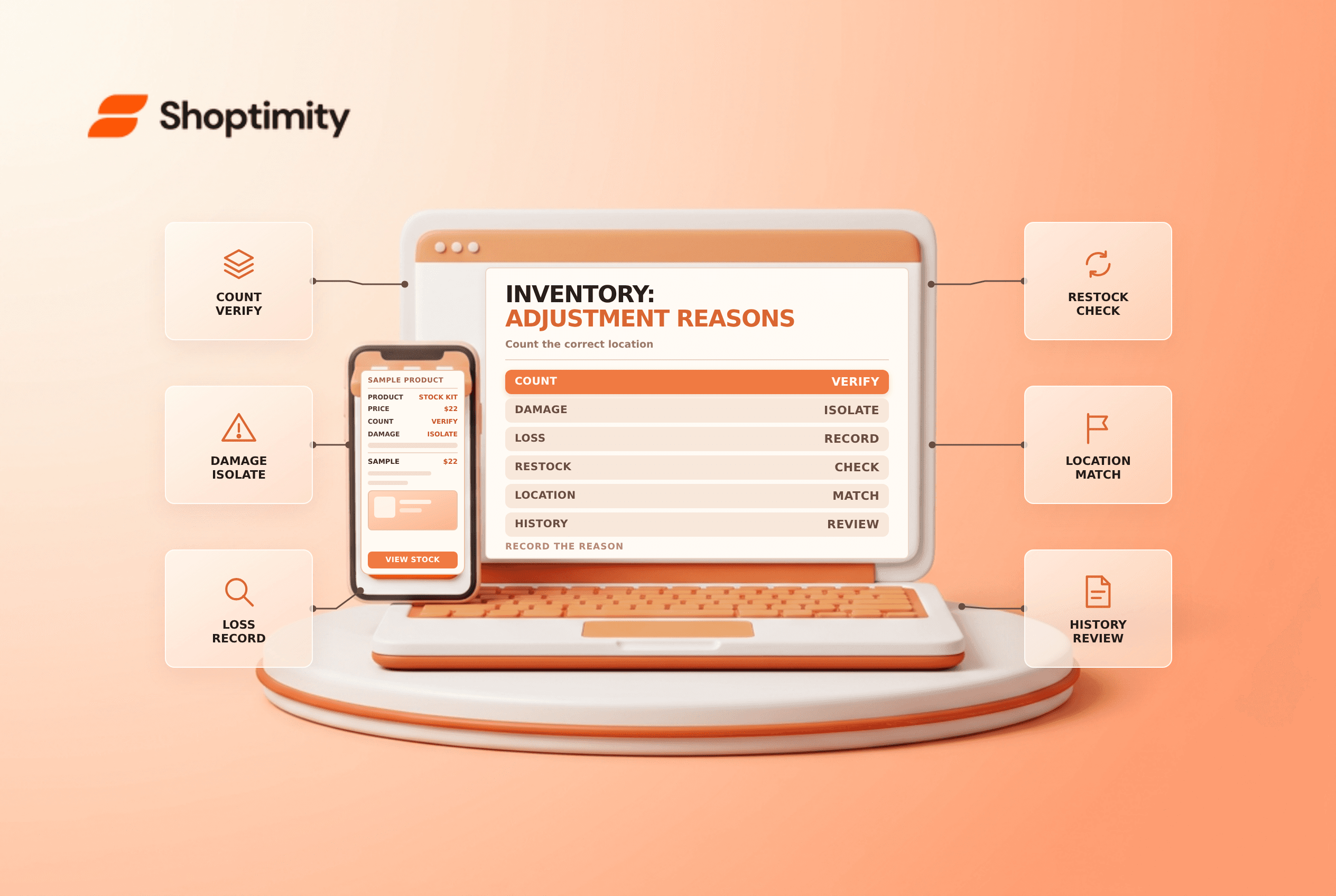
Shopify lists reasons including Count, Received, Return restock, Damaged, Theft or loss, Promotion or donation, and Correction. Select the reason that reflects the actual event rather than using correction for every change. A reason code is not a substitute for a fuller incident or supplier record when one is needed.
If an item is physically present but cannot be sold, consider the appropriate unavailable state instead of simply treating it as missing. Confirm your warehouse and accounting policy, and avoid adding a supplier shipment manually if a linked receiving workflow will already add it.
Run a safe adjustment process
- Identify the variant, SKU, location and relevant inventory state.
- Record the expected quantity and count the physical units.
- Investigate open orders, returns, transfers and other activity during the count.
- Select the method and truthful reason; have a second person review large variances.
- Save the change and inspect the resulting history and quantities.
- Follow up on recurring discrepancies by cause and location.
For a formal count, Shopify's stock-count guide warns that completing or approving a count updates quantities and cannot be undone. Request review and recount exceptions before approval when your team needs a second check.
Reconcile the physical and digital records
A discrepancy can result from a missed receipt, an incorrect return, a location transfer or an integration problem. Compare the adjustment history with warehouse records and connected apps before making repeated corrections. Keep access to adjustments limited to staff who need it and preserve supporting records according to your policy.
For related planning, see multi-location inventory and inventory forecasting. An adjustment fixes a recorded quantity; it does not explain or prevent the underlying cause by itself.
Ready to build a faster, higher-converting store?
Every Shoptimity theme ships with conversion widgets built in — so you get speed and features without stacking apps.
7-day free trial · all themes included · cancel anytime
Continue Reading

Shopify B2B Company Locations: Give Buyers the Right Access
Configure Shopify B2B company locations, verify buyer permissions and test pricing, addresses and pa...

Shopify Checkout Contact Settings: Separate Email From Shipping Phone
Configure Shopify checkout contact settings and test email, phone and shipping address requirements ...

Shopify POS Recent Carts: Share a Sale Without Reserving Stock
Learn how Shopify POS recent carts work across devices, what they do not reserve, and how to hand of...